A Proxyman alternative with real Windows parity
Proxyman set the bar for a polished Mac debugging proxy. GraphDagger's Web Debugger matches the workflow, breakpoints, Map Local, scripting, device capture, and runs identically on Windows, with 13 more tools in the same licence.
If your whole team is on Macs, Proxyman is a fine tool and this page will not tell you otherwise. The comparison changes the day the team is mixed: Proxyman grew up Mac-first, and teams running both platforms end up supporting two different debugging setups.
GraphDagger's Web Debugger is one app with one behaviour on macOS and Windows: live HTTPS capture with full inspection, request and response breakpoints, Map Local and Map Remote, a match and replace rule engine with a dedicated DSL, a JavaScript scripting engine, and four capture modes covering browser, terminal, remote device or an explicit listener. HTTP/2, WebSocket, gRPC and SSE are all inspected natively.
GraphDagger vs Proxyman, feature by feature
| Capability | Proxyman | GraphDagger |
|---|---|---|
| Platform story | Mac-first heritage, Windows client separate | One native app, identical features on macOS and Windows |
| HTTPS interception | SSL proxying with certificate install | HTTPS interception with a generated CA and guided setup |
| Breakpoints and mapping | Breakpoints, Map Local, Map Remote | The same three, plus a match and replace rule engine with its own DSL |
| Scripting | Scripting on supported plans | JavaScript scripting engine included, no plan tiers |
| Capture sources | Apps, browsers and iOS or Android devices | Browser, terminal, remote device or explicit listener modes |
| Session data | HAR export | HAR import and export plus CSV, with recorded traffic as a live call graph |
| Scope | A debugging proxy | The proxy plus 13 more tools: API client, packet capture, log explorer and more |
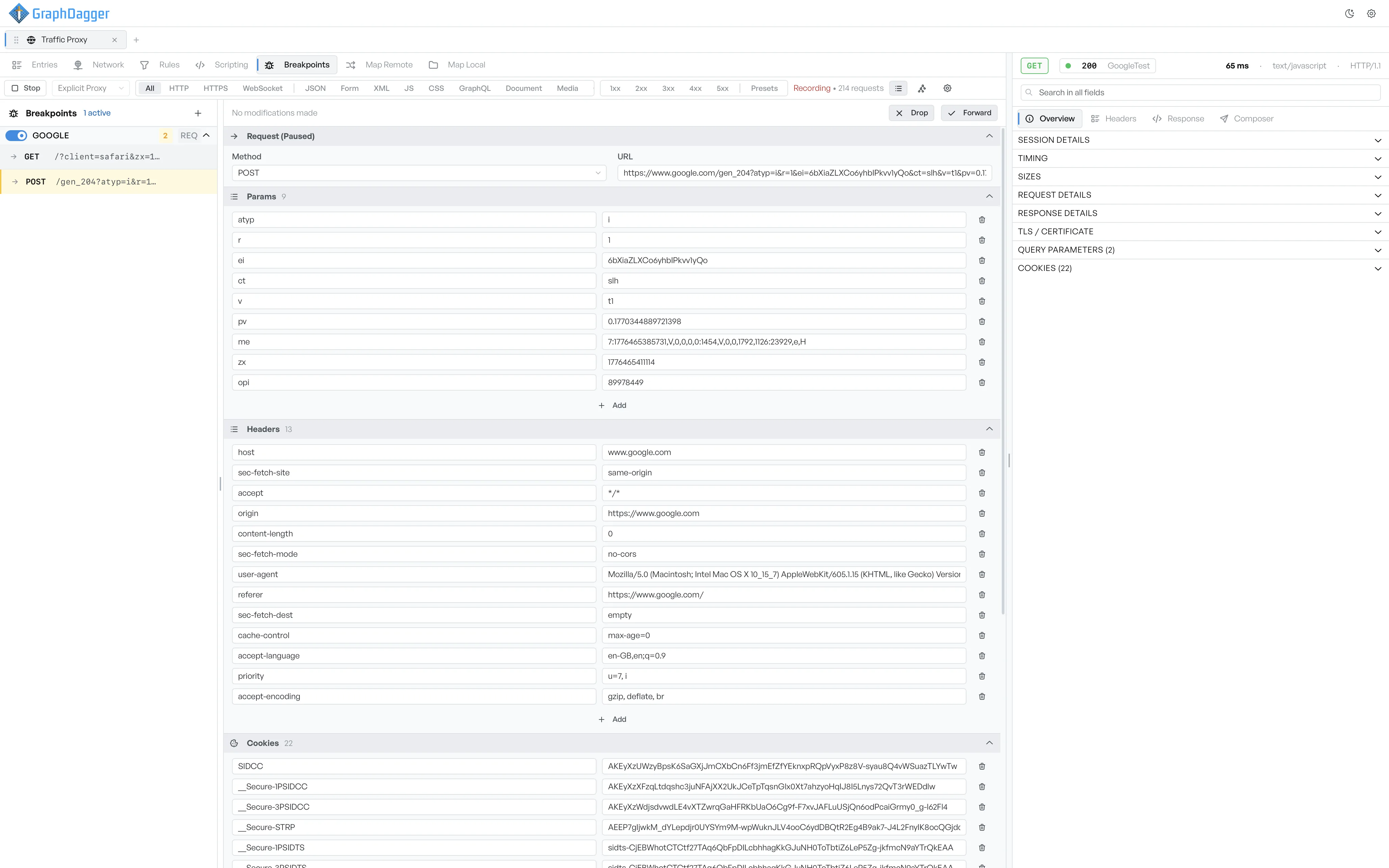
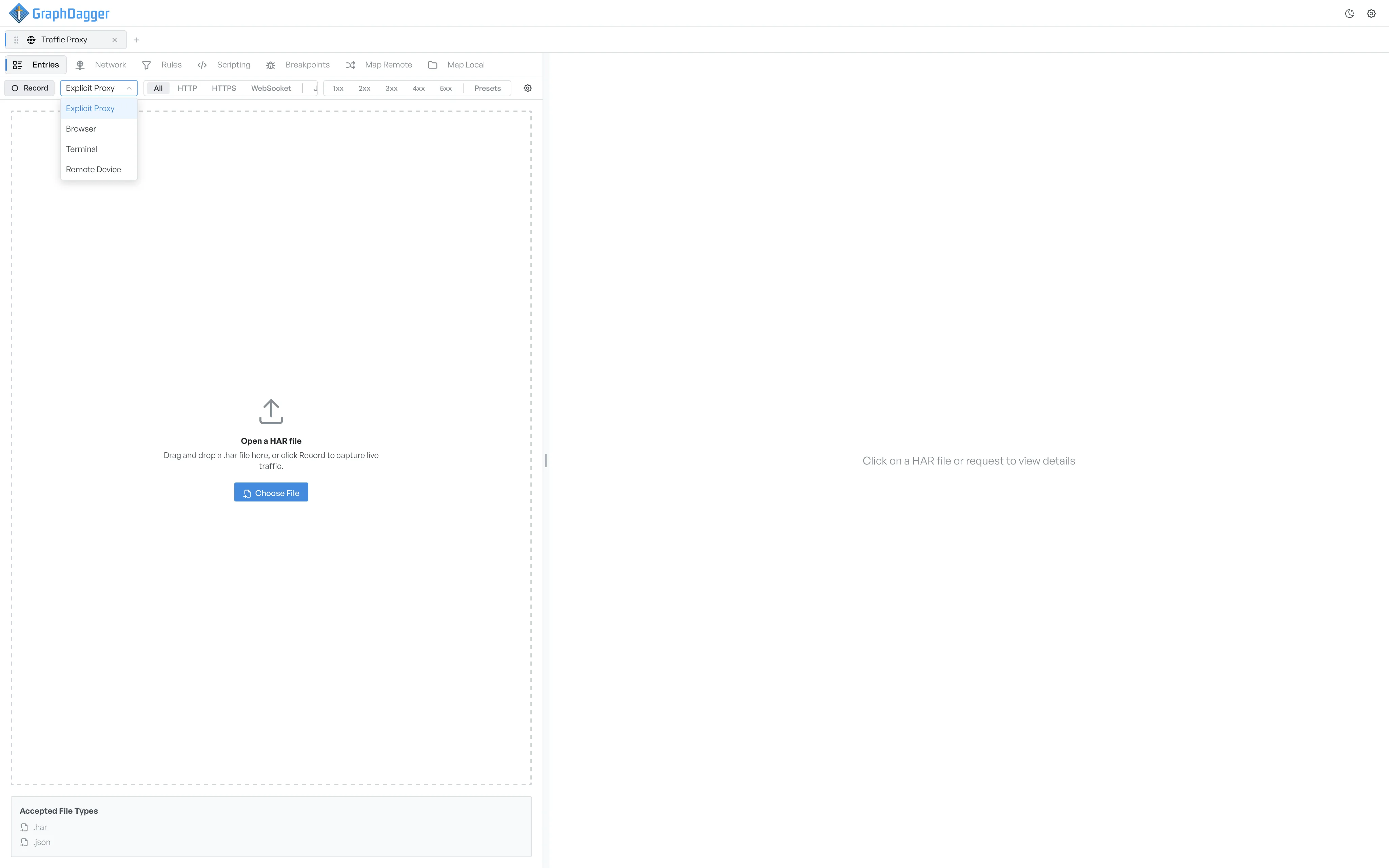
Explore the full tool: Web Debugger in GraphDagger
Proxyman exports sessions as HAR files. Open it in the free HAR viewer, straight in your browser.
More than a Proxyman replacement
Proxyman is the polished answer to one question. GraphDagger answers the questions that follow: replay the request, decode the token, read the packets underneath, all without switching apps or buying anything else.
- API Client to replay captured requests with full auth support
- Packet Capture when HTTP is not the whole story
- Auth Inspector for the JWTs inside the traffic
- No feature tiers: every capability ships in the one licence
- Local-first: recorded sessions never leave the machine
When to stay with Proxyman
An all-Mac team already fluent in Proxyman, especially one leaning hard on its iOS device workflows, has little reason to move today. Proxyman's Mac polish is real. GraphDagger's case is strongest for mixed macOS and Windows teams, and for anyone who wants the debugger to be one tool among fourteen rather than a single-purpose purchase.
How the licence compares
Proxyman licenses the proxy, with some capabilities gated by plan. GraphDagger has no tiers: one subscription includes the full Web Debugger and the other 13 tools, on both platforms, with every update included while it runs.
Frequently asked questions
- Is the Windows version of GraphDagger the full product?
- Yes. GraphDagger ships one product for macOS (Apple Silicon and Intel) and Windows (x64 and Arm64), and the Web Debugger has the same features on both. There is no lead platform.
- Can GraphDagger capture traffic from a phone like Proxyman?
- Yes. Remote device capture is one of four capture modes, alongside browser, terminal and an explicit listener, so mobile apps, CLIs and arbitrary clients can all be routed through the debugger.
- Does GraphDagger gate features behind plan tiers?
- No. There is one plan. Breakpoints, Map Local and Map Remote, the rule engine and the scripting engine are all included, along with the other 13 tools.
- Can I move my recorded sessions over?
- Sessions exported as HAR open directly in GraphDagger, and it exports HAR and CSV back out, so past captures stay usable.
- Is there a free trial?
- Yes, 14 days with every tool unlocked. Checkout starts the trial, nothing is charged while it runs, and cancelling before day 14 costs nothing.
Related comparisons
One debugger, both platforms, no tiers
Start the 14-day free trial on whichever machine is closest. Nothing is charged during the trial.