Copy the request as code#
Turn the request you built into runnable code in over a dozen languages.
Once a request works, you often need it as code: a curl line to paste into a ticket, or a snippet to drop into an app. The code snippet generator turns the request you have built into ready-to-run code in a range of languages. The code carries the method, URL, headers, auth, and body of the request. You copy it and go.
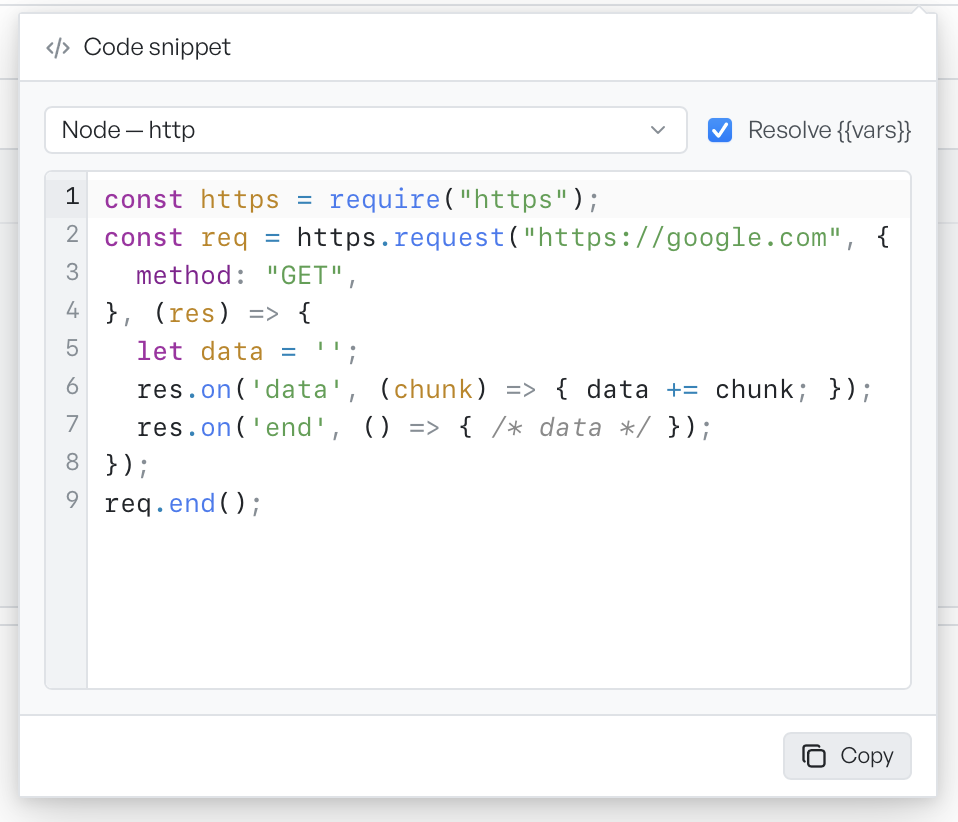
Make a snippet#
The code button, marked with a </> icon, sits in the URL bar beside Save. Select it and pick a target language. The snippet updates to match, and Copy puts it on your clipboard.
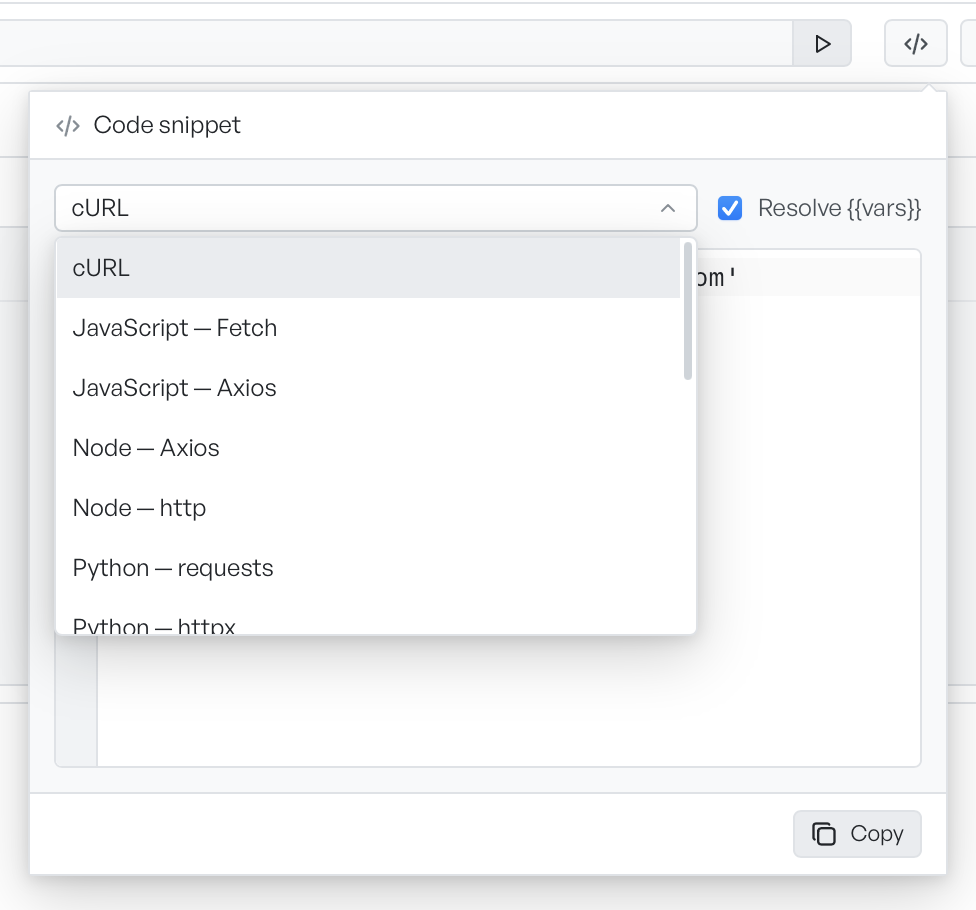
The available targets cover the common clients:
- cURL, HTTPie, and PowerShell
- JavaScript, with fetch or axios
- Node, with axios or the built-in http module
- Python, with requests or httpx
- Go, Ruby, PHP, Rust, Dart
- Java with OkHttp, Kotlin with OkHttp, C# with HttpClient, Swift with URLSession
Resolve variables in the code#
The Resolve {{vars}} option is on by default. It controls how variables appear in the snippet. When it is on, the generator replaces {{variable}} references with their real values, so the snippet runs as-is. Turn it off to keep the {{placeholders}} in the code, which is safer to share.
What the snippet leaves out#
The snippet mirrors the current request: its method, URL, headers, and body. The client works out some authentication only when it sends a real request, so static code cannot reproduce it. When part of the request does not fit into the snippet, the panel shows a note below it, so you know what is missing.