What API Client does#
Open the workspace, then work in tabs that hold requests, flows, and a mock server.
The API Client sends a request to a server and shows you what comes back. You pick a method and a URL, add headers, a body, and authentication if you need them, then send. The response arrives in the same window, with the status, timing, size, and body laid out for you to read. It handles plain HTTP as well as GraphQL, WebSocket, server-sent events, and gRPC, so most of the APIs you work with fit in one place.
Other tools make repeated work quick. Environments swap sets of values, and collections keep saved requests. History records everything you send. Scripts run before and after a request. A mock server answers requests you define, and flows chain requests into a pipeline.
Open the workspace#
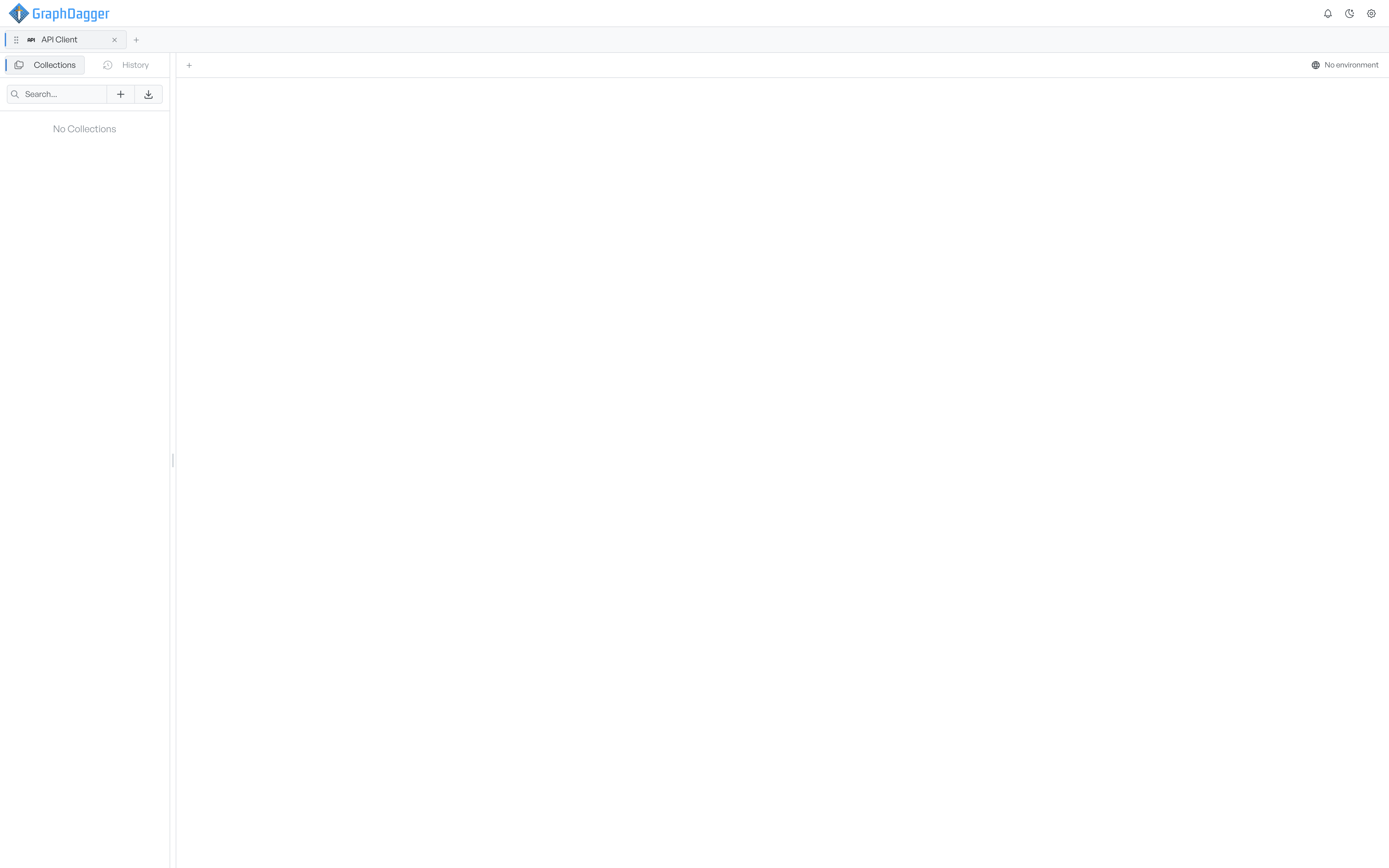
Open the API Client from Spotlight or the Traffic group in the feature picker. It opens as a tab called API Client and keeps your collections, history, and environments between sessions.
The window has three parts. The sidebar holds your saved work under two tabs, Collections and History. The request area gives each request or flow you open its own tab. The environment selector sits next to the toggle for the environments and cookies panel.
Open a request or flow tab#
Each request or flow you work on lives in its own tab across the top of the centre panel. The plus button next to the tabs opens a short menu.
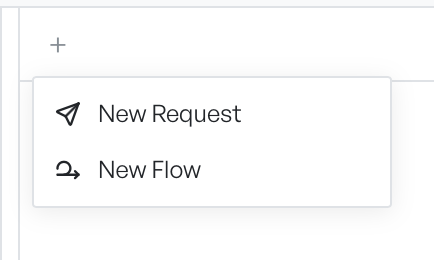
New Request opens a blank request. New Flow opens the visual flow builder. A third kind of tab, the mock server, opens from a collection's menu. Tabs stay open until you close them, so you can keep several requests side by side and switch between them.
Where to go next#
To send your first request, start with building a request and sending a request. To follow the path a request takes from the URL bar to the response, read how it works.