What the request tabs hold#
The URL bar holds where the request goes, and seven tabs hold everything else.
A request is a single call that you assemble. Its parts spread across a URL bar and a row of tabs. The URL bar holds where the request goes. The tabs hold everything else about it. The app sends nothing until you send it, so you can set each part in any order.
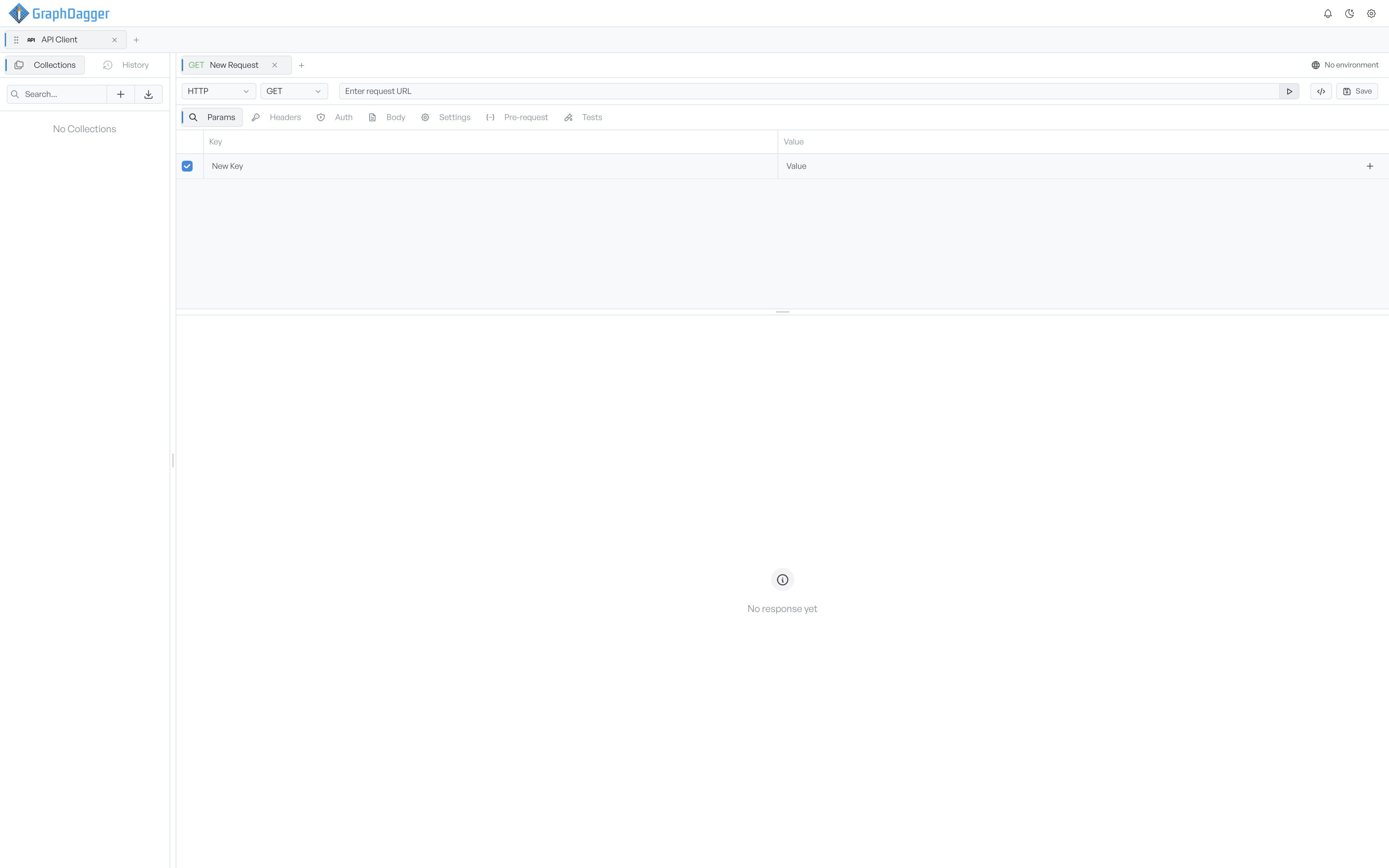
The URL bar#
The URL bar holds a protocol select, a method select, the URL field, the primary action button, a button that opens code snippets, and Save. The method select appears for HTTP and SSE only.
You type the address into the URL field. If you paste a curl command instead, the app fills in the whole request from it. See URL and method.
The request tabs#
Each tab below the URL bar is one facet of the same request. A switch between tabs never changes what the app sends. It only changes which part you look at.
- Params: the query string, kept in step with the URL. See Query parameters.
- Headers: the request headers, with autocomplete on common names. See Headers.
- Auth: how the request proves who you are. See Authentication.
- Body: what the request carries. See Body overview.
- Settings: how the app sends the request, such as redirects and timeout. See Settings.
- Pre-request: a script that runs before the request. See Pre-request scripts.
- Tests: checks that run against the response. See Tests.
When the parts are in place, send the request.