API Client
Send HTTP requests with full control: method, headers, body and authentication. Save and organise request collections.
Build and send requests
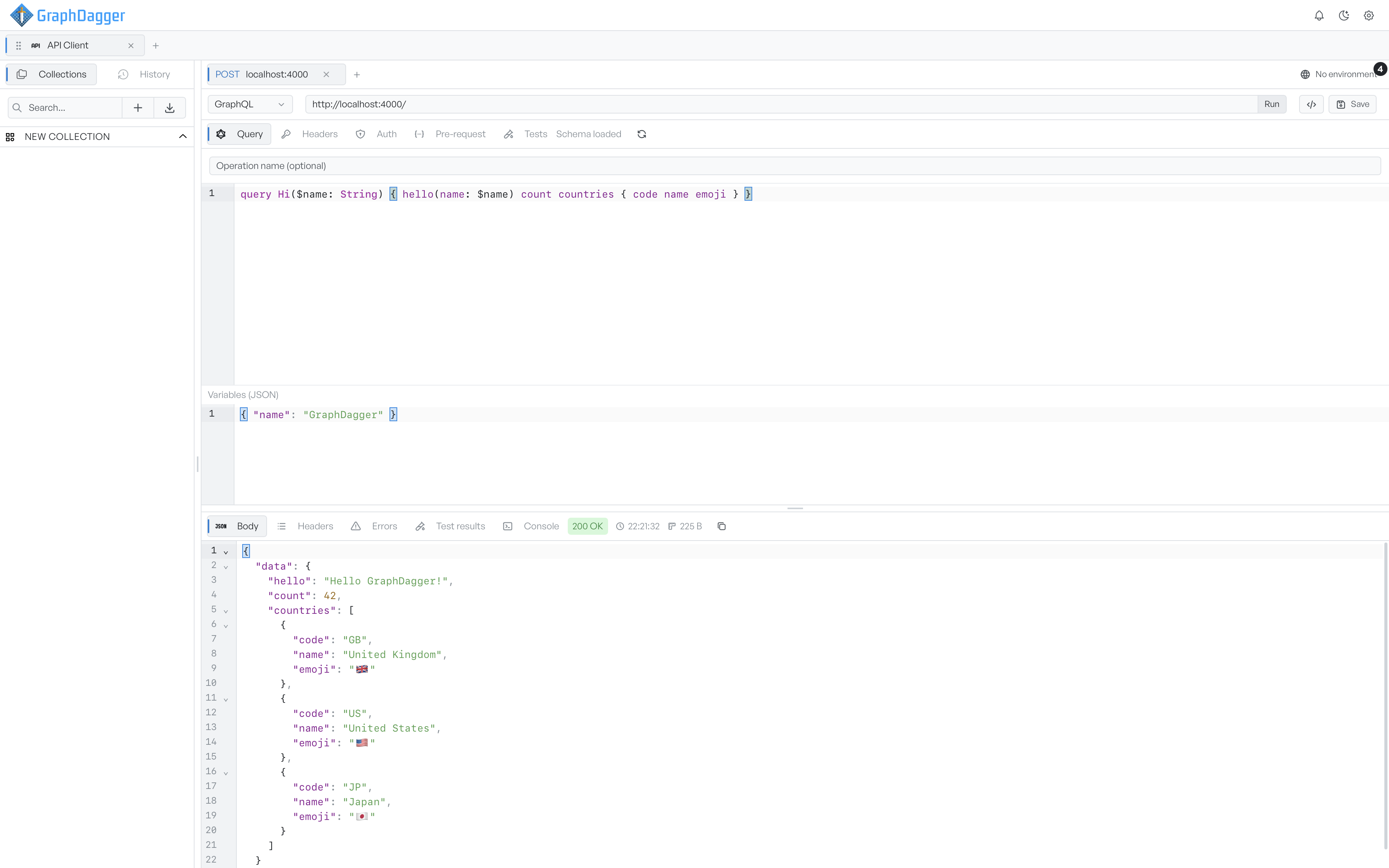
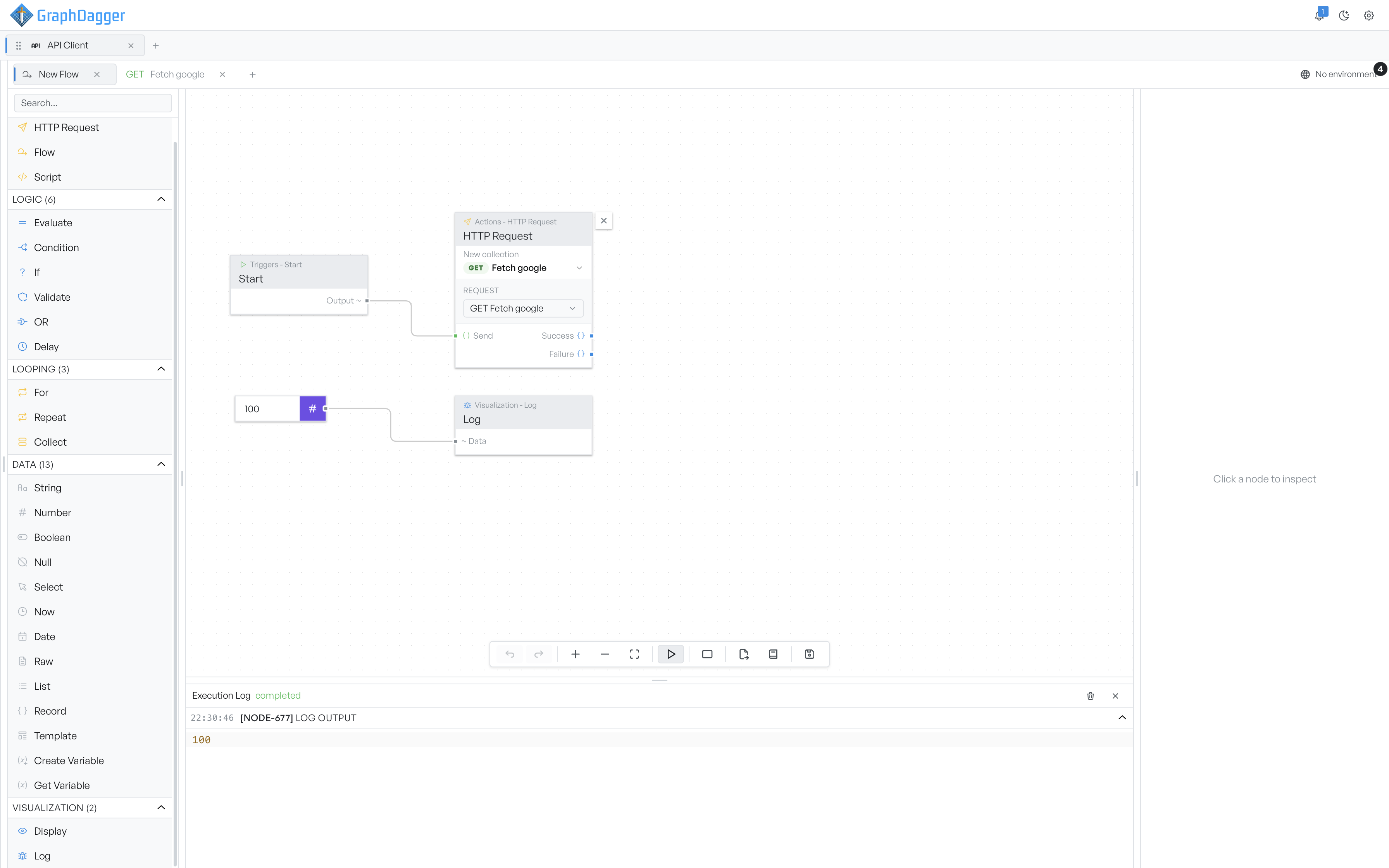
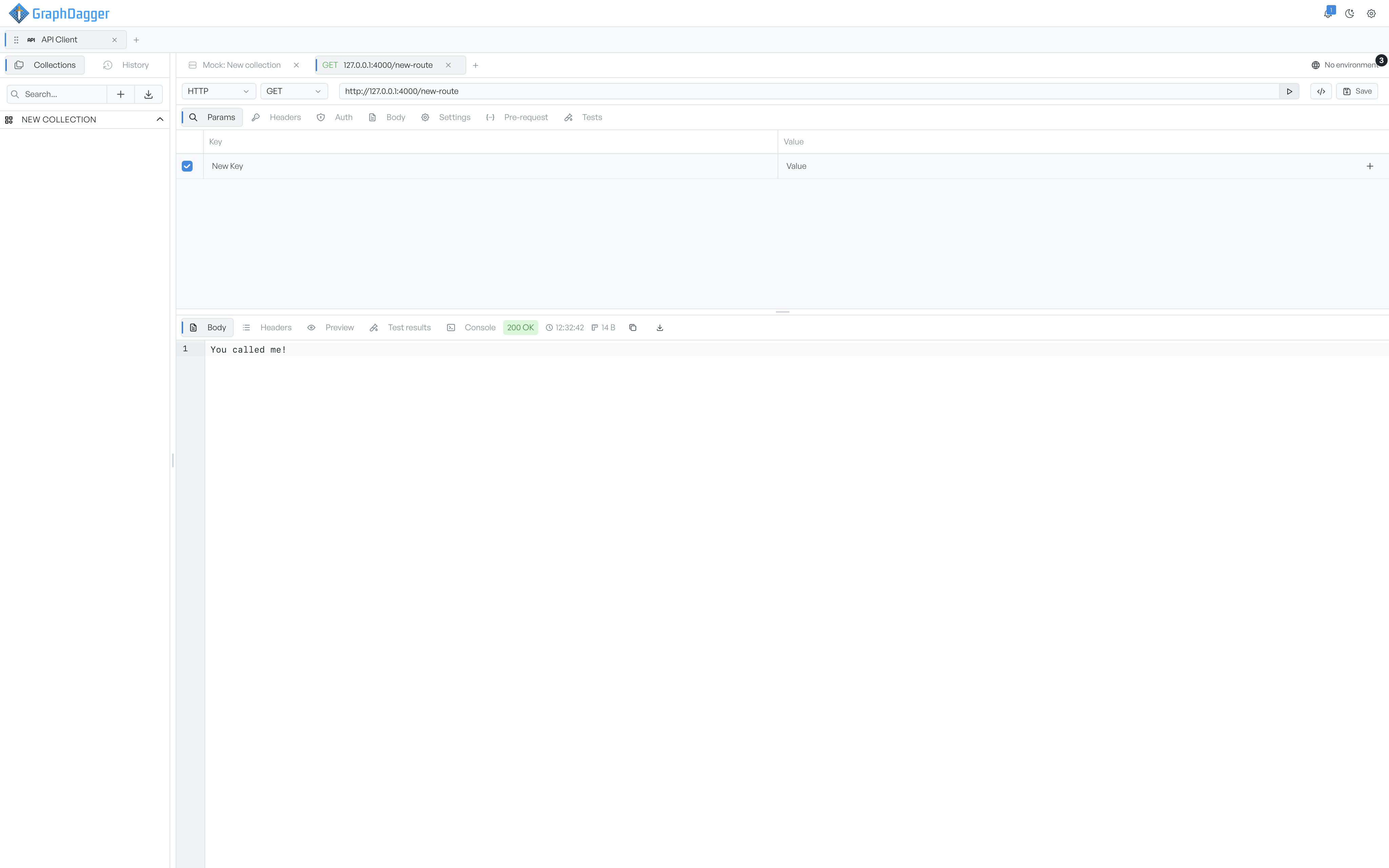
Pick a method and a URL, add parameters, headers, a body and authentication, then send. The response arrives in the same tab with its status, timing and size, and the body syntax-highlighted. Saved work sits in the collections sidebar on the left, one click from being reopened, and every parameter row has an enable checkbox so variants of a request are a toggle away.
- Full control over method, URL, params, headers, body and auth
- Per-row enable checkboxes for params and headers
- Requests open side by side in independent tabs
Read every part of the response
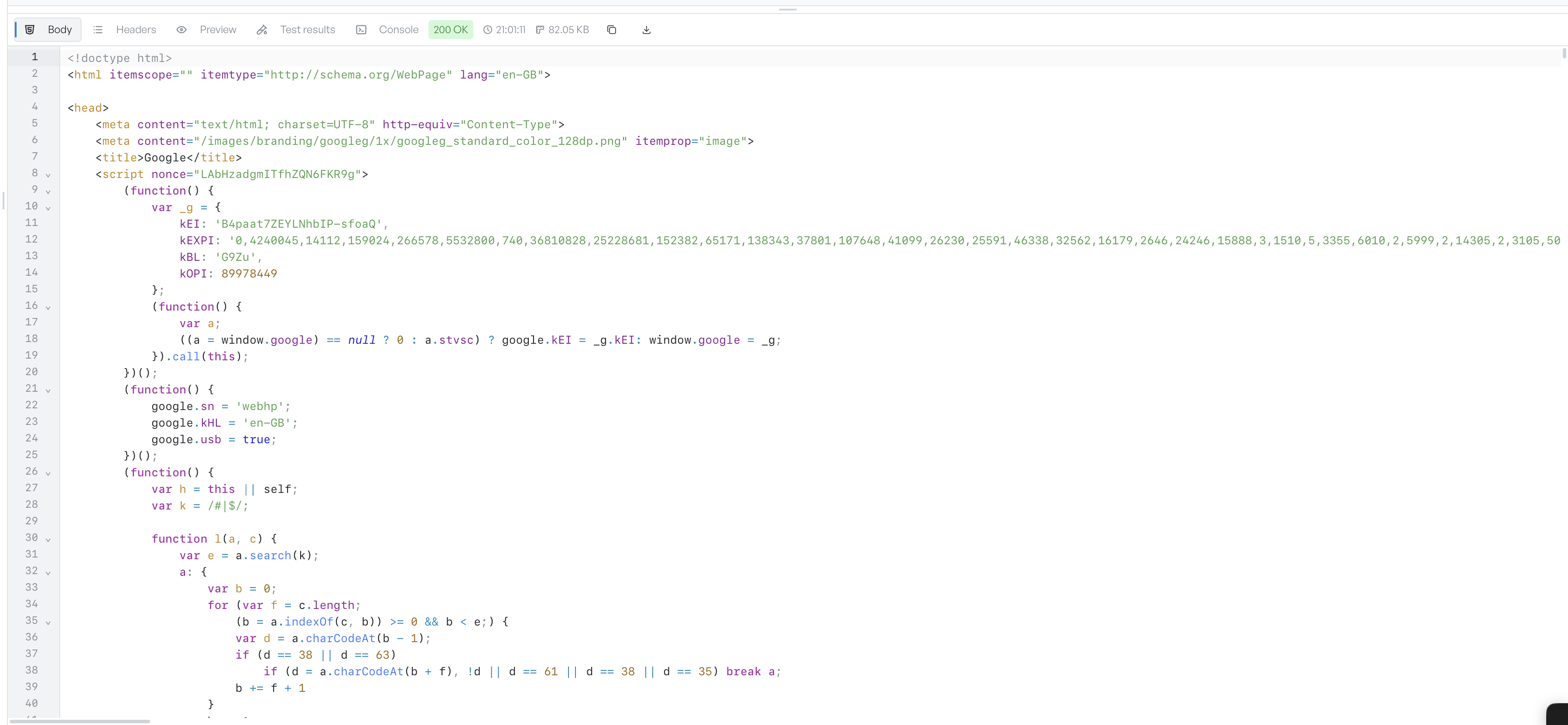
The response panel reports the outcome at a glance: a colour-coded status badge, arrival time and size, with copy and save-to-file buttons alongside. Tabs switch between the highlighted body, a two-column header grid, a rendered preview for HTML, the pass or fail list from your test scripts, and a console of anything those scripts logged.
- Syntax-highlighted body with copy and save to file
- Headers grid and rendered HTML preview
- Test results and script console per response
Five protocols, one workspace
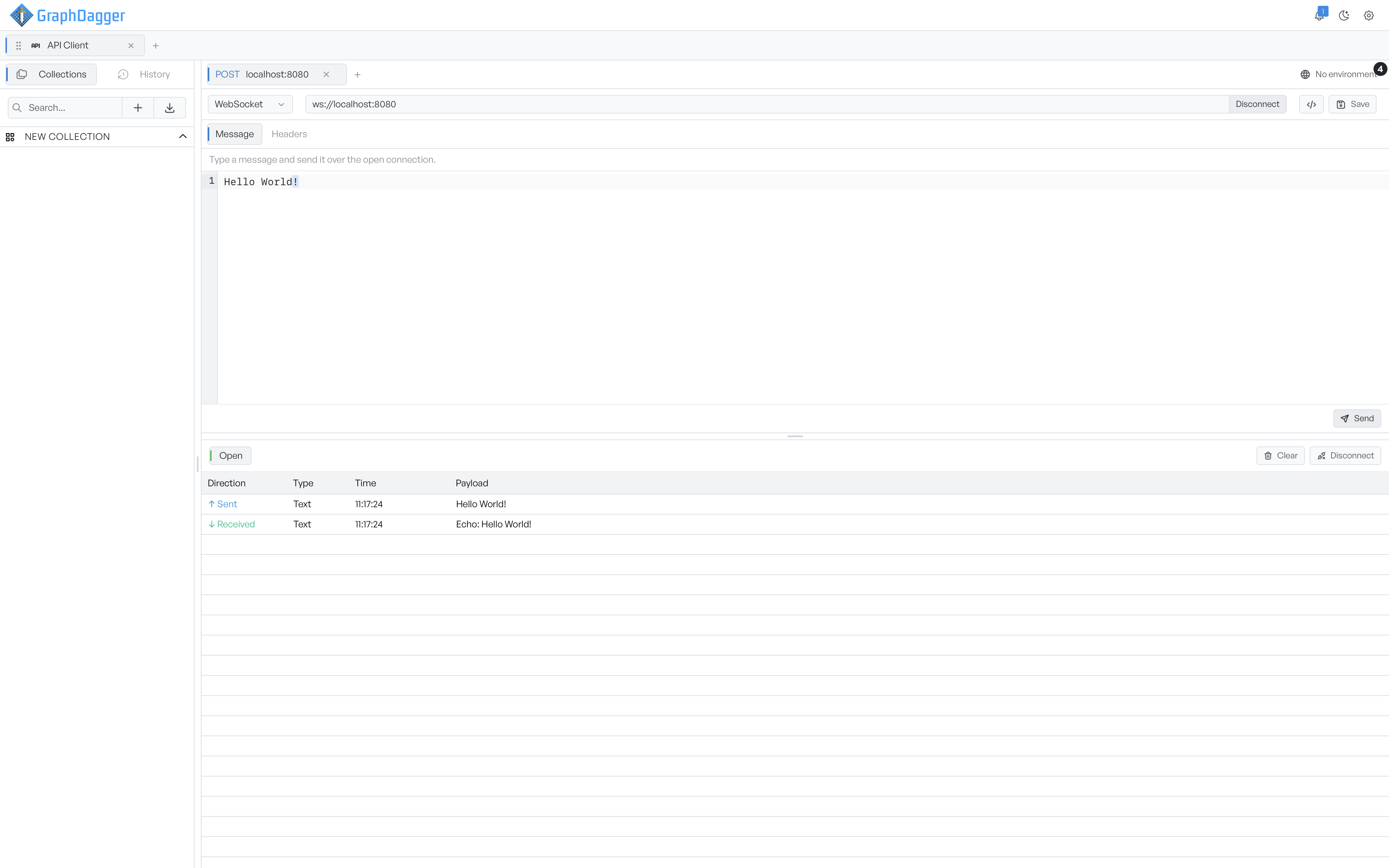
The same tab speaks HTTP, GraphQL, WebSocket, server-sent events and gRPC: switch the request type and the panel reshapes to fit, so a WebSocket tab behaves like a socket console and a gRPC tab like an RPC client. Authentication is built in, from bearer tokens and API keys to OAuth 2.0, JWT signing, AWS Signature v4 and digest auth, and any field accepts environment variables so secrets live in one place.
- HTTP, GraphQL, WebSocket, SSE and gRPC request types
- OAuth 2.0, JWT, AWS Signature v4, digest and more
- Auth set once on a collection and inherited by its requests
Test responses as they arrive
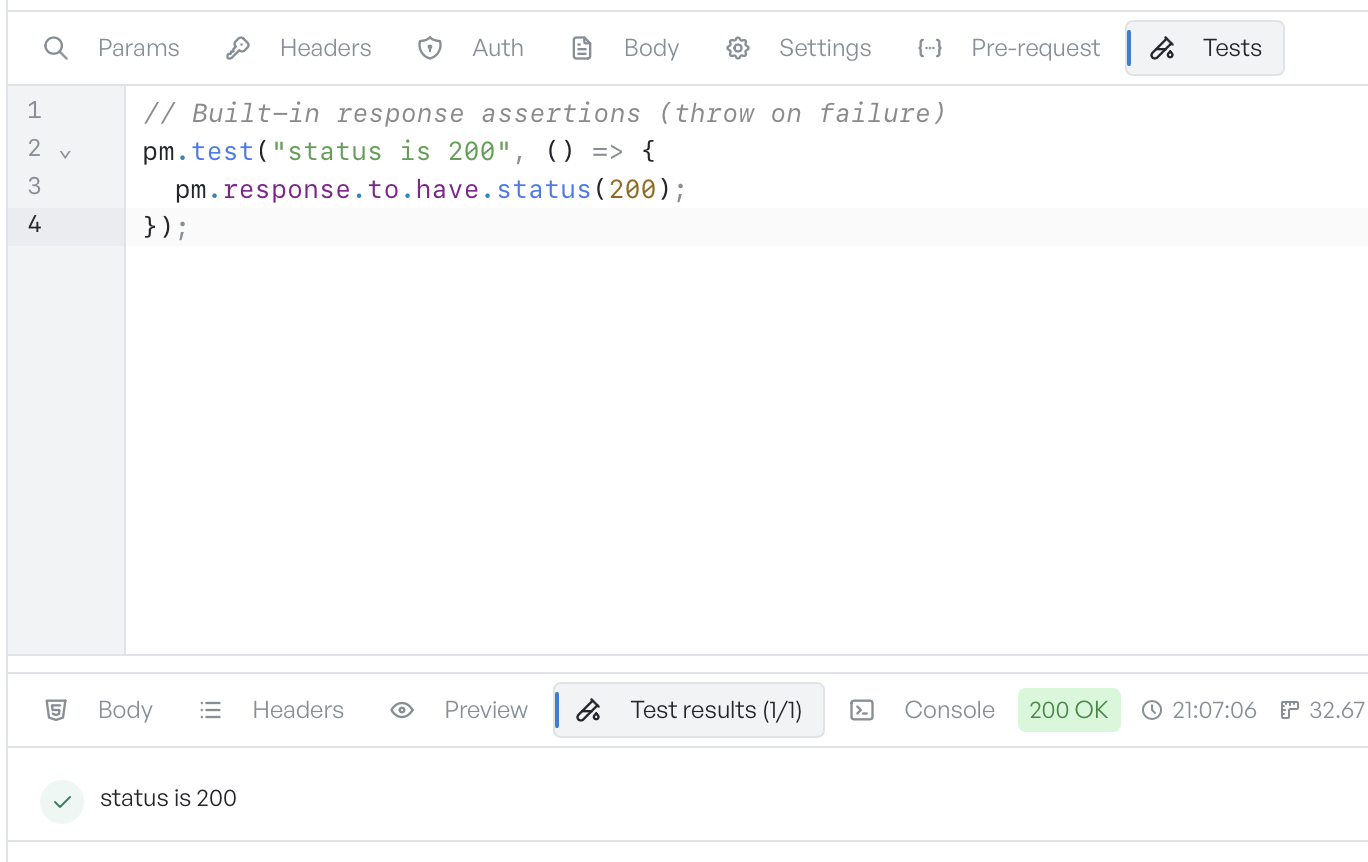
A test script runs after the response lands and checks it is what you expected. Each pm.test check is a named assertion that passes or fails, the Test results tab lists them with a tick or a cross and the pass count, and a failing test shows its error message. Tests can also save response values as variables, which is how you chain a login token into the next request.
- pm assertions for status, headers and JSON bodies
- Pass and fail list with error messages per test
- Save response values as variables to chain requests
Mock an API and watch it answer
The mock server serves stubbed routes on a local port, seeded from a collection or built by hand, so a client can develop against an API that does not exist yet. A journal lists every request that hits the mock with a match trace explaining which condition ran and why it passed or fell through, and recording mode forwards unmatched calls to a real upstream and saves each reply as a new editable route.
- Seed routes from a collection and serve them on a local port
- Journal with a match trace for every incoming request
- Record real upstream replies as editable routes
Turn any request into code
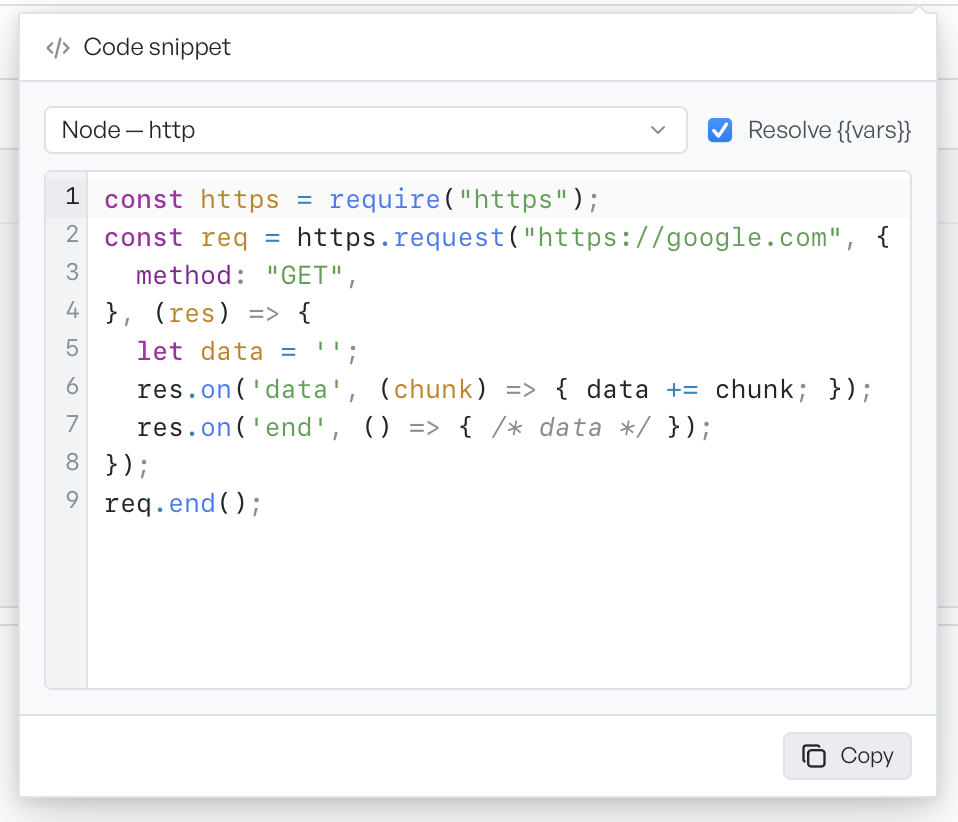
Once a request works, the snippet generator turns it into ready-to-run code that mirrors its method, URL, headers, auth and body. Pick a target from cURL, HTTPie, PowerShell, JavaScript, Node, Python, Go, Ruby, PHP, Rust, Dart, Java, Kotlin, C# or Swift, choose whether variables resolve to their real values or stay as placeholders, and copy the result.
- Fifteen client targets from cURL to Swift
- Resolve variables to real values or keep placeholders
- Snippets mirror method, URL, headers, auth and body
Collections, history and import
Collections keep saved requests, folders and flows in a searchable tree that survives restarts, and can be linked to a folder on disk so requests live in version control next to your code. History records everything you have sent. Import reads Postman, Insomnia, OpenAPI, HAR and curl input with the format detected for you.
- Nested collections with search and on-disk linking
- Import from Postman, Insomnia, OpenAPI, HAR and curl
- A searchable history of every request you have sent