Data Transform
Transform data with a drag-and-drop recipe builder: encode, decode, hash, compress and convert between formats.
Draw pipelines on a canvas
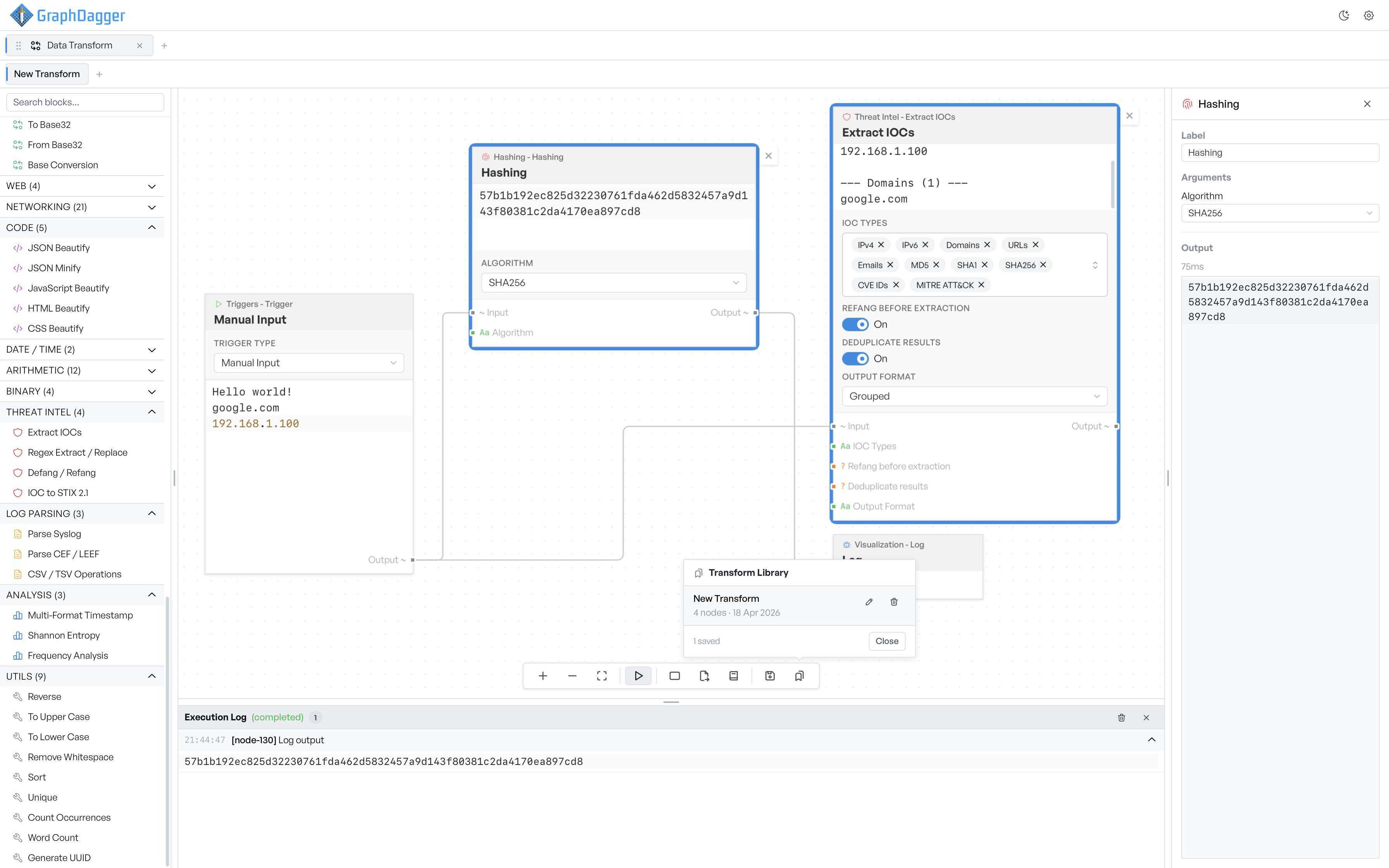
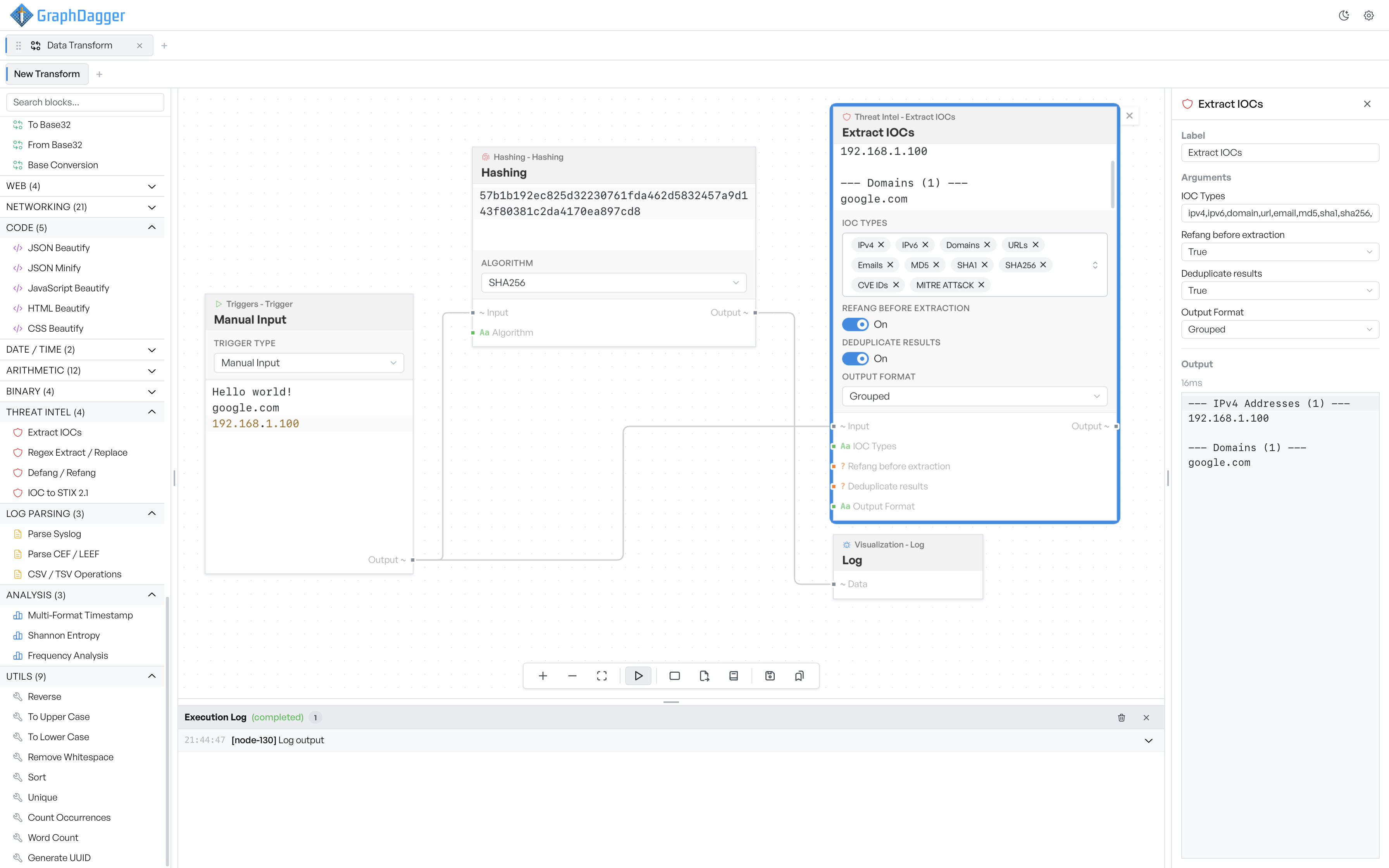
Drop blocks onto a canvas, wire them together and watch data move through the flow. Each block reshapes what it receives, so a single run can hash an input, extract the indicators it contains and log the result, with the output visible at every step.
- Chain encoders, hashers, parsers and analysis blocks in any order
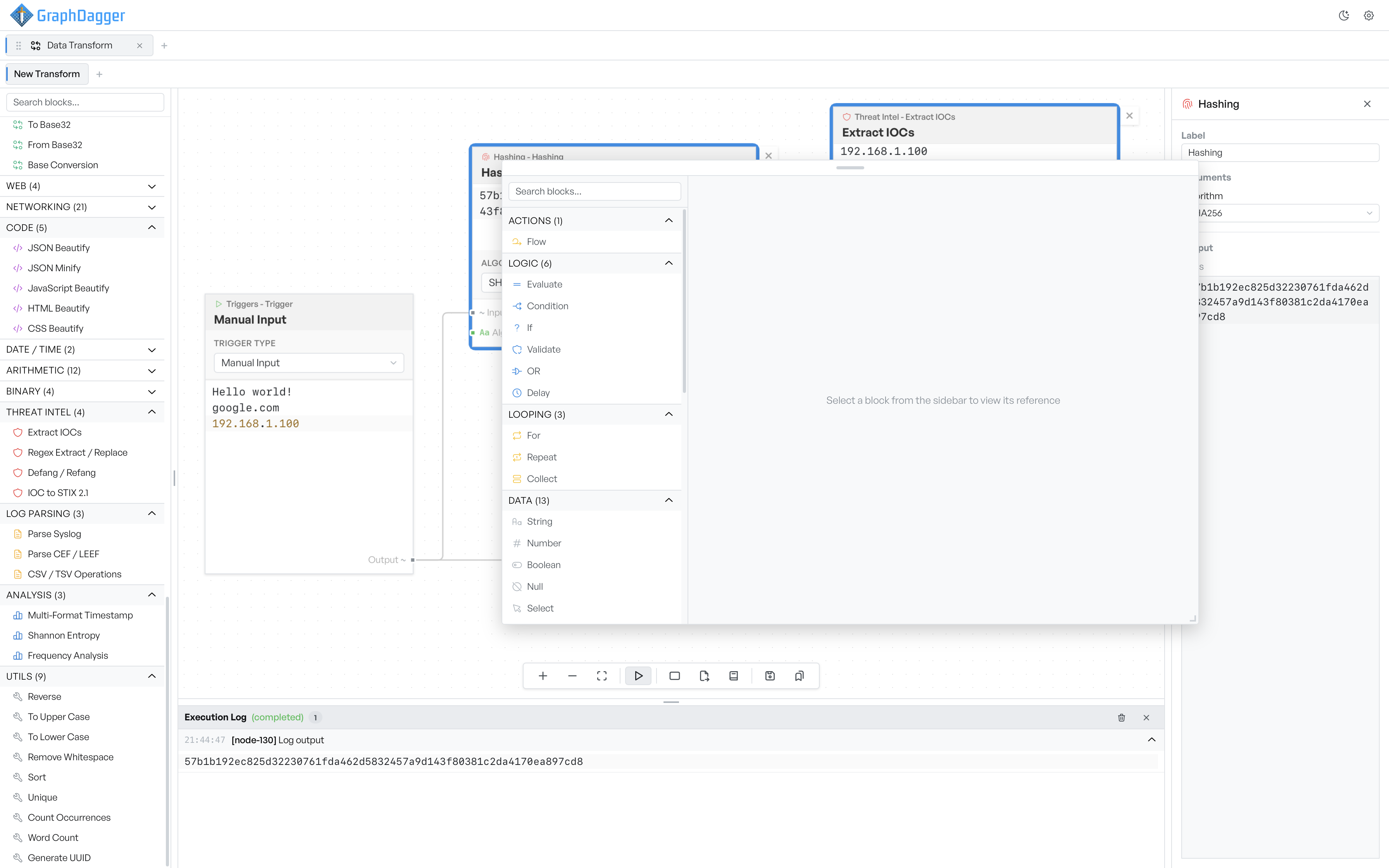
- Drag a connection onto empty canvas to insert a compatible block, already wired up
- An execution log along the bottom records every run, row by row
Check every block as you go
Select any block and the inspector shows its arguments, its output from the last run and how long it took to compute. Arguments can also be fed from other blocks in the flow, so a key, a regex or a URL can be built by earlier steps instead of typed in by hand.
- Per-block inspector with arguments, output and timing
- Hashing, encryption, encoding, log parsing and threat intel categories
- Blocks preview their output on the canvas after each run
Blocks that understand real formats
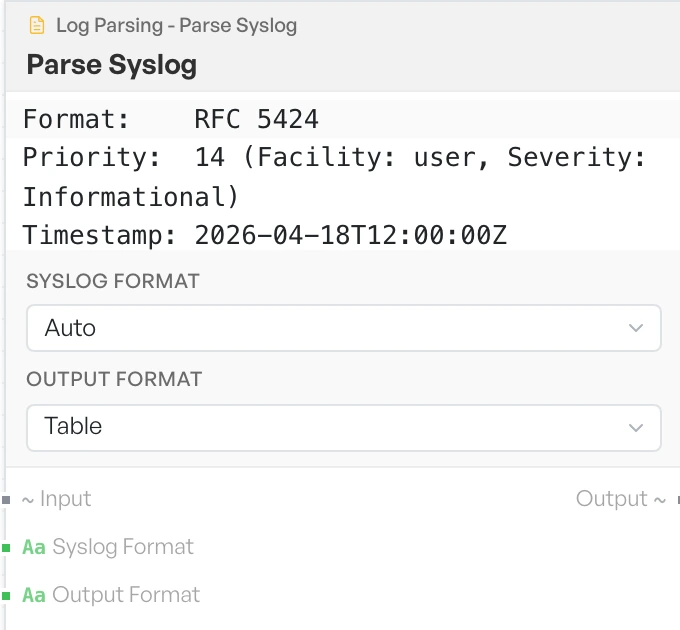
The catalogue goes well beyond encoders and hashers. A log parsing block turns a raw syslog line into its priority, facility, severity and timestamp, threat intel blocks pull indicators out of free text, and analysis blocks measure entropy or frequency, each reporting what it produced right on the canvas.
- Log parsing for syslog, CEF and LEEF into named fields
- Threat intel blocks extract, refang and reformat indicators
- Analysis blocks for entropy, frequency and timestamps
Run by hand, on a timer or when a file changes
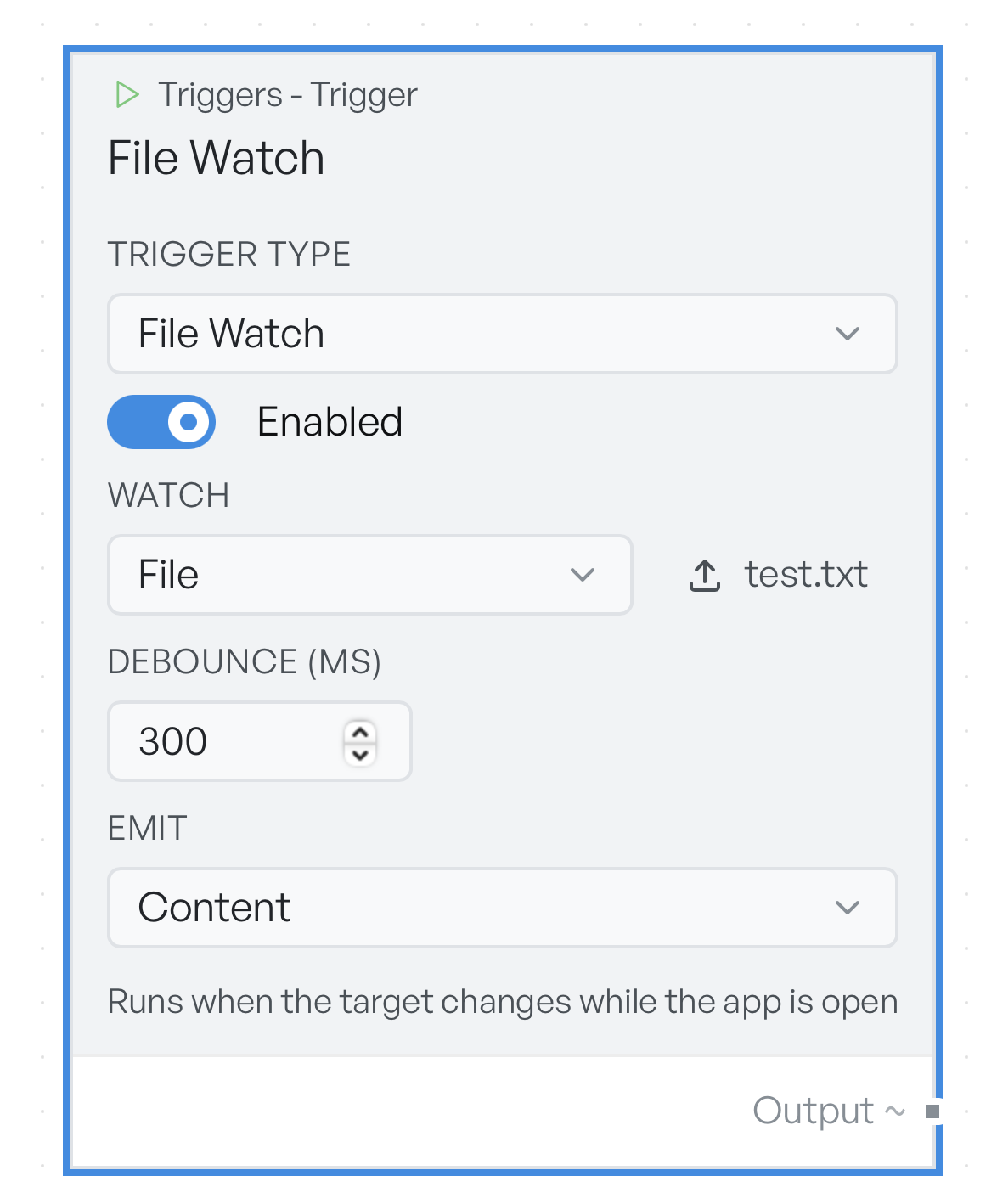
Every flow starts at a trigger. Leave it on Manual Input and paste in a log line, a token or a list of addresses, or point it at a file on disk. Switch it to Schedule or File Watch and the same pipeline runs itself on an interval or the moment a watched file changes.
- Manual Input parses pasted JSON into structured data automatically
- Schedule runs a flow on a fixed interval
- File Watch runs a flow when a file or folder changes
Save, reuse and share flows
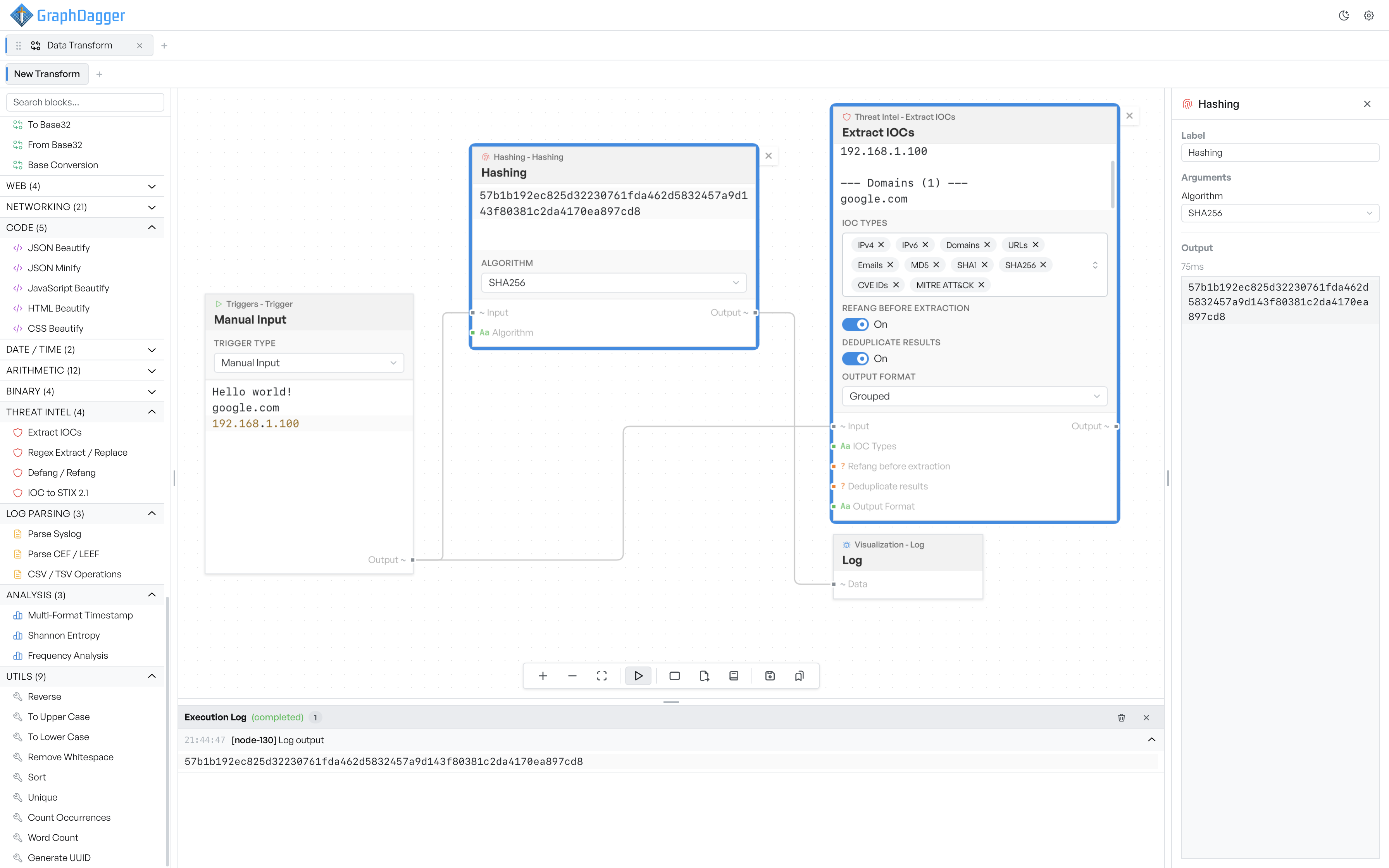
A pipeline that unpicks a suspicious attachment today should not need rebuilding next week. Save flows to the transform library under a name you choose, or export one as a JSON file to move it between machines, keep it in version control or hand it to a colleague.
- Transform library with search across names and descriptions
- Export a whole flow, blocks, connections and settings, as JSON
- Imports always open in a new tab, so nothing is overwritten