Check SPF, DMARC and DKIM#
Work out whether someone can send mail as this domain by reading the flattened SPF chain, the DMARC policy and whatever DKIM selectors the guesses turn up.
Three DNS-published records decide whether someone can send mail that appears to come from a domain. The Email Security section reads all three.
- SPF: says which servers may send.
- DMARC: says what to do when a message fails its checks.
- DKIM: publishes the keys used to sign messages.
SPF#
SPF is rarely a single record. A policy that includes a mail provider pulls in that provider's own record. That record may include others in turn, so the real policy is a tree.
Network Recon follows that tree and shows it flattened. Each nested lookup is indented under the record that pulled it in. Rows show the domain against the record found there.
A branch that could not be resolved reads Lookup failed with the reason. A domain in the chain with no policy of its own reads No SPF record. If the chain nests more than five levels deep, the row reads Max recursion depth reached and Network Recon stops following it.
Depth matters in its own right. The SPF specification caps the number of DNS lookups a receiving server performs. A chain that sprawls risks abandonment mid-evaluation by the very servers it is meant to convince.
If the domain publishes no SPF policy at all, the section reads No valid SPF record found.
DMARC#
DMARC is a single record published at _dmarc under the domain, so this block is one row. When the domain publishes nothing, it reads No DMARC record found.
DKIM#
DKIM is the awkward one. A domain publishes keys under a selector, and a selector is an arbitrary label that whoever set up signing chose. There is no way to list them, so Network Recon has to guess them.
Network Recon tries nine common selectors automatically, covering the defaults used by the major mail providers, and lists whatever it finds under Automatically detected selectors.
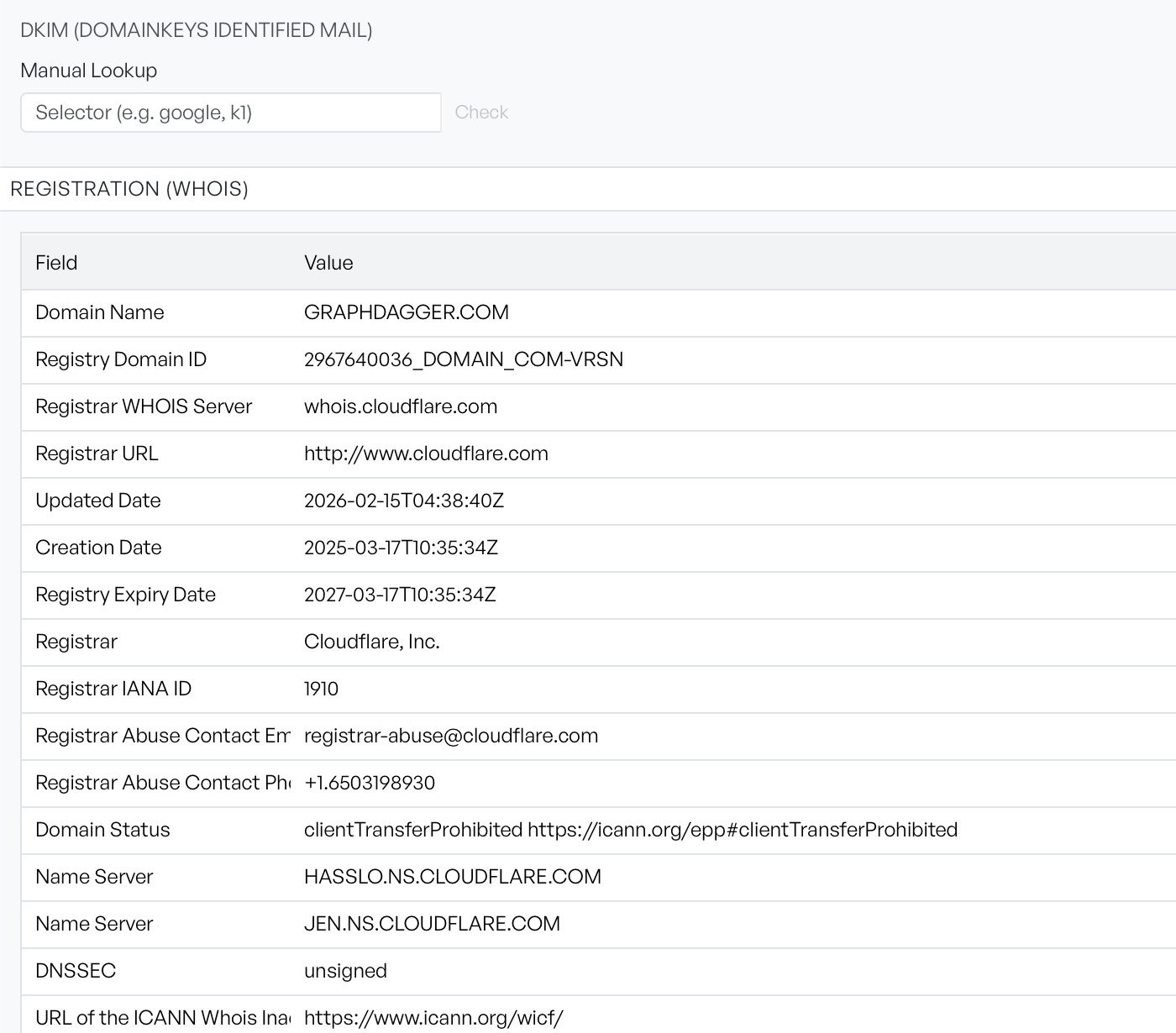
An empty result here does not mean the domain has no DKIM. It means none of the nine guesses hit. If you know the selector, or can read it from the d= and s= tags in a signed message's headers, use the Manual Lookup field underneath. Enter the selector and select Check, or press Enter.
A selector that returns nothing shows a red icon beside the button rather than a row, with the explanation that no DKIM record was found for that selector. A lookup that fails for a different reason raises a notification instead.
Read the three together#
Treat them as one answer. SPF and DKIM tell a receiving server how to judge a message, but not what to do with a failure. A domain with both and no DMARC policy therefore publishes advice that nobody is obliged to act on. A DMARC record set to take no action is a common intermediate state during rollout, and worth noticing rather than passing over.