Install missing prerequisites#
Read the status of every prerequisite on this machine and install the ones your features depend on.
Some features need parts that the app cannot bundle: a runtime, browser binaries, or permission to reach a network device. The Dependencies tab lists those prerequisites in one place. It shows whether this machine satisfies each one, and it helps you fix the ones it does not.
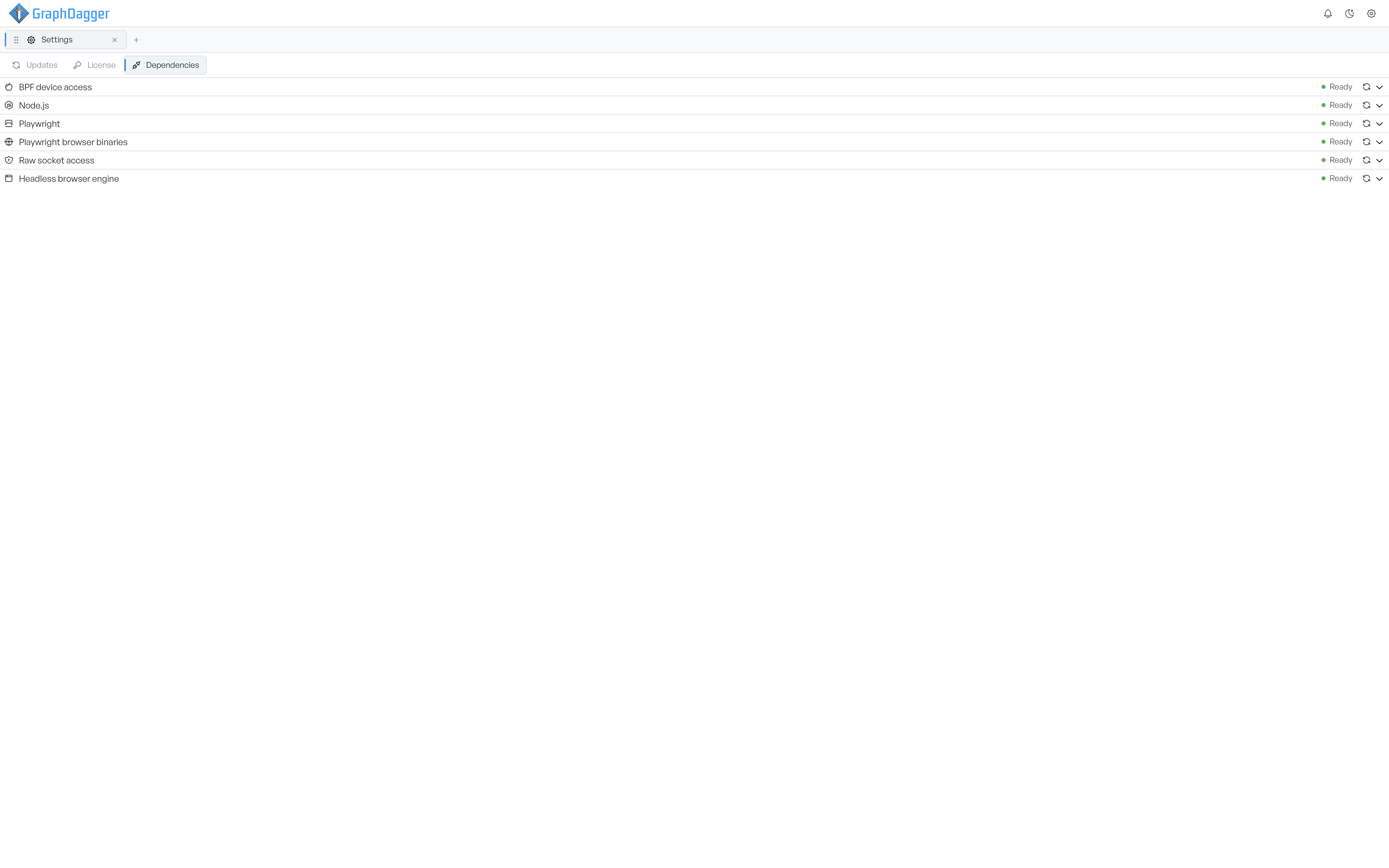
The tab checks everything automatically when you open it. It shows only the prerequisites that apply to your operating system, so the list matches your machine.
What each status means#
Each row is one prerequisite, and each one carries a status:
- Ready means the machine satisfies the prerequisite and you need to do nothing.
- Action needed means the prerequisite is missing and a feature depends on it.
- Unverified means the check has not run, or it could not confirm the state.
- Error means the check itself failed.
To run the check again for a single row, select the refresh icon next to its status.
Fix a missing prerequisite#
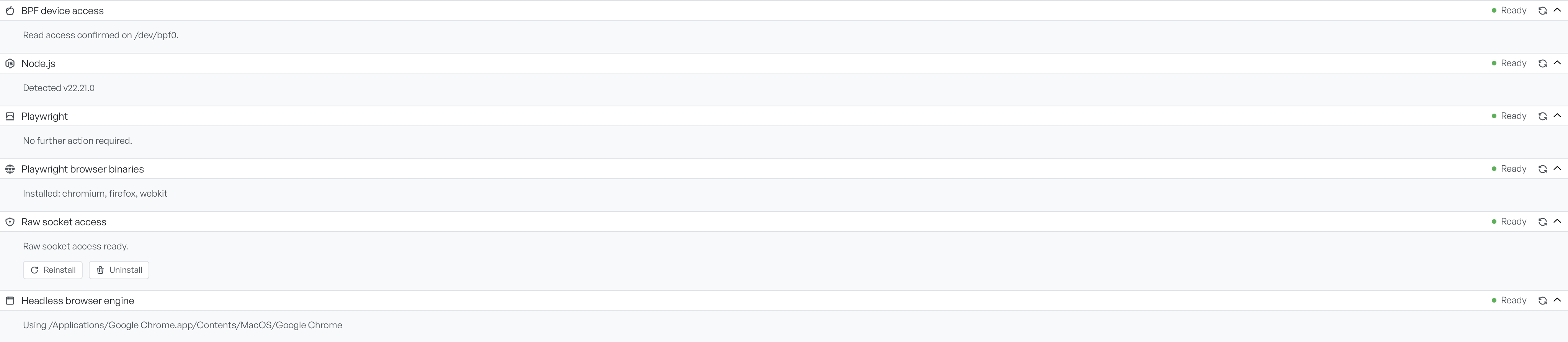
Select a row to expand it. The contents depend on the state of that prerequisite and on how you fix it.
For a satisfied row, the panel confirms the detail it found, for example the detected version or the path in use. Often nothing more is necessary.
For a missing one, the panel offers the most direct route to a fix. That route can be an Install button that does the work for you, a chooser where a prerequisite has options to install, a link to Open download for a manual installer, step-by-step instructions, or ready-to-copy commands that you run yourself. Where the machine satisfies a prerequisite but you can replace it, the panel also offers Reinstall and Uninstall.
Work down the list until every row that your features depend on reads Ready.