Save a flow for reuse#
Keep a finished pipeline in the transform library under a name you choose, then open, rename, or remove it later.
The transform library holds flows you want again later. Each entry is the whole flow: every block, connection, and argument, under a name you choose. Use it when you build something useful and do not want to build it twice.
Save the current flow#
Click Save to library on the toolbar and a small panel opens, already filled in with the current flow's name.
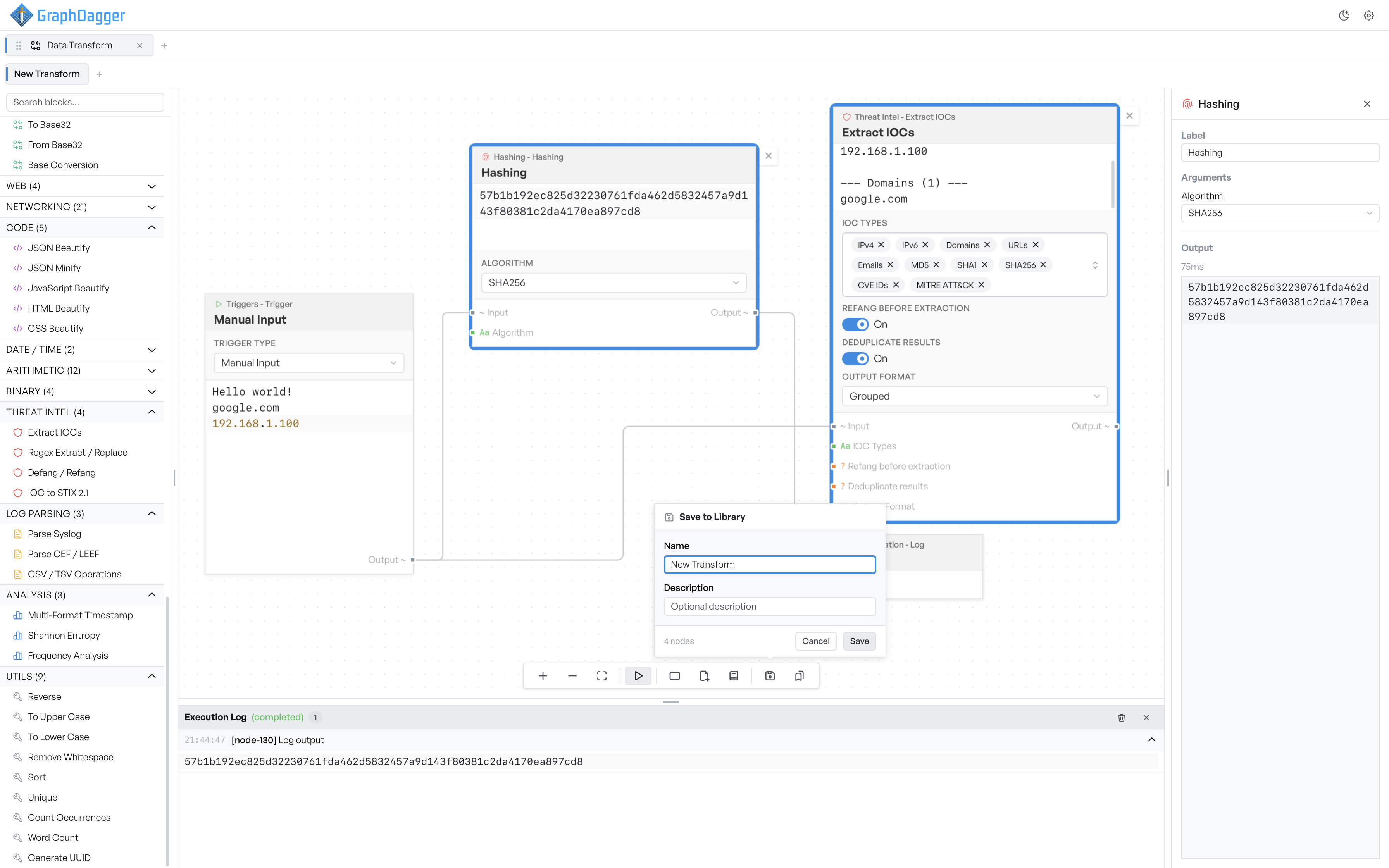
Name is required, and it is what you scan for in the list later, so something like 'Extract IOCs and hash' beats 'New Transform'. Description is optional, and it is worth a line once you have more than a handful saved. Press Enter in either field to save.
A save renames the working flow to the name you typed, so the tab and the library entry stay in step. This is also the only way to rename a tab.
If the name matches an entry you already have, the button changes to Overwrite, and a warning tells you which entry it replaces. Change the name if you meant to save a copy.
Open a saved transform#
Click Transform library on the toolbar to list what you saved, most recently updated first. The count at the bottom shows the total.
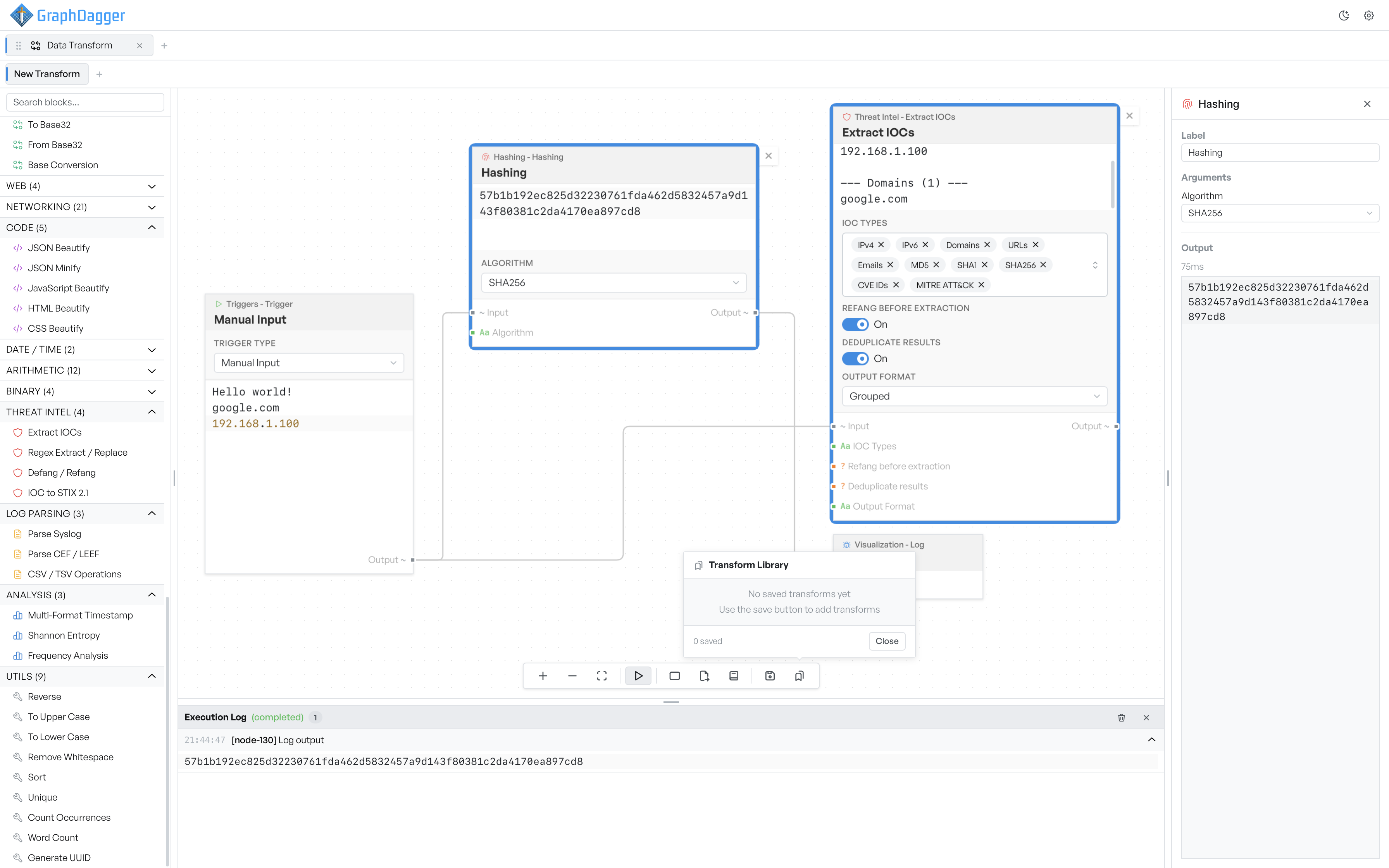
Before you save anything it reads 'No saved transforms yet', with a line that points you at the save button.
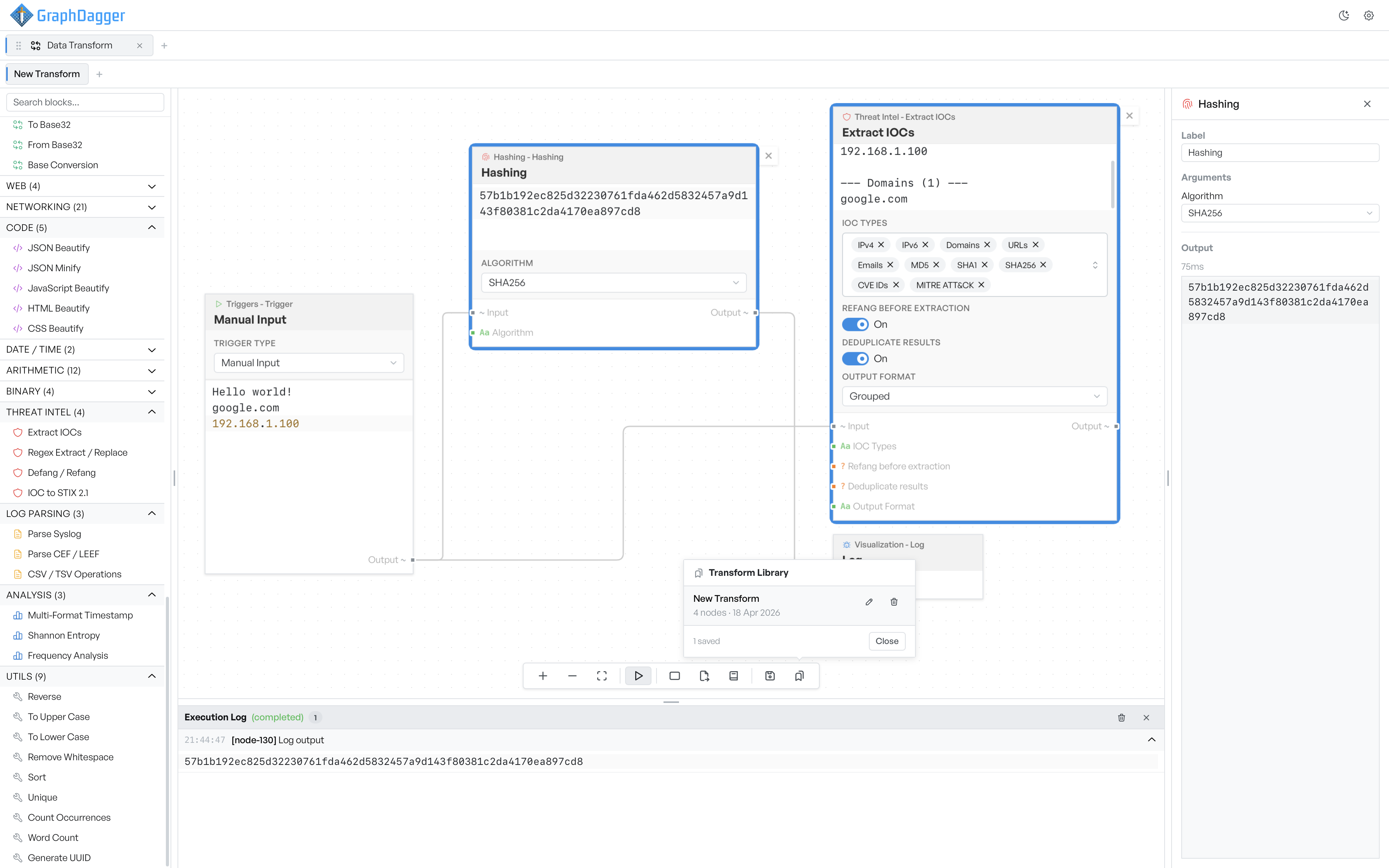
Each row shows the name, how many blocks the flow has, and when you saved it. A search box appears once you have more than three entries, and it matches on name and description.
Click a row to open it. If that transform is already open in a tab, the app switches you to it rather than gives you a second copy, so you cannot end up editing a duplicate by mistake.
To rename an entry, click the pencil icon. The name becomes editable in place. Enter commits the change, and Escape cancels it.
Warning The trash icon deletes the entry with no confirmation, and if that transform is open in a tab, it closes the tab and discards the flow with it. Export anything you might want back before deleting it.
Which flows are worth keeping#
The flows worth saving are the ones you would otherwise rebuild from memory.
Decoders you reach for repeatedly are the obvious case: a JWT inspector, a base64-wrapped gzip unpacker, a defanged indicator extractor. First-pass pipelines are the second case. You run them over every new sample of a given kind, and the value is that you do not have to think about the shape again.
The third case is worth the effort even though it feels like housekeeping. Small flows demonstrate one block combination. Name them so a colleague can find them, and a technique spreads beyond the person who worked it out.
The app stores saved transforms with your local profile. To move one to another machine, export it to a file.