Rebuild an SSTV image#
Pick the transmission mode yourself, since nothing detects it for you, and judge from the picture whether you picked the right one.
Slow-scan television sends a still picture as sound, one line at a time. A transmission takes from half a minute to several minutes. The SSTV decoder turns that back into an image.
Set the SSTV mode#
Unlike the other decoders, SSTV needs you to say which mode the transmission uses, because the mode sets the line timing and the colour order. Seven modes are available: Martin M1, Martin M2, Scottie S1, Scottie S2, Robot 36, Robot 72, and PD 120.
There is no auto-detection. The decoder runs open-loop from the timings of the mode you picked. This has one practical consequence: a wrong mode does not report itself as a wrong mode. It either produces a skewed, torn, or wrongly coloured picture, or it runs off the end of the audio and fails.
If the decode fails because the audio ran out, the error says so. It also reminds you that the range may be shorter than a full transmission in that mode. Clear your selection to decode the whole file, then try again.
Judge the decoded picture#
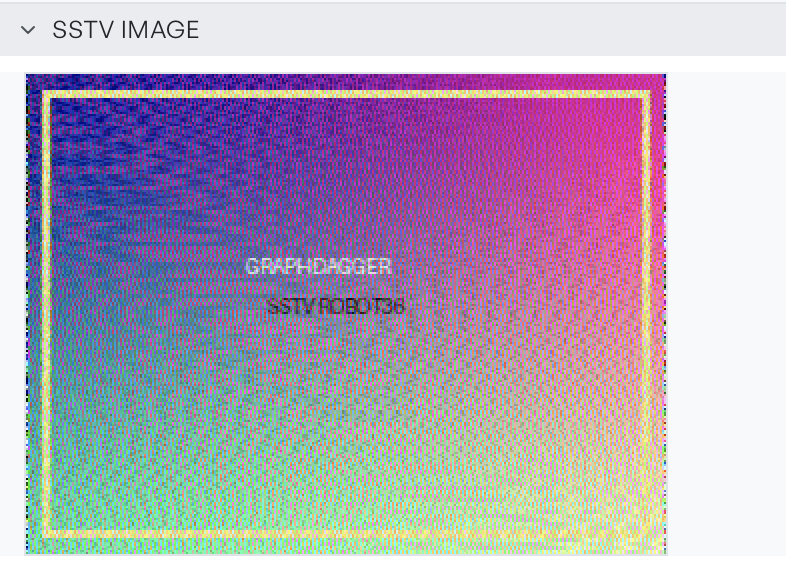
A correct decode gives a picture that is upright, with straight edges and coherent colour. Diagonal skew across the whole frame means the timing is wrong, so try a different mode in the same family. Colour that looks separated or misregistered points to a mode with the right timing but a different colour order.
The panel displays the image. To keep it, take a screenshot, because the decoder does not write it to disk.