Render an HTML response#
An HTML body is drawn in a sandboxed frame that runs nothing and fetches nothing.
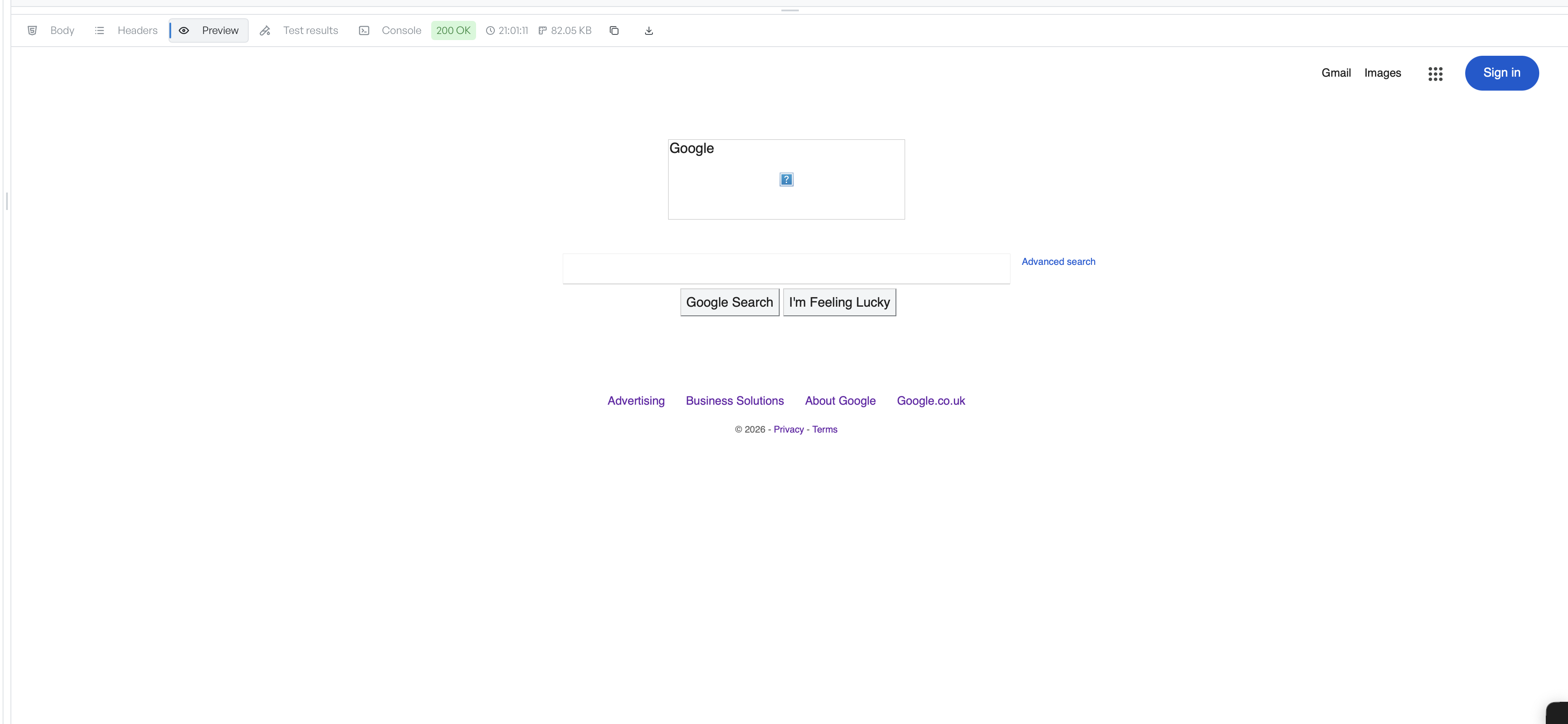
The Preview tab renders an HTML response as a page, rather than showing its source. It is enabled only when the response is HTML. For any other type the tab is disabled.
When Preview is available#
The tab turns on when the response content type is text/html. For JSON, plain text, XML, or binary responses, the tab stays disabled. If you open the tab and there is no HTML body to show, it reads "Preview not available".
What the sandbox blocks#
API Client renders the body in a sandboxed frame. The frame has only enough access to draw its own content. Expect these limits:
- Scripts in the page do not run.
- The frame does not fetch external resources such as images, stylesheets, and fonts.
- Forms in the page do not submit.
When the page looks unstyled#
A page that relies on external CSS or JavaScript looks plain or broken here. That is expected. API Client has only the response body, not the other files the page normally loads.
To read the source directly, switch to the Body tab. To see the page fully styled, save the body to disk and open it in a browser.