Read the certificate chain graph#
See what signed your X.509 certificate, spot an expired link in the middle, and open any node for its fingerprint and dates.
A certificate is only as trustworthy as what signed it. The Chain tab draws the certificate you pasted together with the ones above it. The graph runs from the root authority at the top down to the leaf at the bottom, and each arrow points from the issuer to what it issued.
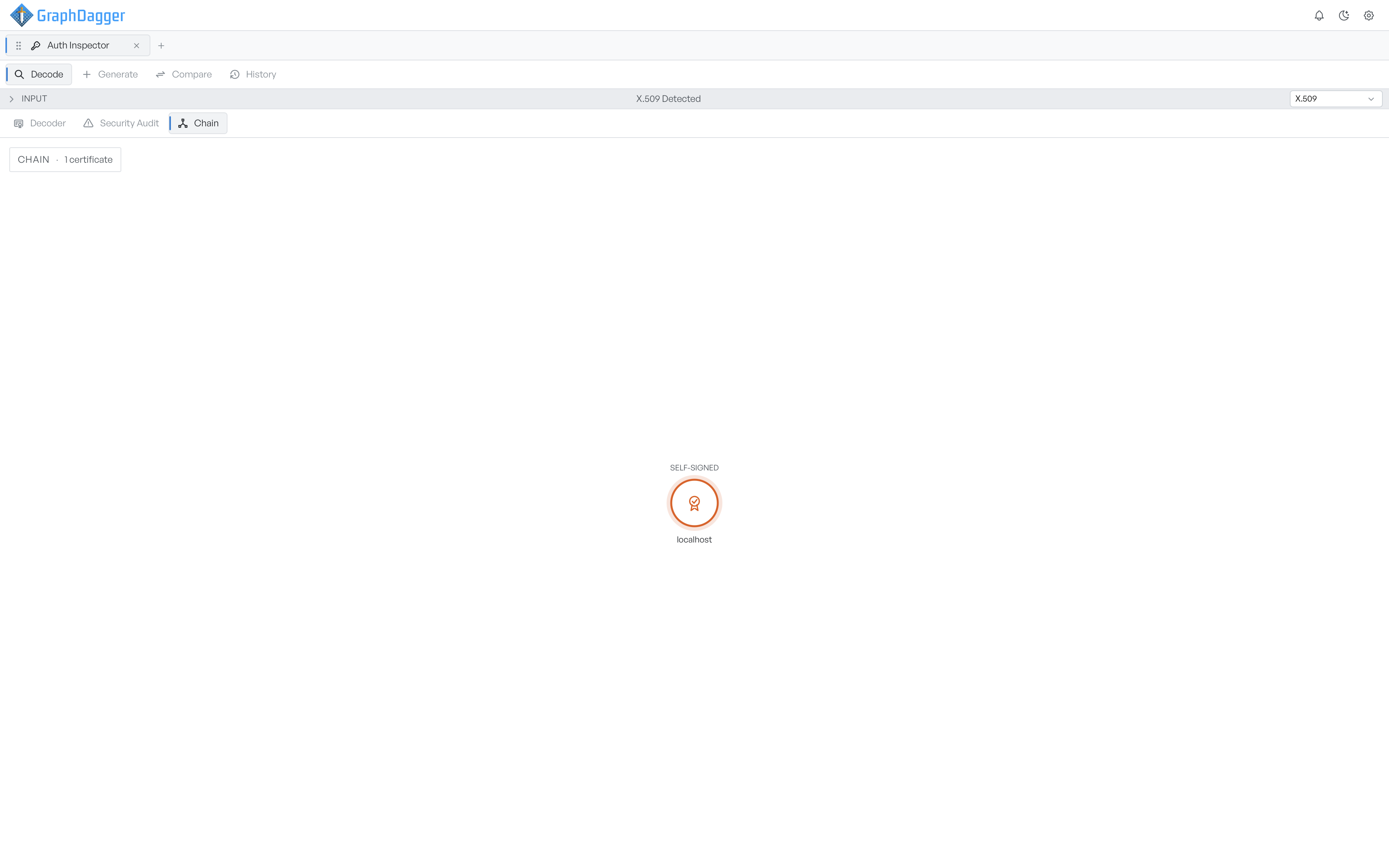
Read the node labels#
The leaf identifies the actual server. The graph draws it larger with a ring around it, because it is the one you pasted and usually the one you care about.
Each node carries a label for its role in the chain, so you can read the structure without reading any of the fields.
| Label | Meaning |
|---|---|
| ROOT CA | A self-signed authority at the top of the chain |
| INTERMEDIATE | An authority that was itself signed by something above it |
| LEAF | The end-entity certificate at the bottom |
| SELF-SIGNED | A single certificate that signed itself, with nothing above it |
Colour carries state as well as role. The graph draws an expired certificate in red wherever it sits, so a chain that has gone stale in the middle is visible at once.
A single self-signed certificate, as in the screenshot above, is a chain of one. That is normal for a development certificate and expected for a root authority. On anything public-facing it means that no recognised authority vouches for it. The security audit raises it as a medium finding.
Open one certificate#
Select a node to open a panel with its details: the issuer common name, the validity status and dates, and, where available, the serial number and SHA-256 fingerprint. The panel shortens long serials and fingerprints to stay readable. Select the empty background to close it again.
Drag the graph to pan it, and scroll to zoom. This matters on long chains, where the nodes are otherwise too small to read.
The count in the corner tells you how many certificates are in the chain. If you expected a full chain and see one certificate, the server probably does not send its intermediates. That is a common cause of a certificate that works in one client and fails in another.