What Auth Inspector reads#
Auth Inspector turns a JWT, SAML response, OAuth URL, certificate, or Kerberos ticket back into something you can read, across four modes that each keep their own state.
Auth Inspector reads the credentials that carry identity between systems and turns them back into something you can read. Paste a JWT, a SAML response, an OAuth authorisation URL, an X.509 certificate, or a Kerberos ticket. Auth Inspector works out which of the five it is, breaks it into its parts, and tells you what is weak about it.
Three more modes point the same idea in different directions.
What each mode does#
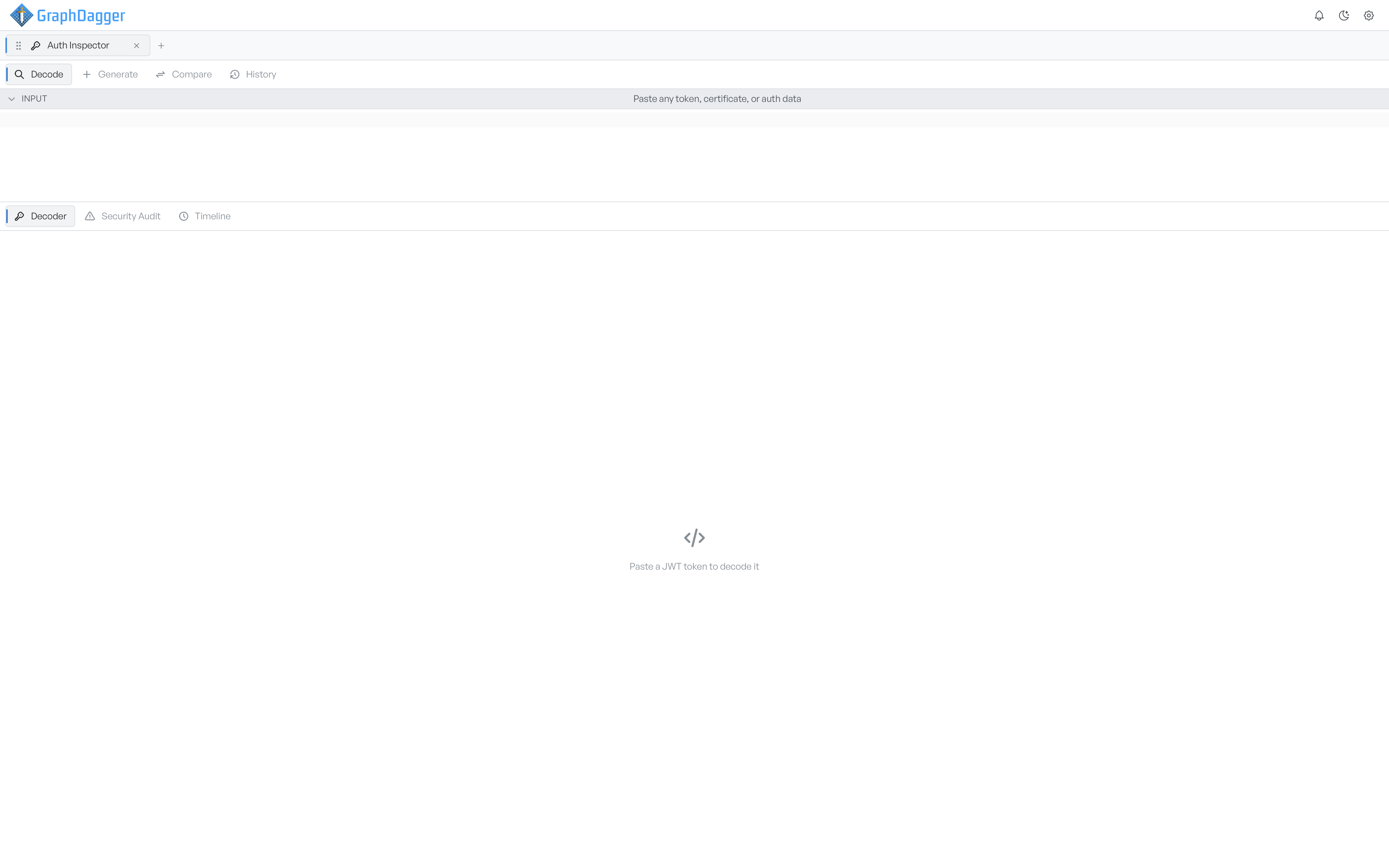
Auth Inspector has four modes:
- Decode: reads something you paste in and breaks it into its parts.
- Generate: builds a new credential from a JSON configuration.
- Compare: loads two credentials side by side and lists the fields that differ.
- History: keeps everything you have decoded this session, so you can pull it back.
You spend most of your time in Decode. Each mode holds its own state, so you lose nothing when you switch between them. A token you read in Decode is still there when you come back from Compare.
The input bar and its tabs#
The input bar tells you what it found, for example 'JWT Detected'. A dropdown lets you override that result.
A row of tabs changes with the credential type. Every protocol gives you Decoder and Security Audit. The third tab depends on what you pasted.
| Credential | Third tab | What it shows |
|---|---|---|
| JWT | Timeline | When the token was issued, when it expires, and where now sits between them |
| SAML | Flow | The single sign-on exchange as a swimlane diagram |
| OAuth | Flows | The grant type as a swimlane diagram |
| X.509 | Chain | The certificate chain as a graph |
| Kerberos | Flow | The ticket exchange as a swimlane diagram |
When a decode succeeds, the input bar collapses on its own to give the results more room. Select the Input header to open it again.
Where to go next#
- Decoding a credential covers the paste, the detection, and the breakdown.
- Security audit explains the findings and how they are ranked.
- Token timeline covers the JWT lifetime view.
- Protocol flows covers the SAML, OAuth, and Kerberos diagrams.
- Certificate chain covers the X.509 chain graph.
- Generating credentials covers how to build one from JSON.
- Comparing two credentials covers the diff.
- History covers what is kept, and what is deliberately not.