Make a collection#
Name a top-level container before you try to save your first request into it.
A collection is the top-level container for saved requests, folders, and flows. You need one before you can save anything, so this is usually the first thing you do.
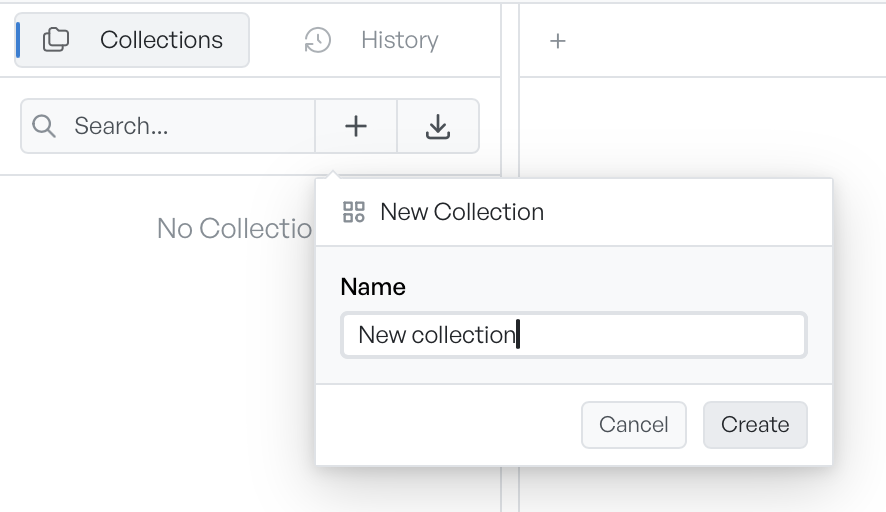
Make the collection#
Click the "+" button at the top of the Collections panel, enter a name, then click Create. You can also press Enter while the field has focus. The Create button stays disabled until the field has a name.
The new collection appears in the tree, expanded and ready to receive requests. You can rename or delete it later from its menu. See Managing items.
Pick a short name#
The name is what you scan for in the sidebar, so keep it short. If a project has many requests, group them inside folders. Do not make a separate collection for each area.
Save into the new collection#
You need a collection before you can save a request. If you click Save with none yet, the popover shows Create a collection first and disables its Save button. Create a collection here first, then save. See Saving a request.