Set when a rule runs#
Apply To decides which side of the exchange the rule can act on, and the Enabled toggle takes a rule out of service without losing it.
The Options section of the rule editor controls when the rule runs, and whether it is on at all.
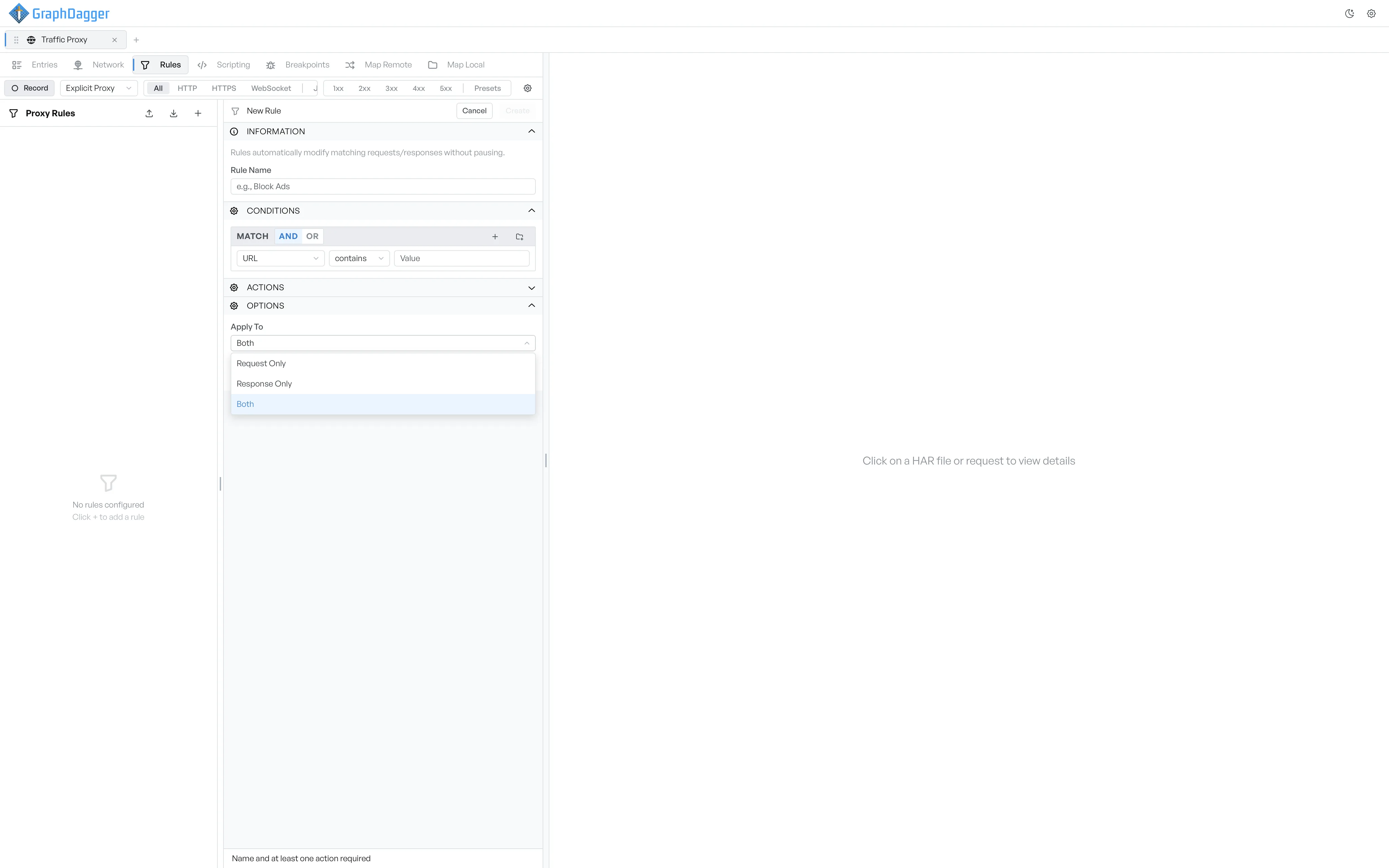
Apply to#
The Apply To dropdown decides which side of the exchange the rule can act on.
- Request Only: the rule runs against outgoing requests. Response selectors are not available in the conditions.
- Response Only: the rule runs against incoming responses. The full set of selectors is available, including response status, headers, and body.
- Both: the rule can run on both sides. The full set of selectors is available.
The conditions section reflects your choice immediately. Request Only hides the response-only fields from the field dropdown.
Enabled#
The Enabled checkbox turns the rule on or off without a delete. A disabled rule stays in the sidebar, greyed out, with its toggle off. Disabled rules match no requests.
The same toggle sits next to each rule in the sidebar, so you can flip rules on and off without the editor.