What rules do#
A rule pairs conditions with an ordered pipeline of actions, so a change you describe once is applied to every request that matches it.
Rules modify matching requests and responses automatically, without a pause. A rule has a name, one or more conditions, an ordered pipeline of actions, and options that control when it applies. Rules suit reusable changes such as a header you strip on every call, a status code you rewrite for a host, or a canned response you return for an endpoint.
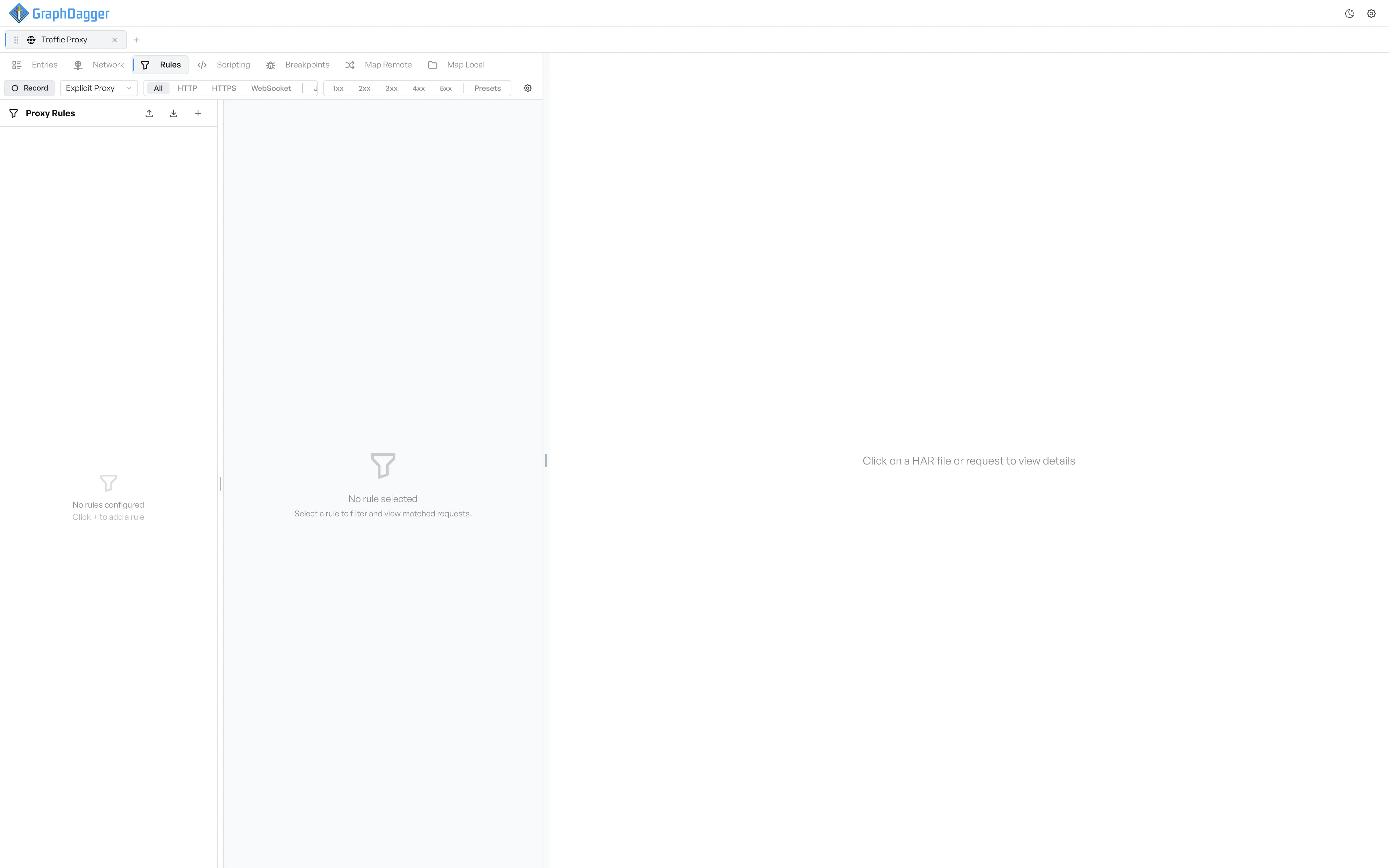
What the Rules sub-tab shows#
The Rules sub-tab is split into two panes.
- The left sidebar lists every rule with a toggle next to it. The header shows a count of how many rules are active.
- The right pane holds the rule editor when you create or edit a rule, the matched-requests preview when you select a rule without an edit, or an empty hint when no rule is selected.
Where to go next#
- Create a rule.
- Author conditions that decide which requests the rule matches.
- Build the action pipeline that runs on a match.
- Browse the available action categories.
- Set the rule's options for which side of the exchange it applies to.
- Manage existing rules, including import and export.
For the engine that runs rules across hundreds of thousands of entries, see How the rule engine works.