Set the execution phase#
The phase decides whether GraphDagger calls your onRequest function, your onResponse function, or both.
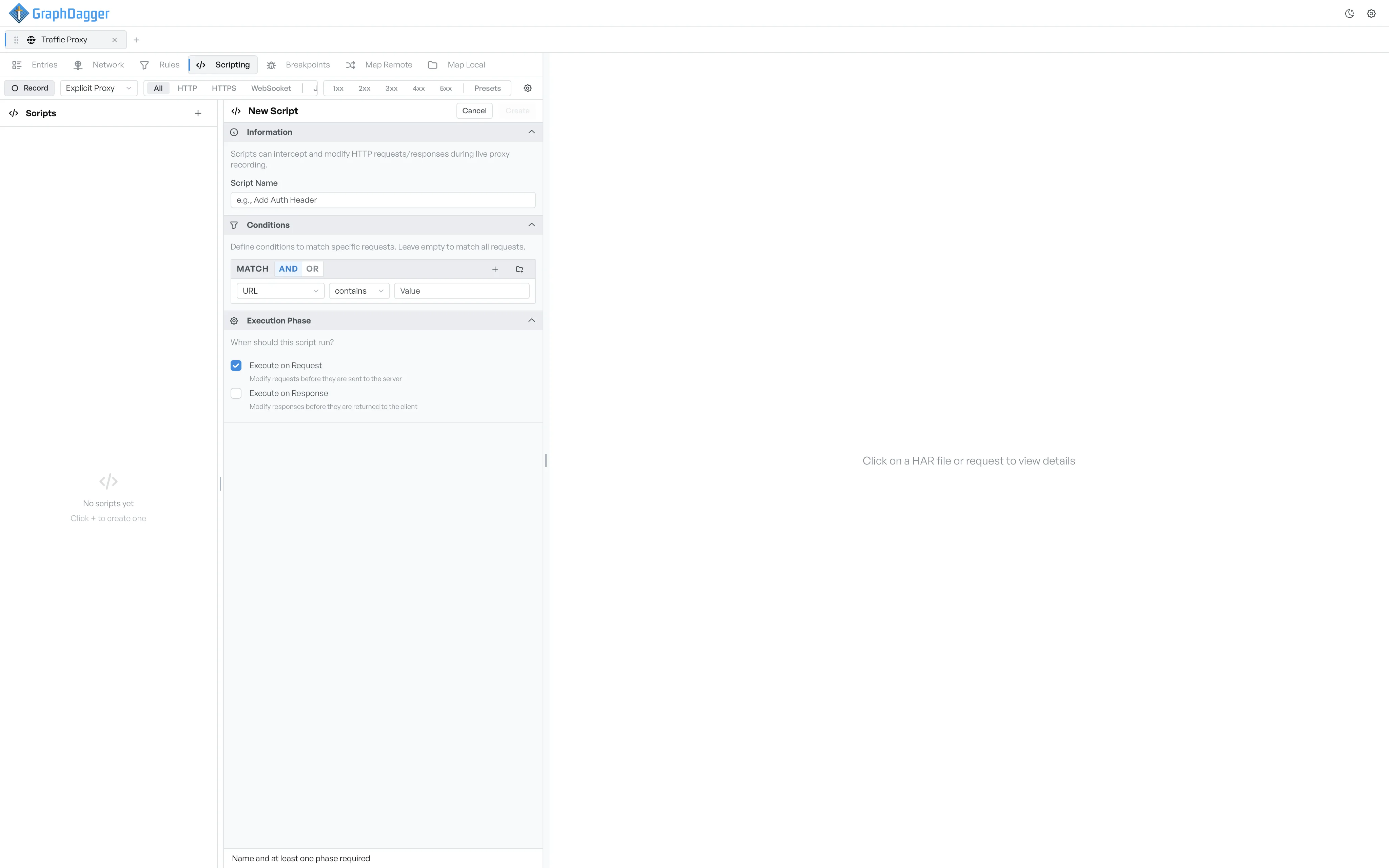
A script's execution phase decides whether it runs on outgoing requests, on incoming responses, or on both. A valid script needs at least one phase.
Run on request, response, or both#
- Execute on Request: the script's
onRequestfunction runs before the proxy sends the request to the server. You can modify the URL, method, headers, cookies, or body. - Execute on Response: the script's
onResponsefunction runs after the response arrives, but before it reaches the client. You can modify the status, headers, cookies, or body.
You can turn both on. The script then has both functions, and each one runs on its own side of the exchange.
How phases affect the editor template#
When you save the form, the editor opens with a starting template. The template includes only the function or the functions that match the phases you picked. If you add or remove a phase later, from the script's settings panel inside the editor, the template does not change. You may need to add or remove a function definition by hand.
The phase label in the sidebar#
In the script sidebar, each script shows a small label next to its name with the active phases.
Req: only the request phase is active.Res: only the response phase is active.Req + Res: both phases are active.
The label is a quick way to see which side of the exchange a script fires on.