What scripts can do#
A script drops you into JavaScript for the changes a rule cannot express, and it runs only while a recording is live.
Scripts let you drop into JavaScript for anything the rule engine cannot express. A script intercepts matching requests or responses, runs your code, and returns a modified version to the proxy. Scripts suit a header you sign with a live timestamp, a proprietary body format you decode, or conditional logic that a rule condition row cannot capture.
When to use scripts#
Scripts run only during a live recording. The Scripting sub-tab is hidden when you work with a static HAR file.
Use a script when you need to:
- Compute a value at request time, for example a signed header.
- Read or modify a body in ways that a static rule action cannot express.
- Branch on something the condition language does not capture (
if request.headers['x-foo'] === 'bar' && response.status === 200). - Write to the console for debugging while traffic flows.
For everything else (header rewrites, status replacements, canned responses, blocks), a rule is simpler and faster.
What the Scripting sub-tab shows#
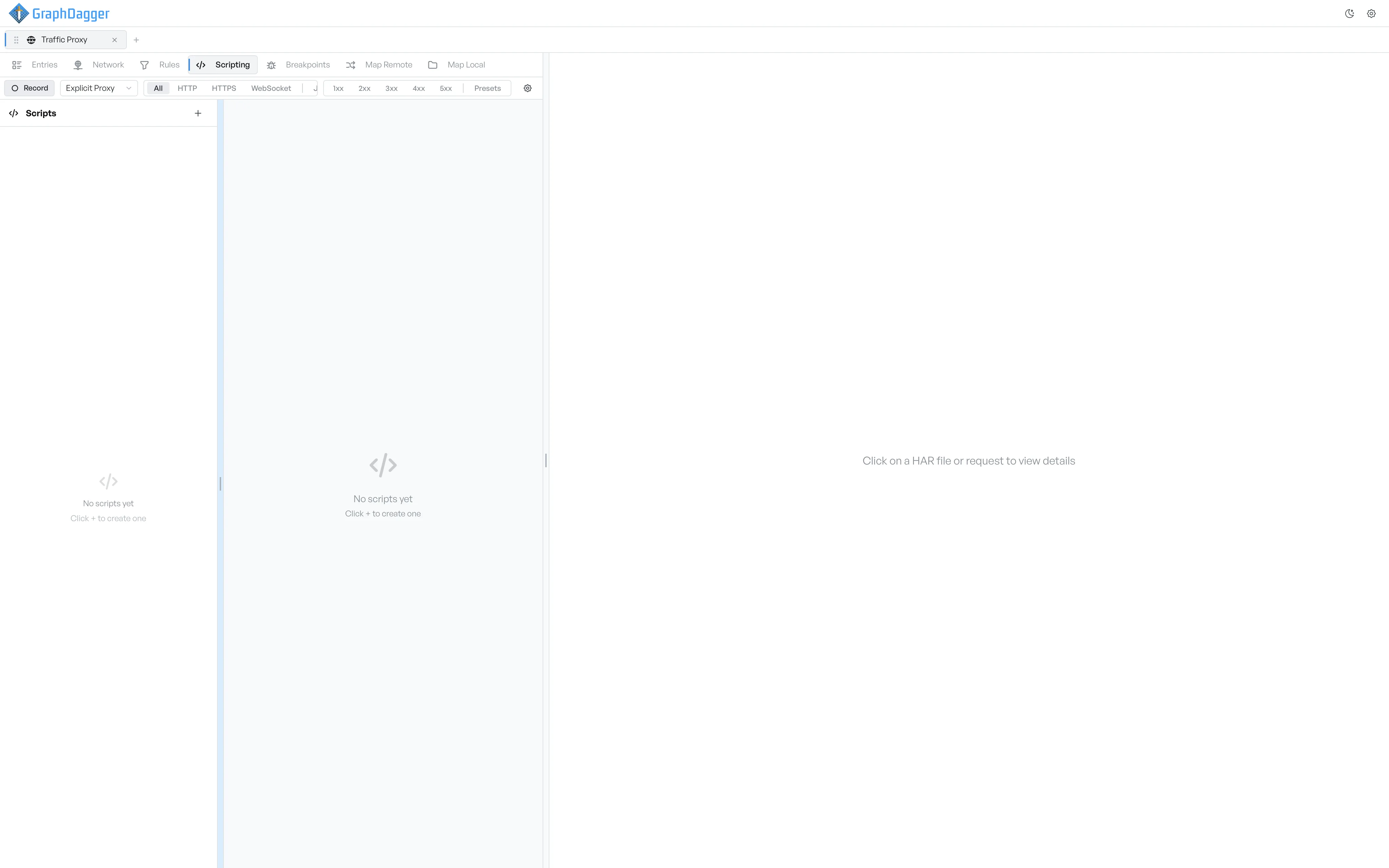
The Scripting sub-tab is split into two panes.
- The left sidebar lists every script with a toggle next to it. The header shows a count of how many scripts are active.
- The right pane shows the script editor for the selected script, or the new-script form when you create one. A console panel sits below the editor.
Where to go next#
- Create a script.
- Pick the execution phase.
- Read the script editor reference.
- Browse the APIs available inside a script.
- See live console output while scripts run.
- Manage existing scripts.