Make the CA certificate#
One button builds a fresh CA locally on a new machine, and the dialog then shows its subject, validity, and fingerprint.
The first time you open the Certificates dialog on a fresh machine, the GraphDagger CA does not exist yet. The status reads Not generated, and the dialog offers a single button.
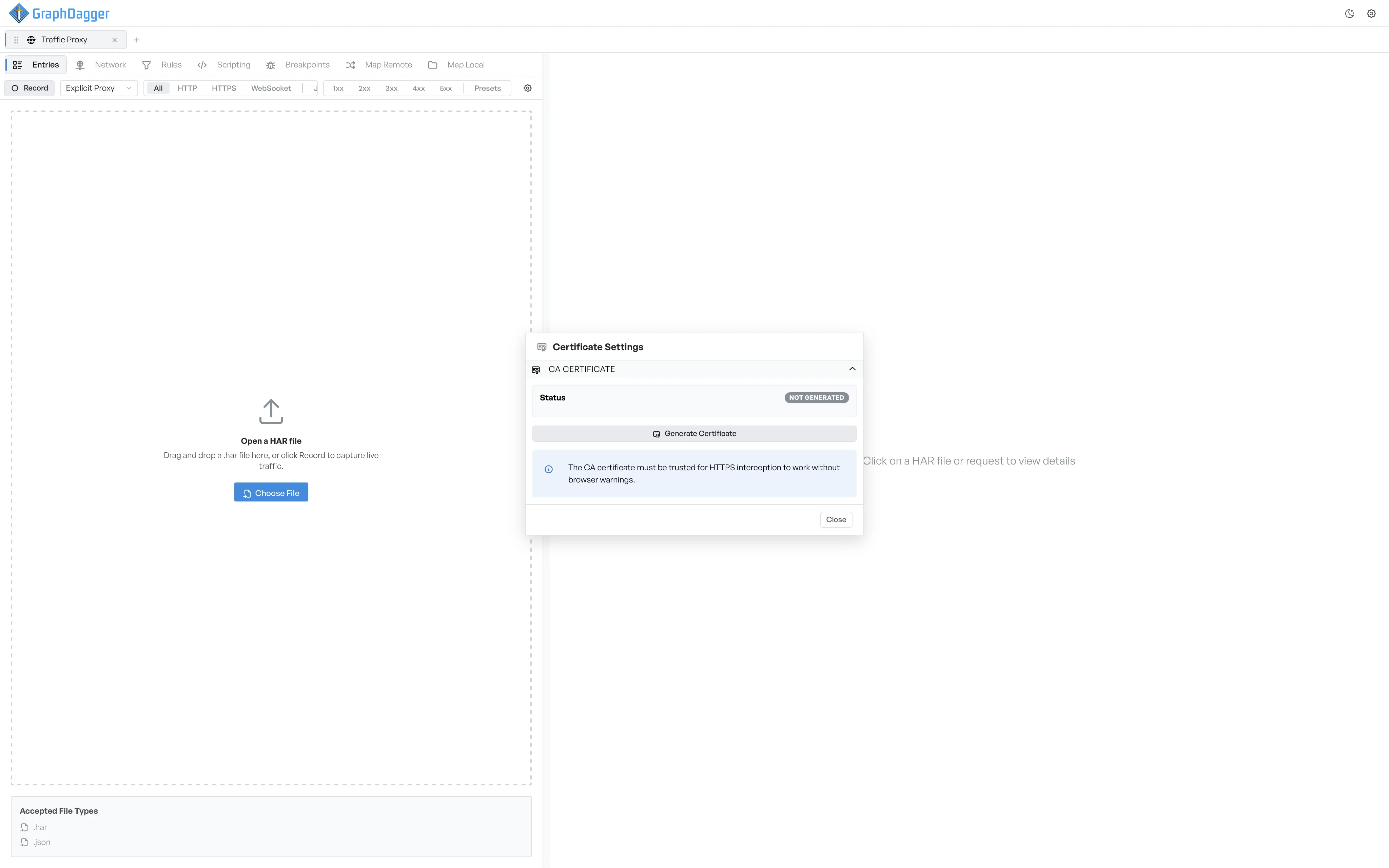
Make the CA#
- Open the settings menu and select Certificates....
- Select Generate certificate.
GraphDagger creates a fresh CA. This happens on your machine, and GraphDagger sends nothing over the network. The dialog updates to the Not trusted state, ready for the next step.
What is in the certificate#
The CA carries:
- A subject identifying it as the GraphDagger CA.
- A validity window long enough that you do not need to regenerate it during normal use.
- A fingerprint, which the dialog shows under the certificate details.
Replace the CA#
If you ever need a fresh CA, delete the current one first, then generate a new one. Every device that trusted the old CA must install the new one before HTTPS interception works again.
The untrusted-CA banner#
Until you trust the CA, the dialog keeps a banner at the top. The banner reminds you that HTTPS interception produces browser warnings until you grant trust. Trust the CA to dismiss the banner.