Data blocks#
Keep a passphrase, a base, or a URL in a block of its own, store a value under a name, and assemble lists, objects, and text.
Data blocks supply values and reshape them. Most have no input at all. They feed a fixed value into an argument port somewhere else. A passphrase, a base, or a URL then lives in a block on the canvas, not buried in another block's settings.
The rest of the category pulls values out of structured data or builds structured data up.
Set a fixed value#
Five blocks emit exactly what you set on them.

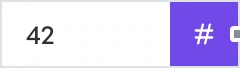

- String - emits text.
- Number - emits a number.
- Boolean - emits true or false.
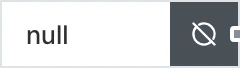
- Null - emits nothing at all, for the blocks that treat that as a meaningful value rather than a mistake.
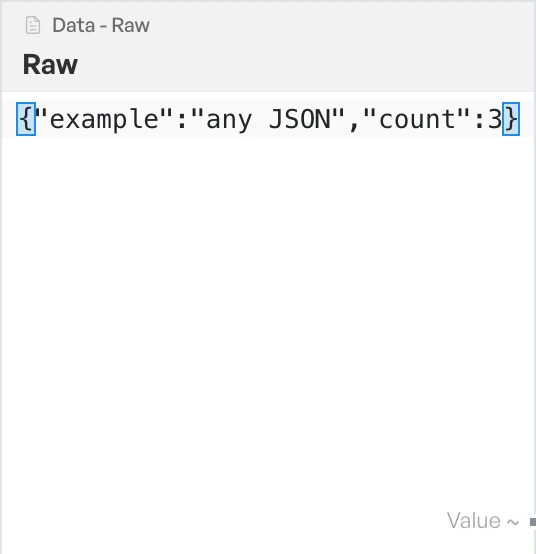
- Raw - emits any shape you like, including nested JSON and multi-line text, untouched. It is the one to use when the others are too narrow.
Feed a timestamp in#

Now emits the current time on Timestamp. It works the time out afresh on each run.
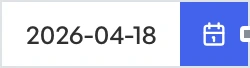
Date emits a fixed moment you pick, also on Timestamp. Use it when a run needs a specific date rather than the current one.
Read values out of data#
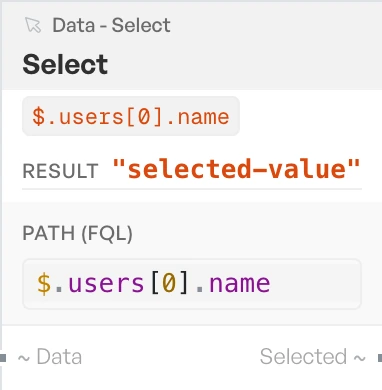
Select takes structured data on Data and emits the value at the path you configure on Selected. It is how you get a single field out of a parsed payload, so a block that returns twelve fields can feed a block that wants one.
Get Variable reads back a value stored earlier and emits it on Value.
Create Variable stores whatever arrives on Data under a name you choose. It has no output, because the value comes back out through Get Variable.
Together these two save a wire across the whole canvas. Store a value where you produce it, read it where you need it, and the flow stays legible.
Make lists, objects, and text#
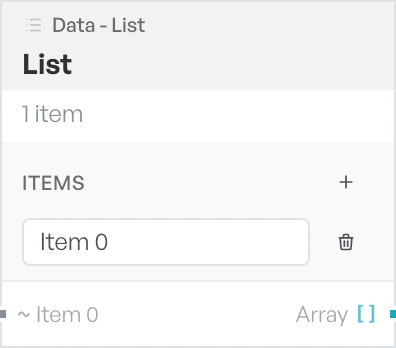
List assembles an array. It grows an input per slot you add and emits the finished array on Array.
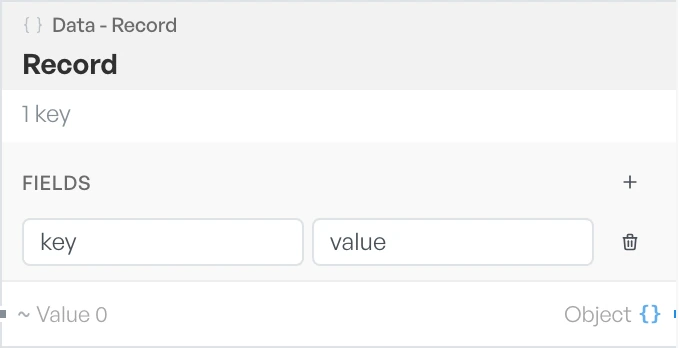
Record assembles an object. Each input is a named field, and the assembled object leaves on Object.
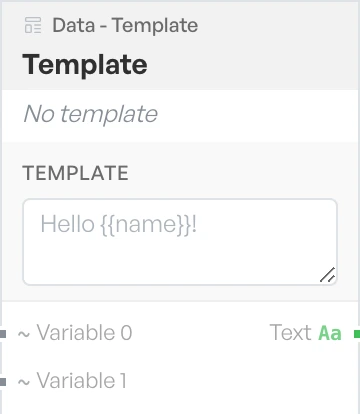
Template fills placeholders in a string with values from the flow and emits the result on Text. It grows an input per placeholder. Use it to build URLs, filenames, and labels out of parts the flow worked out.