Visualization blocks#
Show a finished result on the canvas, or write a mid-pipeline value to the execution log to see what is passing through.
Two blocks, both ends of a chain. They take data in and show it to you. They pass nothing on. The choice between them is a choice about where you want to look.
Display#
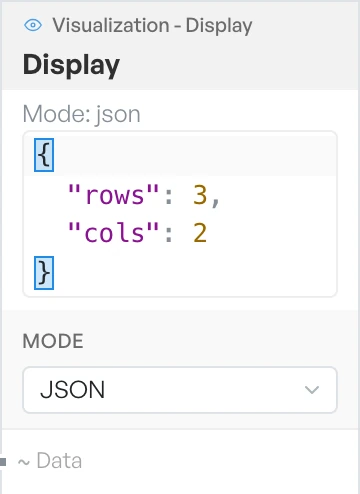
Renders whatever arrives on Data inside the block itself. It is the only block you can resize, so you can make it large enough to read a full payload without opening anything else.
Use Display when the result is the point of the flow and you want it visible on the canvas: the finished output of a decoder, or the table a parser produced. It puts the answer next to the pipeline that made it.
Log#
Writes whatever arrives on Data to the execution log along the bottom of the workspace, tagged with the block it came from.
Use Log to look inside a pipeline rather than at its end. Hang one off any connection and you see the value at that point. You do not rearrange anything or give up canvas space. Several Log blocks in one flow give you a trace through it, in the log, in the order things actually finished.
Both blocks are terminal: nothing continues past them. To see a value and keep the chain running, branch the connection so it feeds both the next block and a Log.