Switch raw and rendered views#
Read the message exactly as it arrived, or as a recipient would see it in a preview that strips scripts and blocks remote content.
The right pane of the Inspect tab is the message itself. Two buttons switch how you read it: Raw shows the source exactly as it arrived, and Rendered shows the message the way a recipient sees it. The pane opens on Raw.
Read the raw source#
Raw is the full message source, line-wrapped and read-only. The findings live here. Email Forensics outlines the matched text, and the rail marks every match. Select a finding, and the source scrolls to it. Use Raw when you need the truth behind a rendered message: encoded characters, quoted-printable escapes, hidden content, or tracking markup that a preview hides.
Read the safe preview#
Rendered shows the message body as a mail client displays it: HTML when the message has it, plain text otherwise. Use it to read the content of the message and to see the links and the layout that a recipient gets.
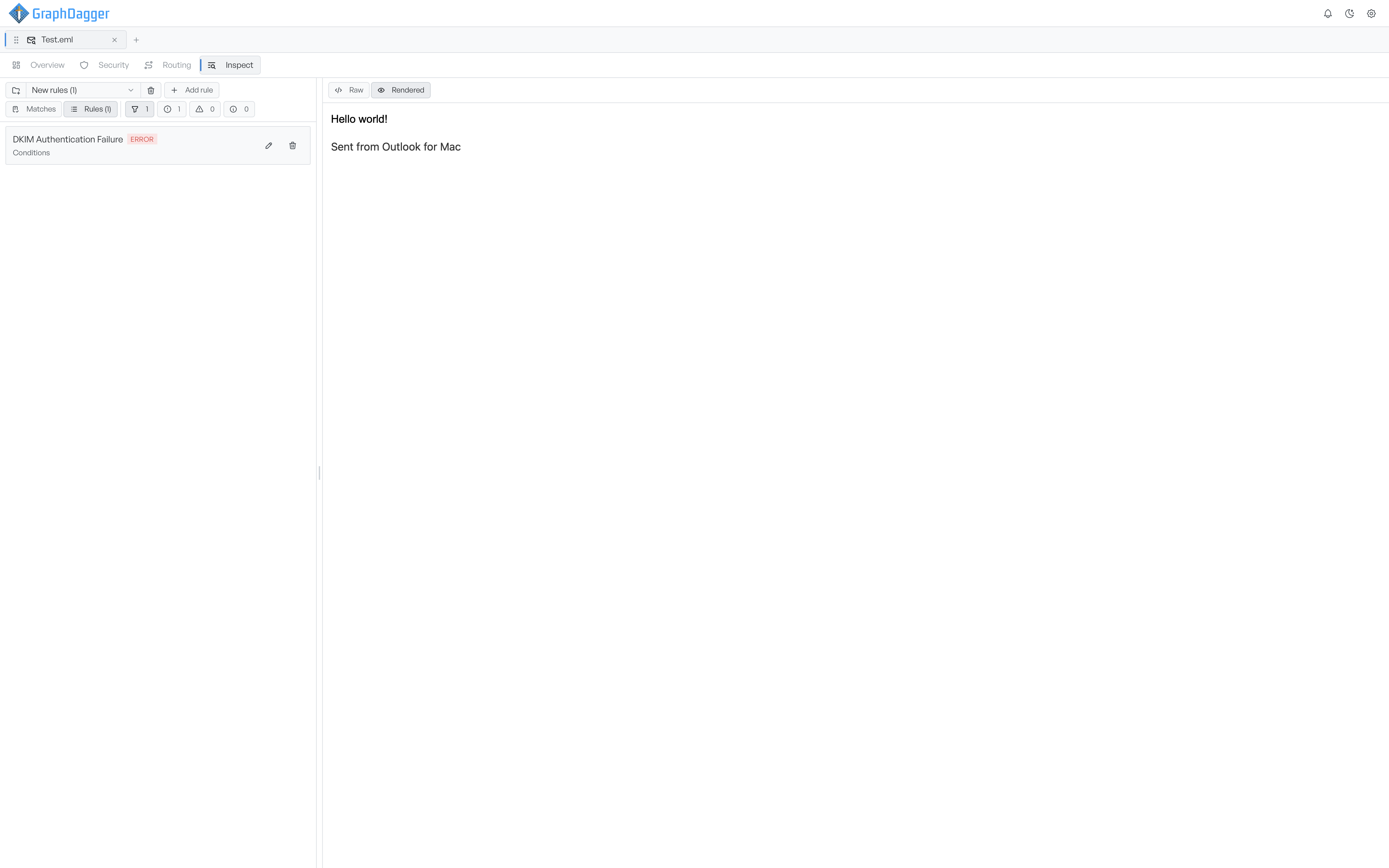
The preview is safe with hostile mail. Email Forensics strips scripts, embedded frames, and forms. It blocks remote images and other external resources, so a message cannot fire a tracking pixel or report that you opened it. Links open in your browser, not inside the preview. You see the structure and the text of the message, and the message cannot reach back out.