What a ruleset checks#
Default Rules ships 70 checks covering authentication, spoofing, routing, and RFC compliance, and you can swap in another set at any time.
A ruleset is the set of checks that Email Forensics runs against a message. Email Forensics measures every message you open against the active ruleset, and the findings fill the Matches view. Email Forensics includes one ruleset that is ready to use, and you can build your own.
What Default Rules covers#
The default ruleset, Default Rules, holds 70 built-in checks. They cover authentication (SPF, DKIM, DMARC), DKIM validation, spoofing, routing, Microsoft 365 signals, spam-filter verdicts, priority and mailing-list conventions, ARC, and general RFC compliance. The set is read-only, so you cannot change the built-in checks. You can still run them against any message, and you can copy any of them as the start point for a rule of your own.
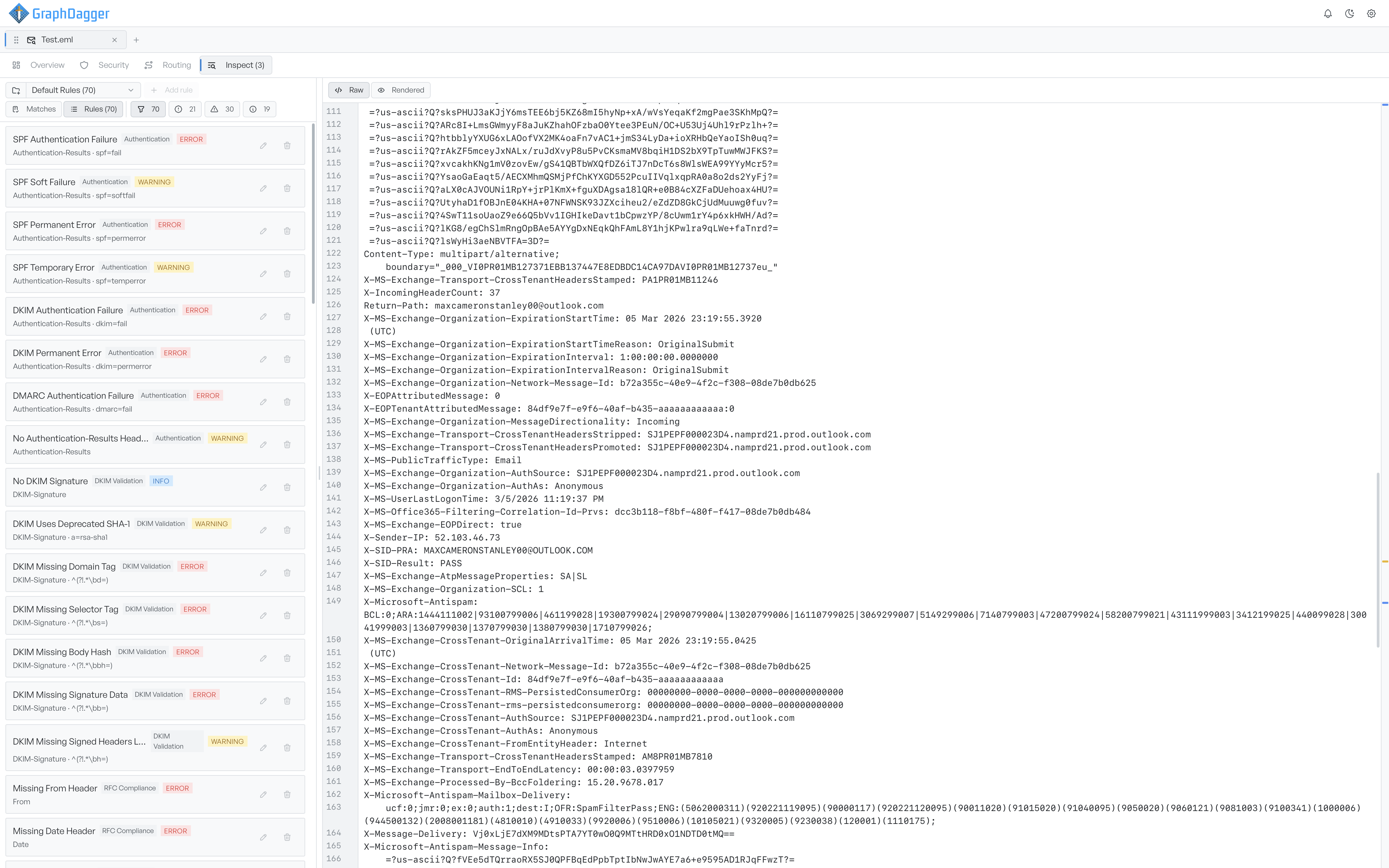
Switch between Matches and Rules#
Two buttons control what the pane shows. Matches shows only the checks that fired on the open message. Rules shows every rule in the set, with a count in its label, so you can browse what the ruleset looks for even when a message triggers no rule. The severity filters apply to the active view and update their counts to match.
Select a different ruleset#
The ruleset picker lists each available ruleset with its rule count. Select a different ruleset, and Email Forensics runs its checks against the open message immediately. The findings and the filter counts update for the new set. To build a set of your own, see writing your own rules.