What breakpoints pause#
A breakpoint holds a matching request or response on the wire until you inspect it, change it, and decide what happens to it.
A breakpoint pauses a matching request or response mid-flight. You can then inspect it and edit it before it continues. A breakpoint is interactive, unlike a rule or a script: it holds the request until you act on it.
When to use a breakpoint#
- You want to see exactly what a client sends, before it goes out.
- You want to change a single call without a rule.
- You want to try a different payload on the server, without a permanent change.
To apply a change to every match, use a rule. For programmatic changes, use a script. Breakpoints are for the manual cases.
What the Breakpoints sub-tab shows#
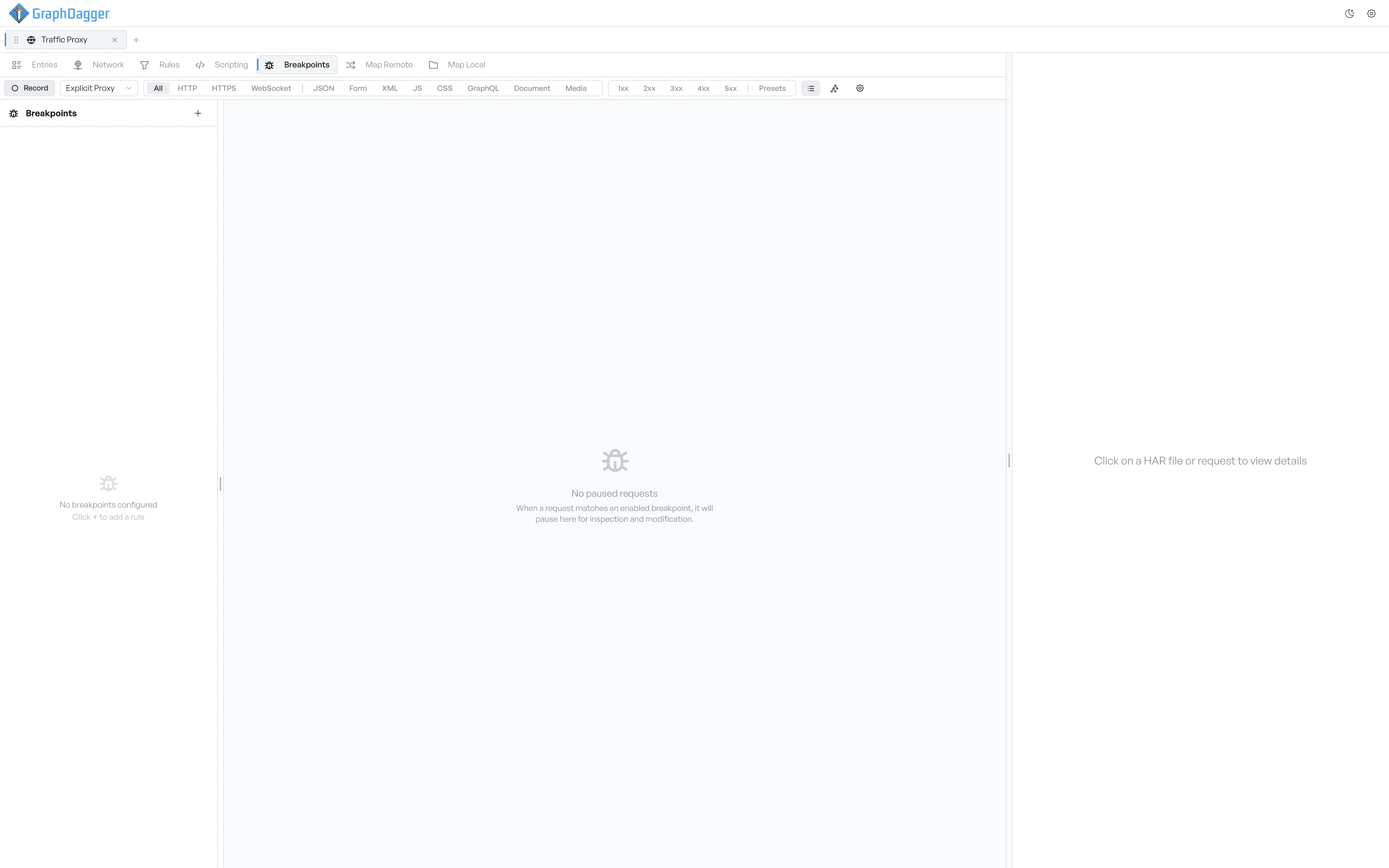
The Breakpoints sub-tab has two panes.
- The left sidebar lists every breakpoint with a toggle next to it. Each row also shows a Pause Point label (
Req,Res, orBoth). The row shows a count badge when the breakpoint holds requests. - The right pane shows the breakpoint editor when you create or edit a breakpoint. It shows the paused-request editor when you select a paused request. It shows an empty hint when neither is active.
Where to go next#
- Create a breakpoint.
- Pick the pause point.
- Set conditions for which requests trigger it.
- Act on a paused request.
- Manage existing breakpoints.