Read a console message#
Read the text of a log entry, its level, the values logged with it, and the source file it came from.
Console messages are the log, warning, and error output the page wrote while it ran. They also include anything the recorder captured from standard output. When you select one, the header shows its level, so an error reads differently from an ordinary log line.
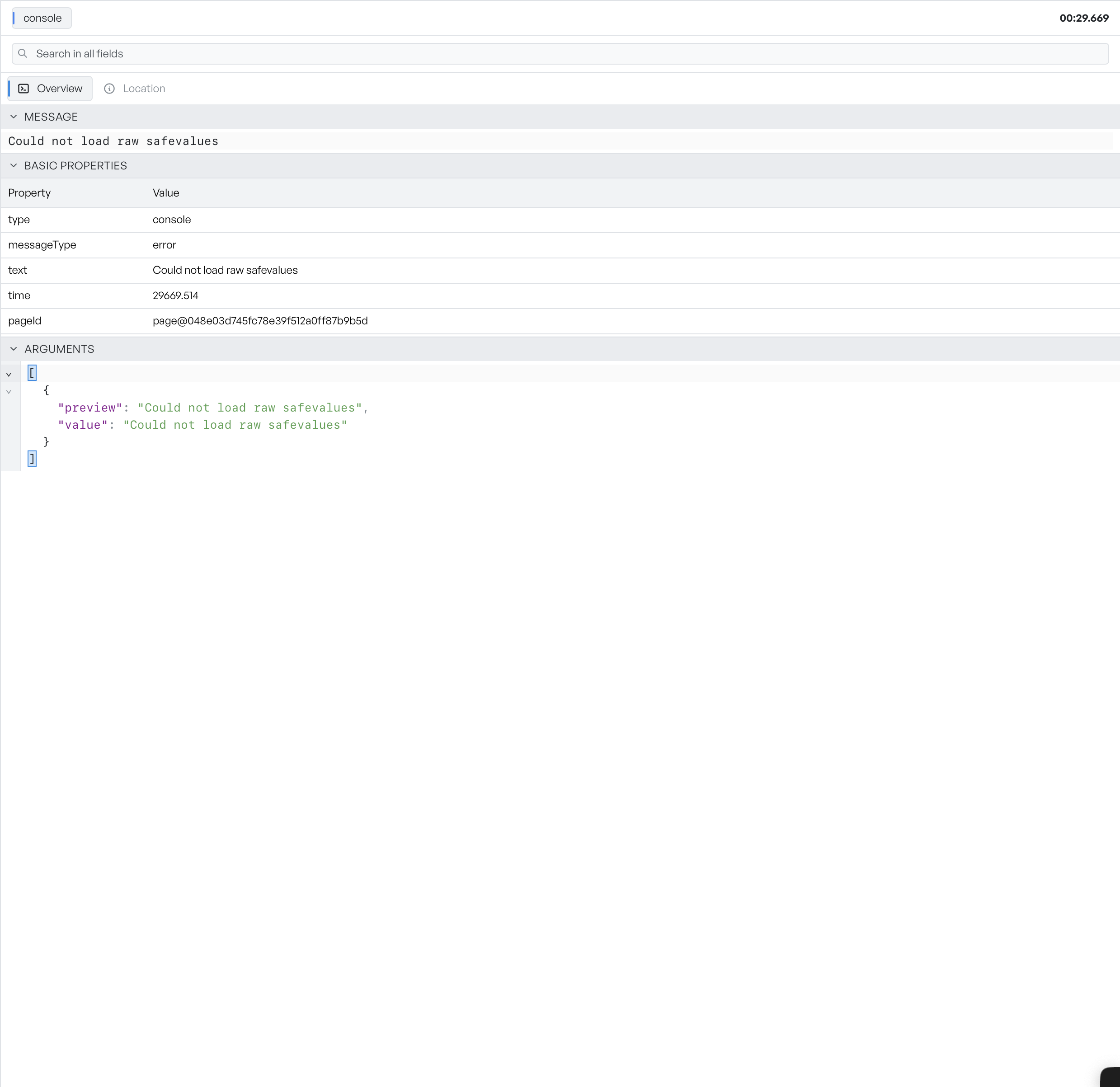
Read the message and arguments#
- Message is the text of the entry. The inspector shows it first and opens it by default, so you can read it straight away.
- Basic Properties are the plain facts, such as the level and time.
- Arguments holds the structured values that came with the message, when there are any.
Open the Location tab#
When the entry recorded where it came from, a Location tab shows the source: the file, and the line and column. An entry without a source location does not show the tab.
Console errors also stand out as red markers on the activity histogram, which is often the fastest way to find the one you want.