Read a page event#
Read the plain facts and the payload the page carried when it fired an event during the run.
Events are the things the page itself did during the run, rather than the actions your script called: a navigation, a load, a dialog, and so on. When you select one, the inspector shows a single Overview tab. The header names the event type and the time it fired.
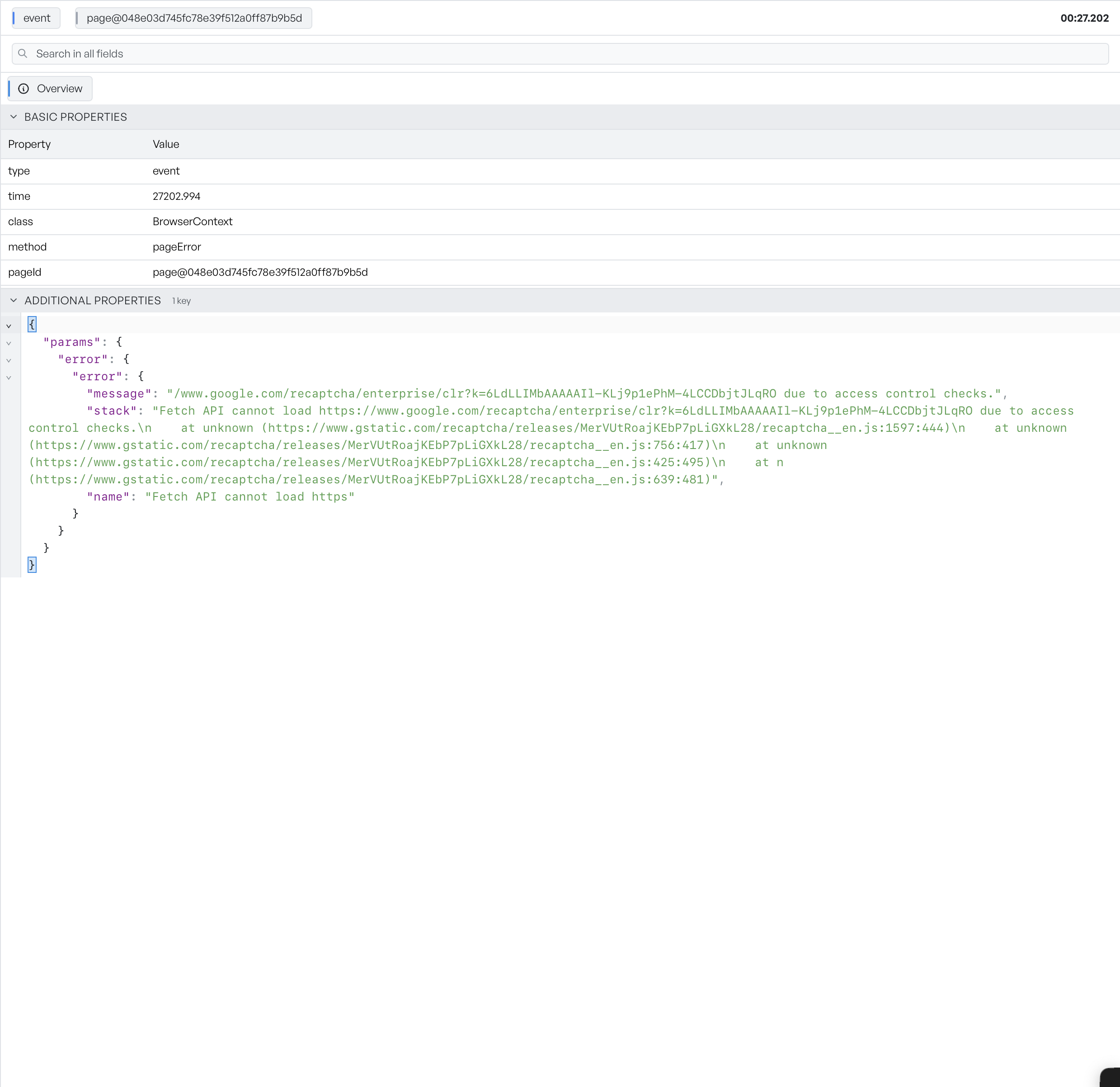
The Overview tab has three parts:
- Basic Properties are the plain facts of the event.
- Event Data is the payload the event carried. The inspector shows it as JSON, when the event has one.
- Additional Properties gathers anything else on the event.
To see events in context against the actions around them, use the activity histogram or the events list.