Read the inspector Headers tab#
Request and response headers stay in the order the server sent them, so order-dependent headers keep their meaning.
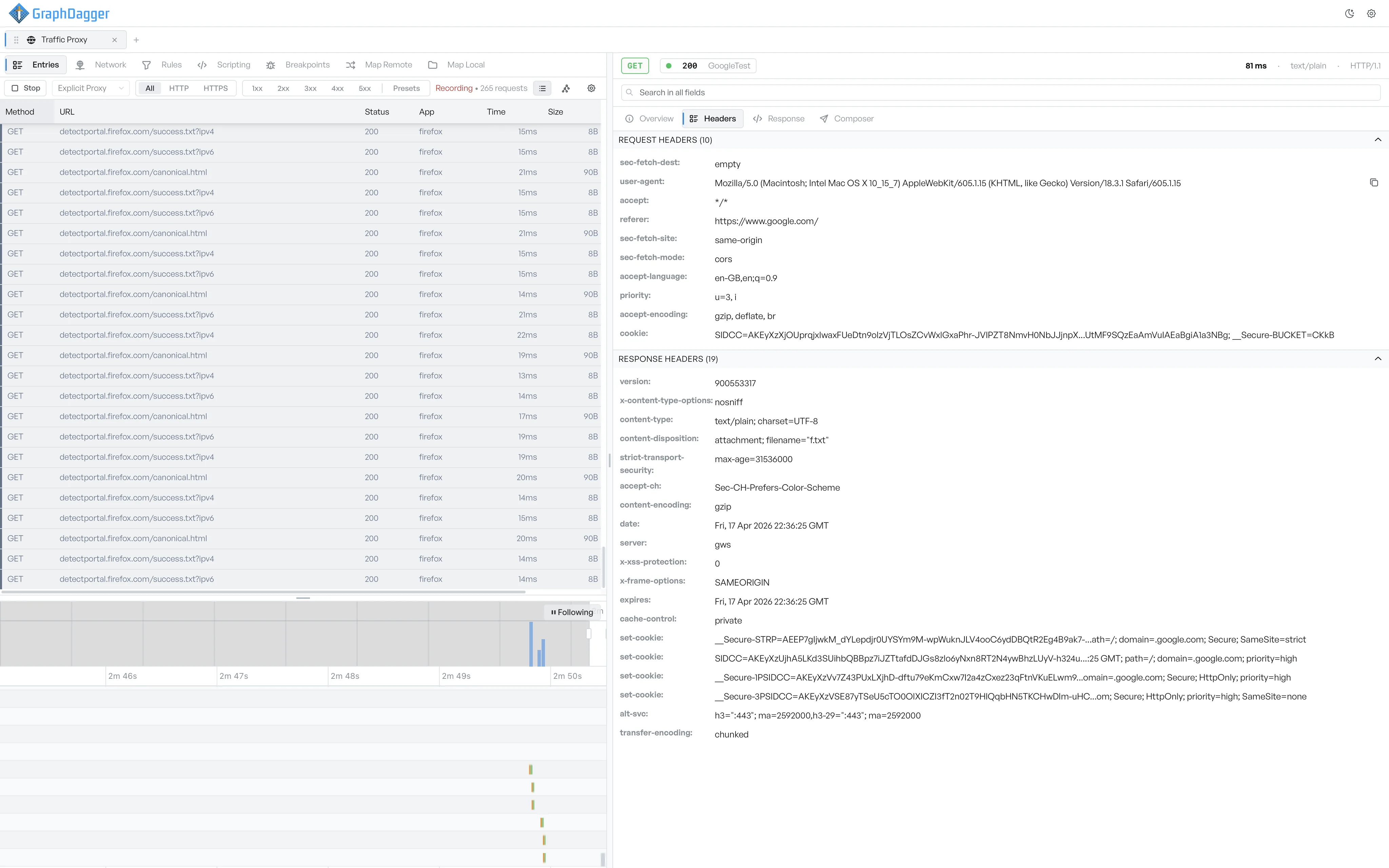
The Headers tab lists the request and response headers in the order the client and the server sent them.
The two header sections#
The tab has two collapsible sections, one for the request headers and one for the response headers. Each section header shows a count of how many headers it contains.
Read long header values#
Long values wrap onto several lines, so a multi-kilobyte cookie or trace-context header stays readable without truncation. The tab keeps the order that the server sent, so headers that depend on order (Set-Cookie chains, Vary) keep their meaning.
Find a header#
Enter text in the search field at the top of the inspector to highlight matches in either section. The match count appears in the Headers tab badge, and the matched rows scroll into view.