Make an X.509 certificate#
Get a self-signed certificate and its matching private key as PEM blocks you can write to disk and point a local server at.
The certificate generator produces a real self-signed X.509 certificate and the private key that goes with it. Both come as PEM blocks. You can write them straight to disk and point a server at them.
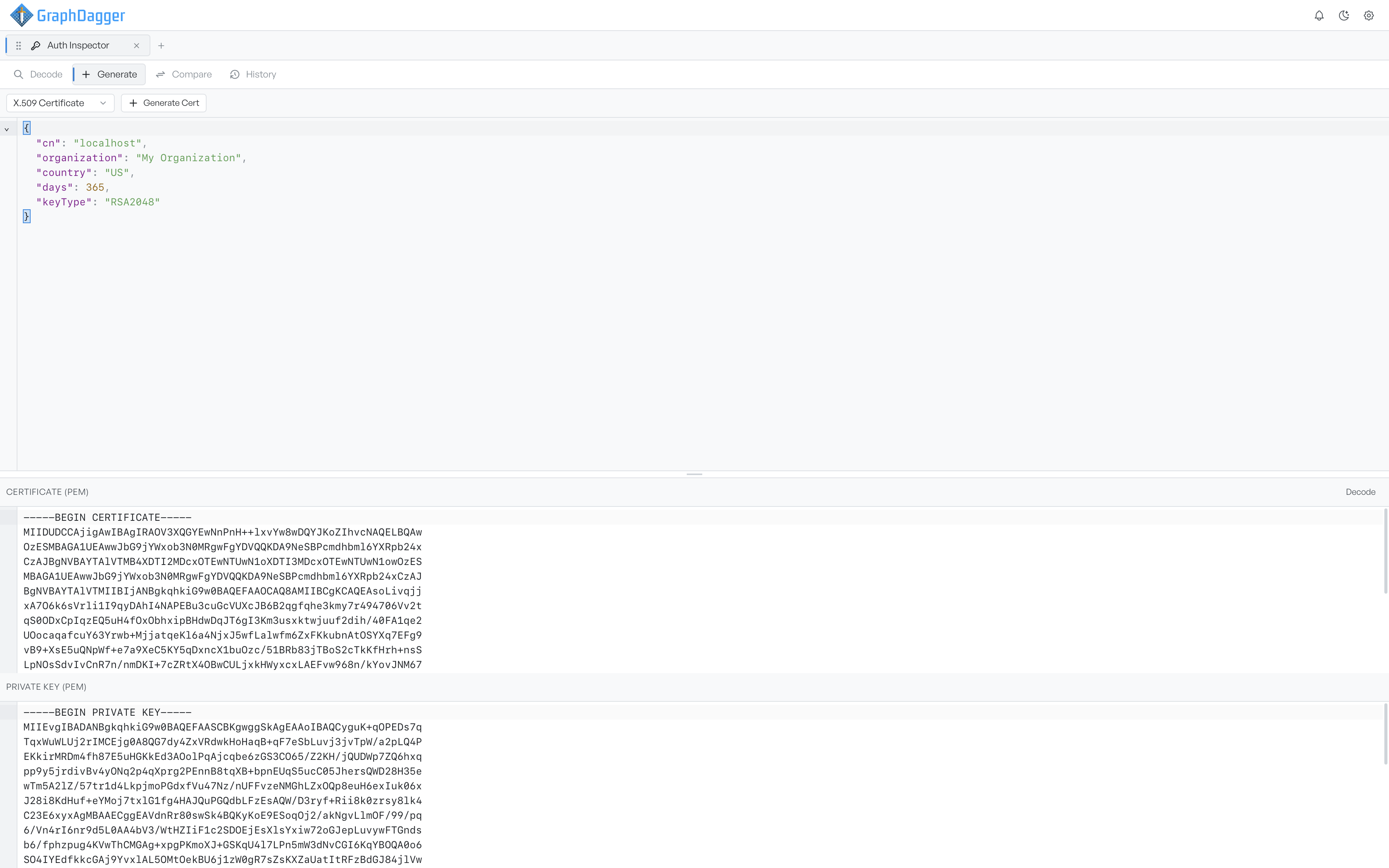
Set the subject and key#
The default document produces a one-year certificate for localhost.
| Key | What it sets |
|---|---|
cn | The subject common name. Required |
organization | The organisation named in the subject |
country | The two-letter country code |
days | Validity in days, defaulting to 365 |
keyType | The key to generate: RSA2048, RSA4096, or ECDSAP256 |
If you leave cn blank, the generator stops and reports that a subject common name is required. A certificate with no subject identifies nothing.
Set days past 397 for a certificate that public authorities would refuse to issue. That is a quick way to check whether your own validation enforces the limit. RSA2048 and above is the sensible default. The security audit flags anything shorter as a weak key.
Read the PEM blocks#
Select Generate Cert, and two PEM panels appear. Certificate (PEM) is the certificate itself. Send it into Decode to read its fields and view the chain. Private Key (PEM) is the matching key, and offers copy only.
You need both blocks to serve TLS. The certificate is what you present, and the key proves that you own it.
Warning The private key is shown in full and is not stored or protected. Anyone who has it can impersonate the certificate. Use these for local development and testing only, and do not add a generated certificate to a trust store that anything real depends on.
The certificate signs itself, so nothing vouches for it, and clients reject it until you trust it explicitly. That is expected for local work, and it is why the chain view shows it as a single self-signed node.