Arithmetic blocks#
Reduce a delimited list of numbers to a total, an average, or a spread, or apply the same sum or bitwise operation to every entry.
Arithmetic blocks work over a list of numbers found in the incoming text. Each block reads the text, splits it into a list, and does its sum on the numbers it finds.
Every block in this category has a Delimiter argument that sets how the block splits the list. The options are Line feed, Space, Comma and Semi-colon, and the default is Line feed. The block descriptions below do not repeat it.
The category splits into two kinds of block. Aggregate blocks reduce the whole list to one number. Per-value blocks apply the same sum to every number and give you back a list of the same length.
Blocks that return one number#
These blocks return a single number. They ignore entries that are not numbers. Each one returns 0 when there are no usable numbers at all.
Sum#
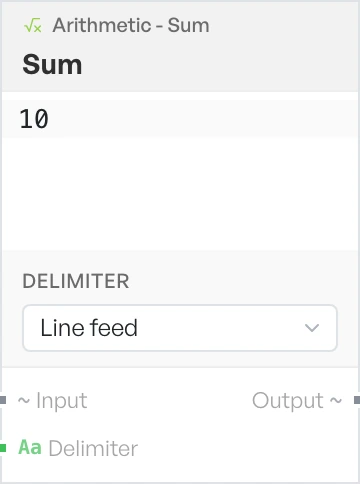
Adds every number in the list together.
Mean#
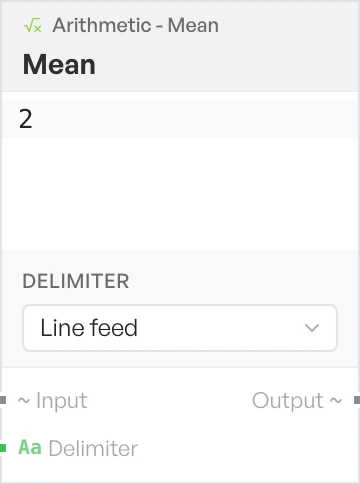
Returns the average of the numbers in the list.
Median#
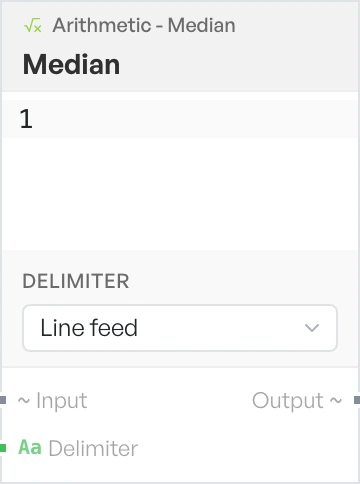
Returns the middle value of the ordered numbers. With an even count, it averages the two middle values.
Min#
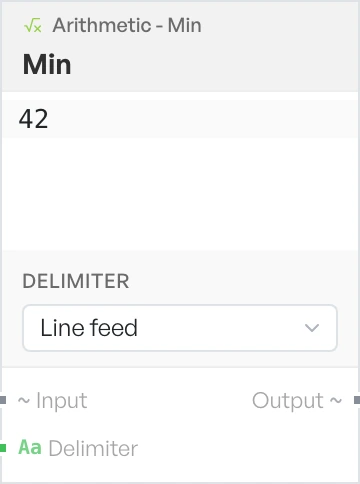
Returns the smallest number in the list.
Max#
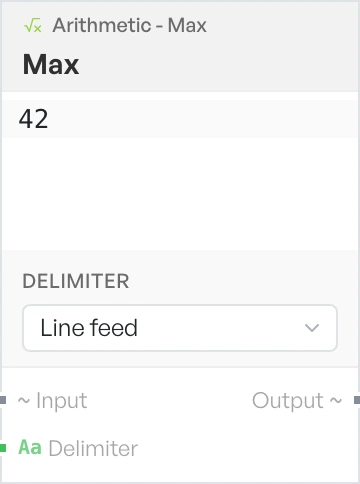
Returns the largest number in the list.
Standard Deviation#
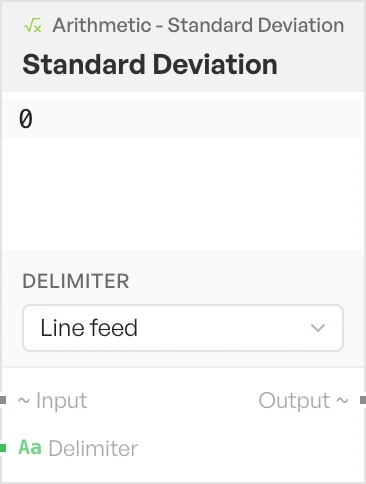
Returns the population standard deviation, which tells you how far the numbers spread out from the mean.
Blocks that keep the list length#
These blocks apply the operation to every number in turn, so the list keeps its length. Entries that are not numbers pass through untouched.
Add#
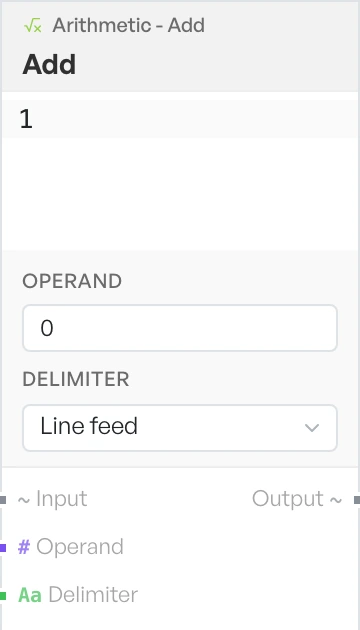
Adds the operand to every number in the list.
- Operand - the number to add. Default
0.
Subtract#
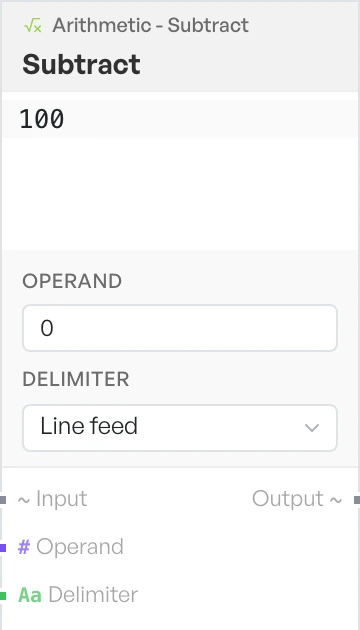
Takes the operand away from every number in the list.
- Operand - the number to subtract. Default
0.
Multiply#
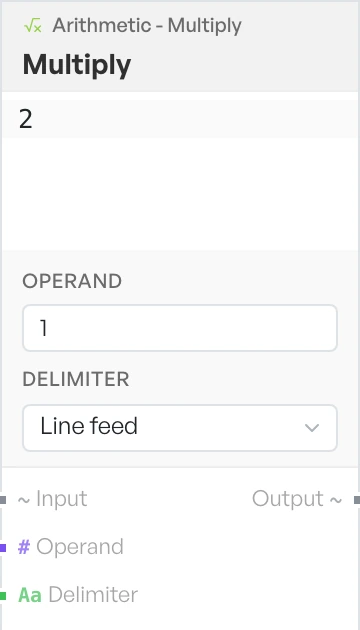
Multiplies every number in the list by the operand.
- Operand - the number to multiply by. Default
1.
Divide#
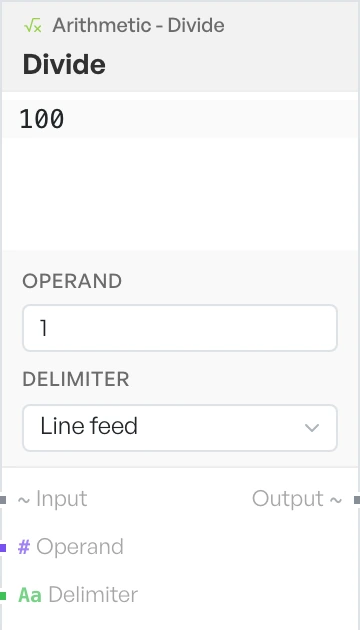
Divides every number in the list by the operand. An operand of 0 returns the input unchanged rather than raising an error, so a half-finished setting never fills your flow with rubbish.
- Operand - the number to divide by. Default
1.
Modulo#
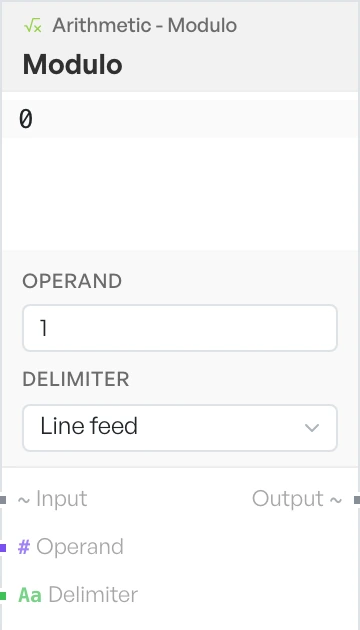
Returns the remainder left after dividing each number by the operand. An operand of 0 returns the input unchanged.
- Operand - the number to divide by. Default
1.
Bitwise Operation#
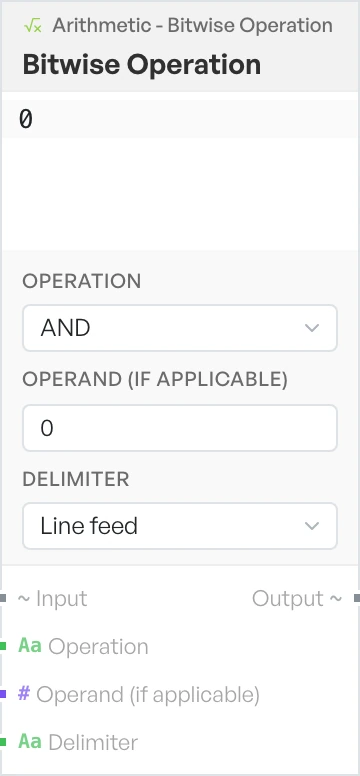
Applies a bitwise operation to every number in the list. It works on whole numbers only. NOT acts on a single value, so it ignores the operand.
- Operation - the bitwise operation to apply. Options:
AND,OR,XOR,NOT,Left Shift,Right Shift,Zero-fill Right Shift(defaultAND). - Operand (if applicable) - the second value for operations that need one. Default
0.