Data Format blocks#
Write the same bytes as Base64, Base32, or hex and back again, and convert numbers between any two bases.
The Data Format category converts text between encodings. The bytes stay the same. Only their written form changes. Use these blocks when a value arrives in a form you cannot read, or when a downstream system accepts only one representation. Every block in the category takes text on Input and emits text on Output.
To Base64#
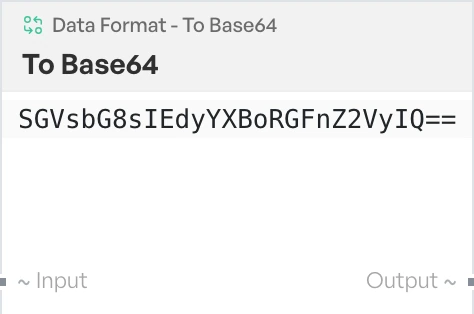
Encodes the input as standard Base64. Reach for this when you need to carry arbitrary text through a field that only accepts a limited character set.
From Base64#
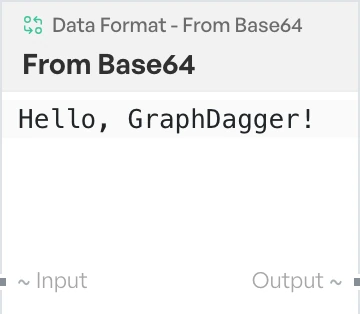
Decodes a standard Base64 string back to text. Use it on tokens, headers and config values that arrive already encoded.
To Hex#
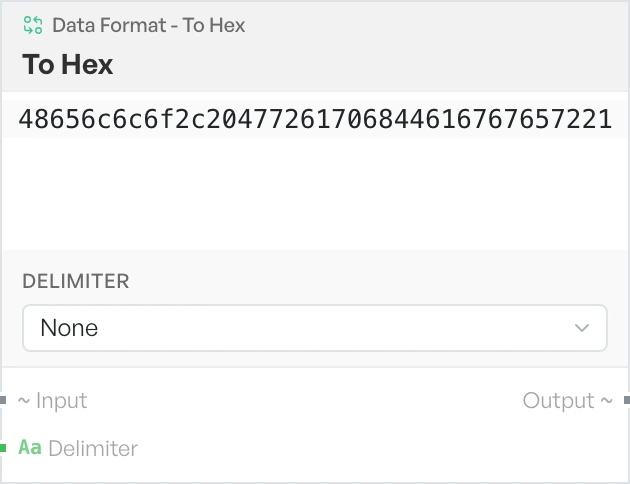
Writes each byte of the input as a pair of hexadecimal digits. Use it when you want to see the exact bytes behind a string, or to match the format a tool expects.
- Delimiter - what goes between each byte. Options:
None,Space,Colon,Comma,0x(defaultNone). The0xoption prefixes every byte and joins them with spaces.
From Hex#
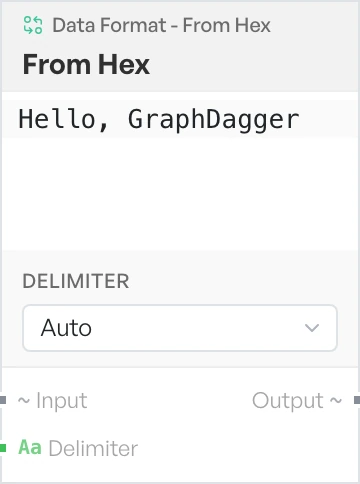
Turns a hexadecimal string back into text. Use it on byte dumps copied out of a packet capture, a log line or a debugger.
- Delimiter - the separator used in the input. Options:
Auto,None,Space,Colon,Comma,0x(defaultAuto).Autocopes with most input. As a last resort the block strips every character that is not a hex digit, so a string with mixed junk in it still decodes.
To Base32#
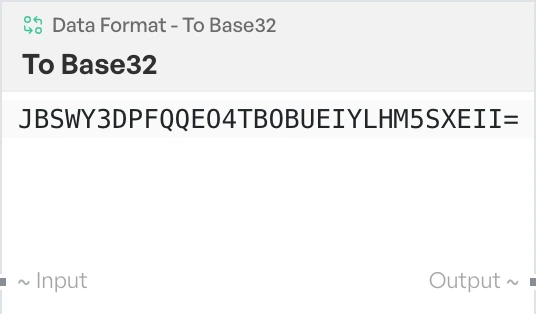
Encodes the input as Base32 using the standard alphabet, with = padding. Use it where Base64 is not accepted, for example in systems that are case-insensitive or that reject punctuation.
From Base32#
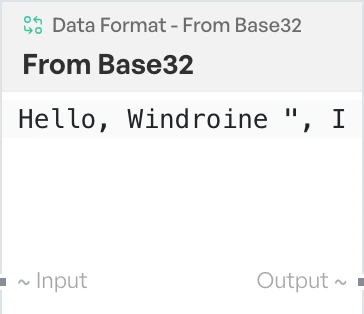
Decodes a Base32 string back to text.
Base Conversion#
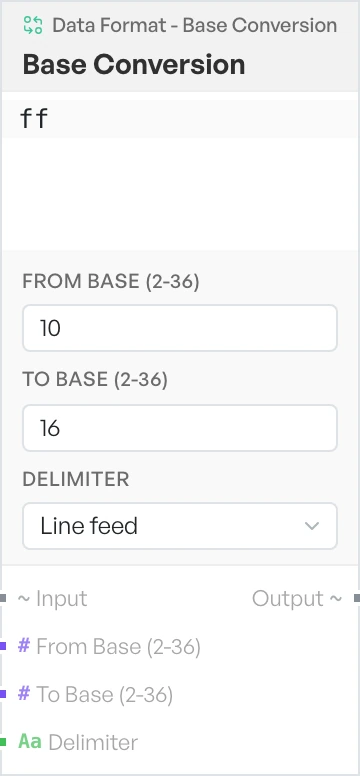
Converts numbers from one base to another, for example decimal to hexadecimal or binary to decimal. Feed it a delimited list and it converts each entry. Output digits are uppercase. If either base falls outside the range 2 to 36, the block returns the text Invalid Base.
- From Base (2-36) - the base the input numbers are written in. A number, default
10. - To Base (2-36) - the base to convert to. A number, default
16. - Delimiter - what separates the numbers in the input. Options:
Line feed,Space,Comma,Semi-colon(defaultLine feed).