Encryption blocks#
Read a payload that was hidden with AES, DES, Rabbit, RC4, or XOR, derive key material with PBKDF2, and unpick classical ciphers such as Vigenère and ROT13.
The Encryption category covers reversible transformations: symmetric ciphers, classical ciphers, and key derivation. Every block takes text on Input and emits text on Output. Encrypt and decrypt are always separate blocks, so a round trip uses a pair with matching settings.
Use these blocks on data you already have, such as a captured payload or an obfuscated string from a sample. They are not a way to protect secrets in transit.
AES Encrypt#
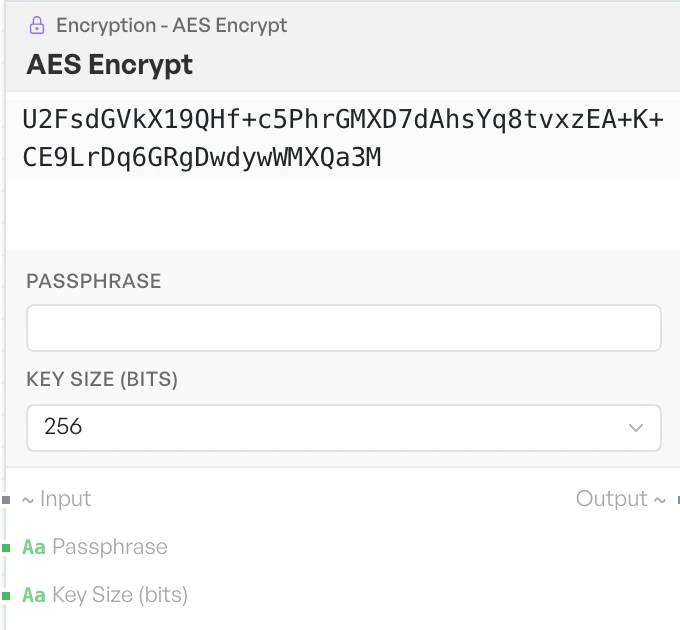
Encrypts the input with AES using a key derived from a passphrase.
- Passphrase - the secret the key is derived from, as text. Default empty.
- Key Size (bits) - the intended key length. Options:
128,192,256(default256).
Note The Key Size control does not currently change the result. The same key derivation runs whichever value you pick, so all three settings produce identical output.
AES Decrypt#
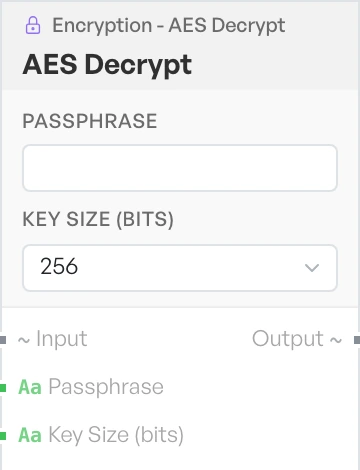
Reverses AES Encrypt. Give it the same passphrase you encrypted with and it returns the plaintext.
- Passphrase - the secret used at encryption time, as text. Default empty.
- Key Size (bits) - the intended key length. Options:
128,192,256(default256).
The same Key Size behaviour applies here. A mismatched setting does not stop a decrypt from working.
DES Encrypt#
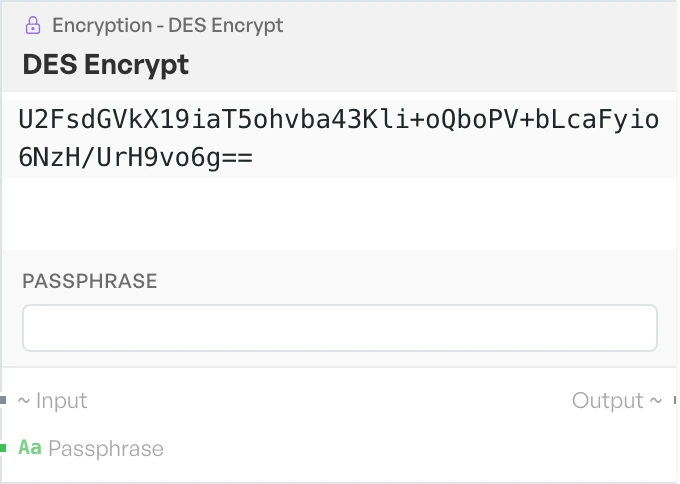
Encrypts the input with DES. DES is obsolete and offers little protection. It is here so you can read old data that used it, not for new work.
- Passphrase - the secret the key is derived from, as text. Default empty.
DES Decrypt#
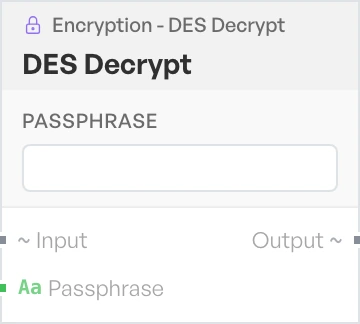
Reverses DES Encrypt.
- Passphrase - the secret used at encryption time, as text. Default empty.
Triple DES Encrypt#
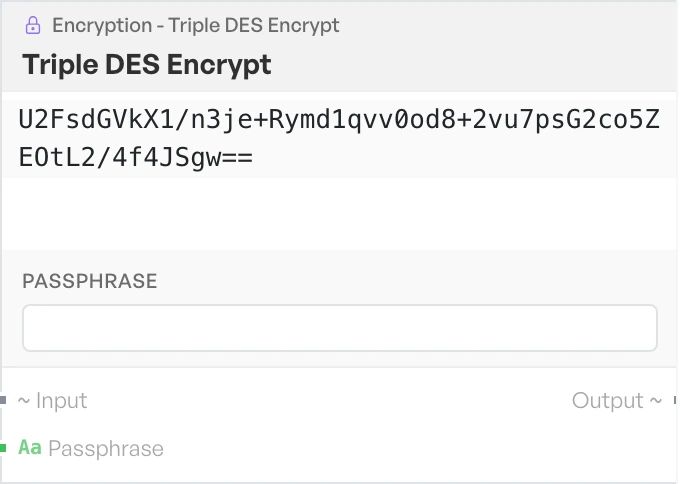
Encrypts the input with Triple DES. Stronger than DES, but still a legacy choice you would only pick to match existing data.
- Passphrase - the secret the key is derived from, as text. Default empty.
Triple DES Decrypt#
Reverses Triple DES Encrypt.
- Passphrase - the secret used at encryption time, as text. Default empty.
Rabbit Encrypt#
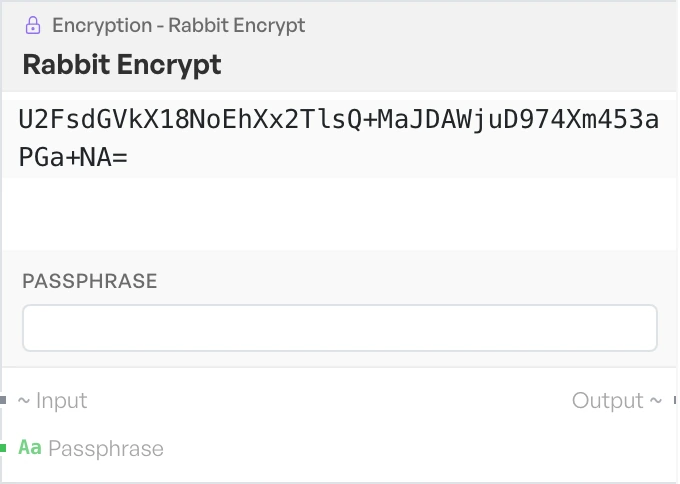
Encrypts the input with the Rabbit stream cipher.
- Passphrase - the secret the key is derived from, as text. Default empty.
Rabbit Decrypt#
Reverses Rabbit Encrypt.
- Passphrase - the secret used at encryption time, as text. Default empty.
RC4 Encrypt#
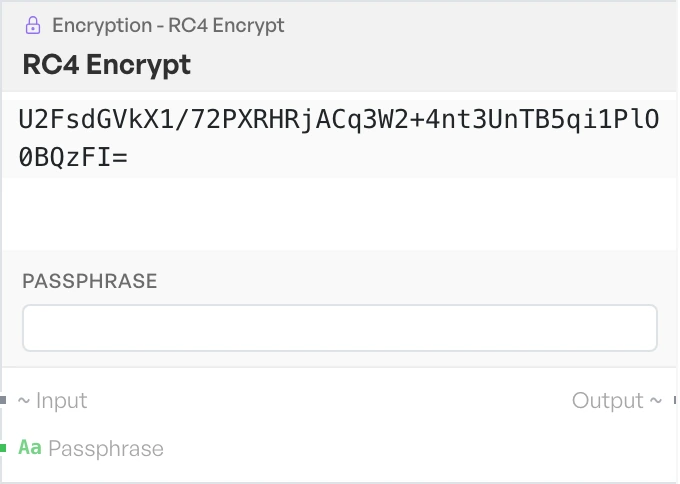
Encrypts the input with the RC4 stream cipher. RC4 is broken. It is here so you can work with data that already uses it.
- Passphrase - the secret the key is derived from, as text. Default empty.
RC4 Decrypt#
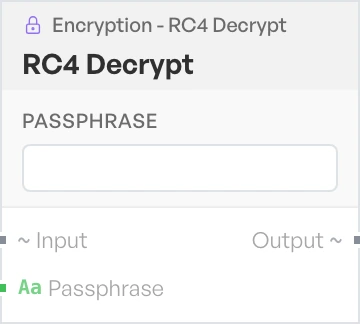
Reverses RC4 Encrypt.
- Passphrase - the secret used at encryption time, as text. Default empty.
XOR#
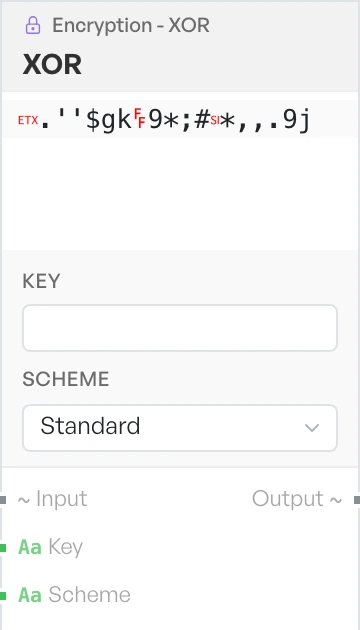
Combines the input with a repeating key using XOR. This is the obfuscation you meet most often in captured payloads and malware samples. If the key is empty, the input comes back unchanged.
- Key - the key material, as text. Default empty.
- Scheme - how the key is read. Options:
Standardfor plain text,Hexfor raw hex bytes (defaultStandard).
XOR with File#
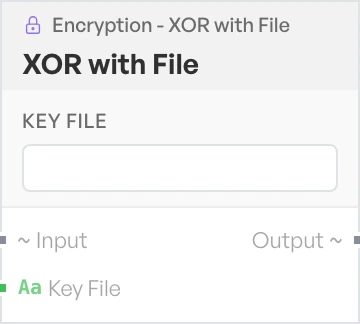
A second XOR block for longer key material taken from a file, such as a one-time-pad style key. Despite the name, the Key File field is a text box, not a file picker. Type the key material in directly, or wire it in from another block.
- Key File - the key material, as text. Default empty.
XOR Brute Force#
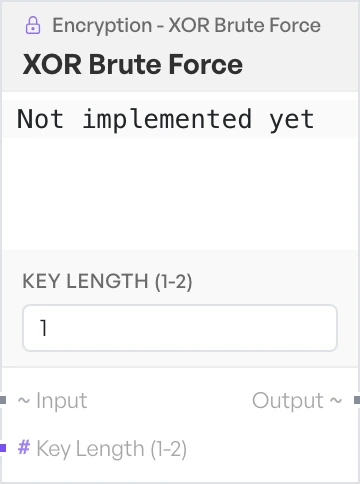
The catalogue lists this block alongside the other XOR blocks, and you can place it on the canvas. It does not produce a result.
- Key Length (1-2) - number, default
1.
Note This block appears in the catalogue but does not do anything yet. Running it returns the text 'Not implemented yet' in place of a result.
PBKDF2#
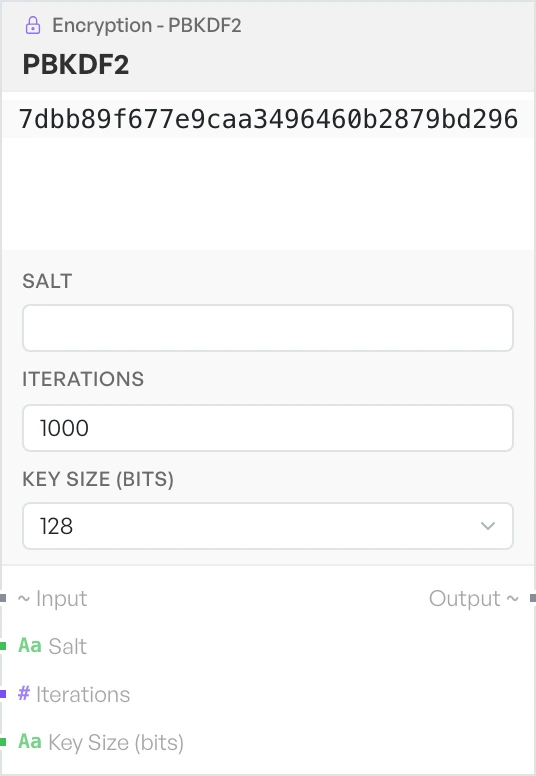
Derives key material from a passphrase. Use it when you need to reproduce a key that another tool derived the same way, rather than to encrypt anything directly. More iterations make the derivation slower, for you and for anyone who guesses.
- Salt - the salt mixed into the derivation, as text. Default empty.
- Iterations - how many rounds to run. Number, default
1000. - Key Size (bits) - the length of the derived key. Options:
128,256,512(default128).
Classical ciphers#
The remaining blocks are pen-and-paper ciphers. They offer no security. They turn up often in puzzles, capture-the-flag challenges, and lightly hidden strings, so a quick test is useful.
Vigenère Encode#
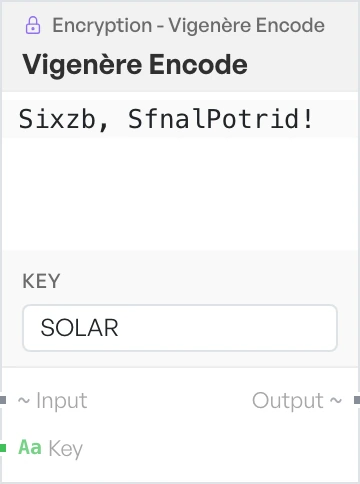
Shifts each letter of the input by the corresponding letter of a repeating keyword. The block ignores non-letters in the key. If nothing is left, the input comes back unchanged.
- Key - the keyword, as text. Default
SOLAR.
Vigenère Decode#
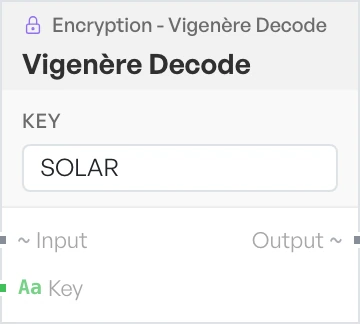
Reverses Vigenère Encode using the same keyword.
- Key - the keyword, as text. Default
SOLAR.
Rail Fence Encode#
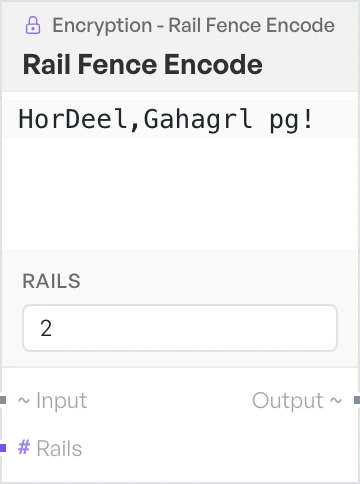
Writes the input in a zigzag across a number of rails, then reads it back row by row. The letters stay the same and only their order changes. Fewer than 2 rails returns the input unchanged.
- Rails - how many rails to write across. Number, default
2.
Rail Fence Decode#
Reverses Rail Fence Encode. You need the same rail count that the encode used.
- Rails - how many rails were used. Number, default
2.
ROT13#
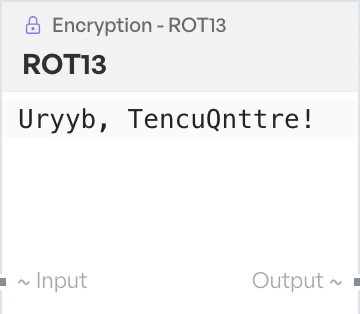
Rotates each letter 13 places through the alphabet. It is its own inverse, so one block both applies and removes it.
To Morse Code#
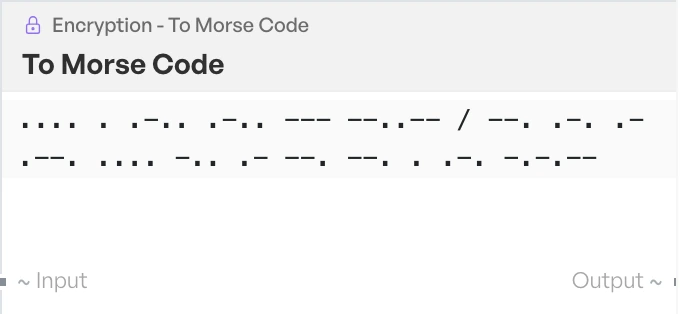
Converts text to Morse code. It supports A to Z, 0 to 9 and common punctuation. It separates words with a forward slash.
From Morse Code#
Converts Morse code back to text.