Code blocks#
Give JSON, JavaScript, HTML, or CSS that arrived as one long line its indentation back, or strip the whitespace out again.
The Code category pretty-prints and minifies source and config so you can read it. Paste in a payload that arrives as one long line, and a beautify block adds indentation and line breaks. A minify block does the reverse when you need a compact result again. Every block takes text on Input and emits reformatted text on Output.
Input that the block cannot parse comes back as an error message that starts Error:. A malformed payload therefore shows up in the block itself, and it does not stop the flow.
JSON Beautify#
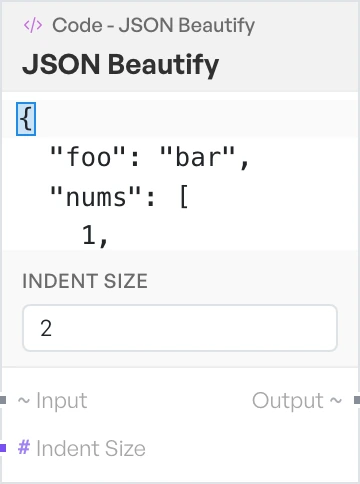
Reformats JSON with one field per line and nesting shown by indentation. Use it on API responses and config files that arrive as a single line.
- Indent Size - how many spaces to indent each level. A number, default
2.
JSON Minify#
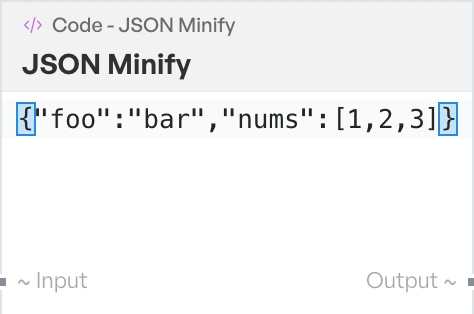
Strips all optional whitespace from JSON and returns it on one line. Use it to shrink a payload before you put it in a header, a URL or a request body.
JavaScript Beautify#
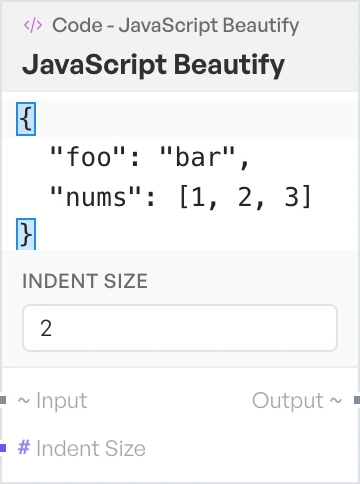
Reformats JavaScript source with consistent indentation and line breaks. Use it to make minified or bundled script readable.
- Indent Size - how many spaces to indent each level. A number, default
2.
HTML Beautify#
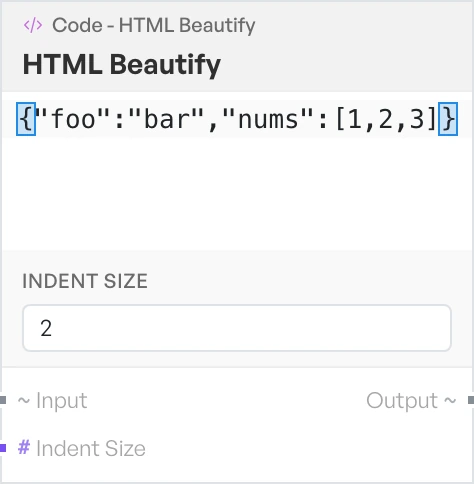
Reformats HTML so nesting is visible and tags sit on their own lines. Use it on page source you need to read closely.
- Indent Size - how many spaces to indent each level. A number, default
2.
CSS Beautify#
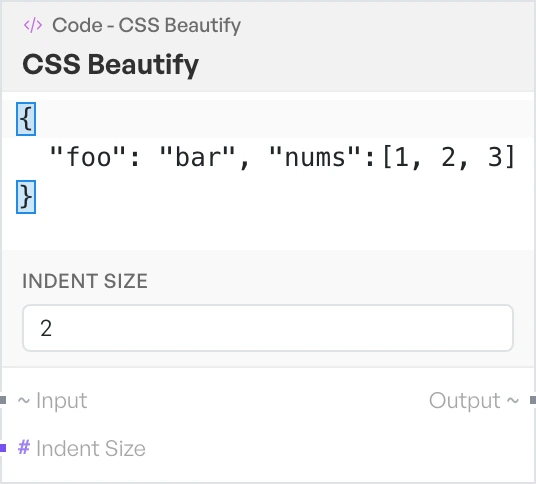
Reformats CSS with one rule and one declaration per line. Use it on a minified stylesheet.
- Indent Size - how many spaces to indent each level. A number, default
2.