Web blocks#
Percent-encode a value so it survives a URL, or swap HTML entities for the characters they stand for.
The Web category encodes text so that it survives a URL or an HTML page. Characters like ?, &, < and > mean something to a browser. Text that contains them needs a rewrite before it goes into a page, and a rewrite back before you read it. Each encoding comes as a matched pair, one block to encode and one to decode. Every block takes text on Input and emits text on Output.
The Networking category contains blocks with the same names, URL Encode and URL Decode, which behave the same way. See the Networking blocks page.
URL Encode#
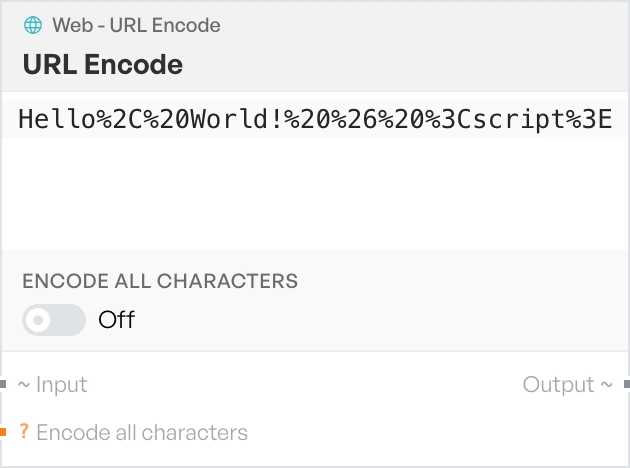
Percent-encodes the input so it can be placed in a URL. Use it when building a query string by hand, or when a value you want to send contains reserved characters.
- Encode all characters - a switch, off by default. When off, the block changes only the characters that need it. When on, it percent-encodes every character, including letters and digits.
URL Decode#
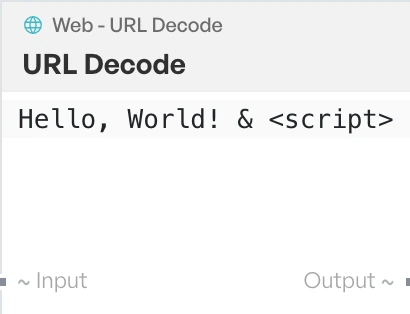
Turns percent-encoded text back into plain text. Use it to read a query string or a redirect target that has been encoded.
To HTML Entity#
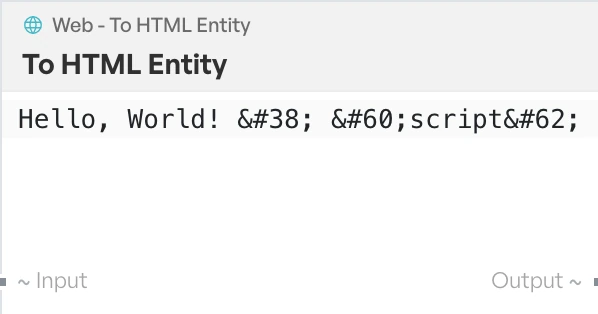
Replaces <, >, & and non-ASCII characters with HTML entities. Use it when text must appear as literal content in a page, not as markup.
From HTML Entity#
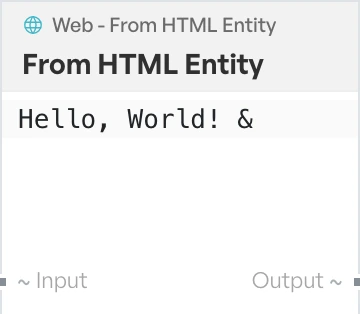
Turns HTML entities back into the characters they stand for. Use it to read text lifted straight out of page source.