Date / Time blocks#
Read a bare Unix number as a date you can understand, or turn a date into epoch time at the scale a query expects.
The Date / Time category converts between human-readable dates and Unix timestamps. A Unix timestamp counts the time elapsed since 1 January 1970, so it appears in logs and databases as a plain number. These two blocks move a value in either direction. Both take text on Input and emit text on Output.
Unix time is not the only timestamp format you meet. For Windows FILETIME, Chrome, HFS+ and others, use the Multi-Format Timestamp block described on the Analysis blocks page.
From UNIX Timestamp#
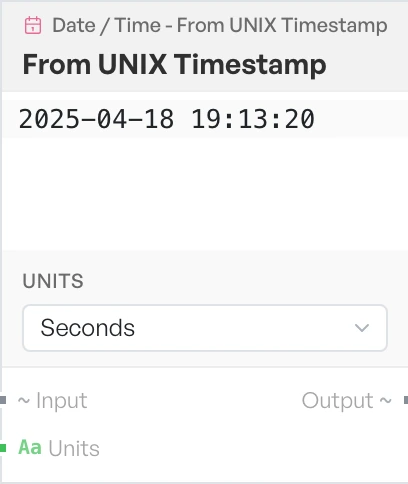
Turns a numeric timestamp into a date you can read. Use it when a log or a record gives you a bare number and you need to know when it happened. The block always writes the output as YYYY-MM-DD HH:mm:ss in local time.
- Units - the scale of the number on the input. Options:
Seconds,Milliseconds,Microseconds,Nanoseconds(defaultSeconds).
To UNIX Timestamp#
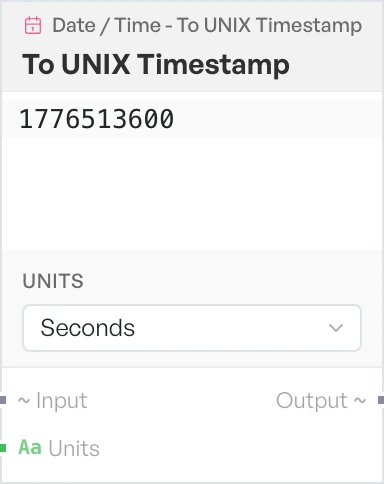
Turns a date into a numeric timestamp. Use it to build a value for a query filter or an API that expects epoch time. Input the block cannot parse returns Invalid Date.
- Units - the scale of the number to emit. Options:
Seconds,Milliseconds(defaultSeconds). This block offers two units, not the four on the block above.