Networking blocks#
Split a URI, user agent, CIDR range, or protocol header into named parts, defang an indicator before you paste it into a ticket, and run a live HTTP or DNS lookup.
The Networking category holds 21 blocks for reading network data and for making indicators safe to handle. Most blocks take text on Input and emit text on Output. Several of the parsers emit a labelled block of Key: Value lines rather than structured data. Read that output as text. Convert it first if you want to pick fields out with a Select block downstream.
Parse a value into fields#
These blocks take a raw value and break it into named parts.
Parse URI#
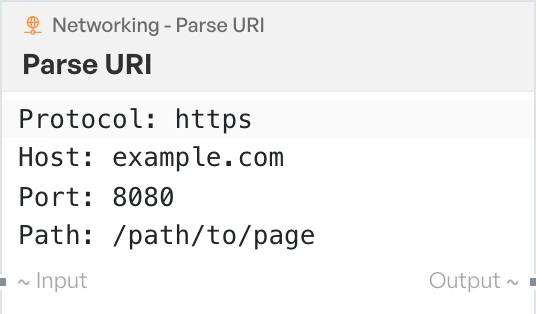
Splits a URL into its parts and emits them as labelled lines: Protocol, Host, Port, Path, Query String, Hash, Origin and Params. Params is a nested JSON blob holding the individual query parameters.
Parse User Agent#
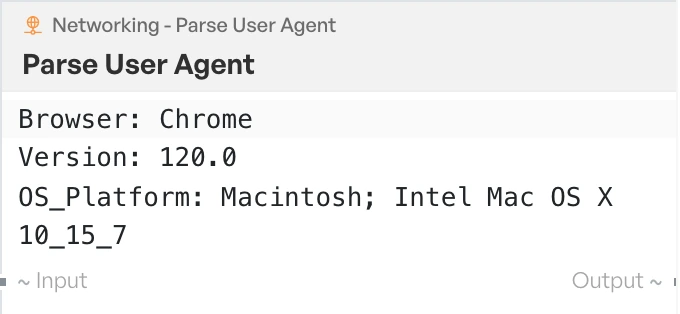
Reads a User-Agent string and emits Browser, Version and OS_Platform. If the string cannot be read, the block returns 'Could not parse User Agent (might be non-standard)'.
Parse IP Range#
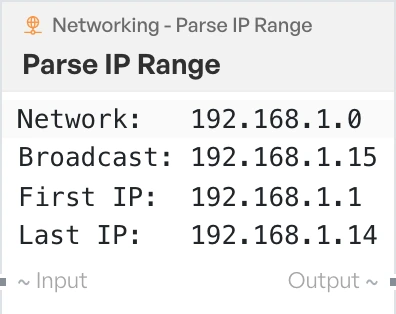
Takes a CIDR range and emits Network, Broadcast, First IP, Last IP and Hosts. The mask must be between 0 and 32, otherwise the block returns 'Invalid Subnet Mask (must be 0-32)'. Each octet must be between 0 and 255.
Parse IPv6 Address#
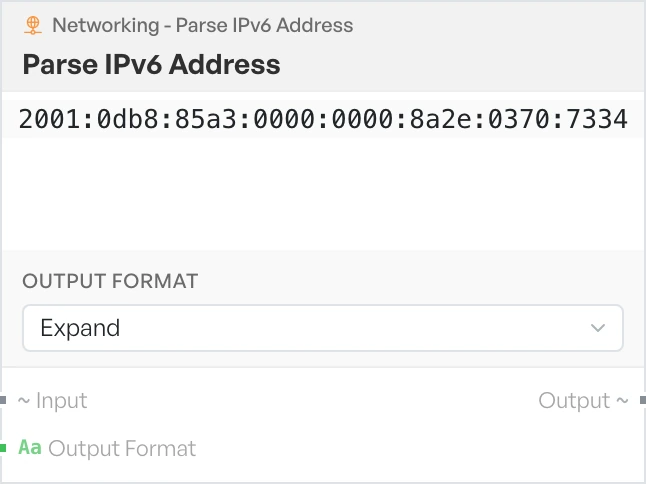
Rewrites an IPv6 address in either its full or its shortest form.
- Output Format - how to write the address. Options:
Expand,Compress(defaultExpand).
Parse IPv4 Header#
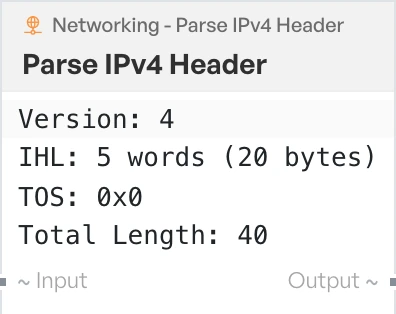
Reads an IPv4 header supplied as hex and emits Version, IHL, TOS, Total Length, ID, TTL, Protocol, Checksum, Source and Destination. The input needs at least 40 hex characters, otherwise the block returns 'Input too short for IPv4 header'.
Parse TCP Header#
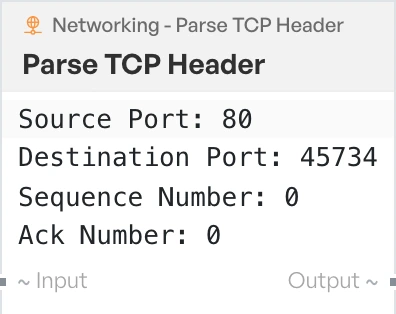
Reads a TCP header supplied as hex and emits Source Port, Destination Port, Sequence Number, Ack Number, Header Length, Window Size, Checksum and Urgent Pointer. The input needs at least 40 hex characters.
Parse UDP Header#
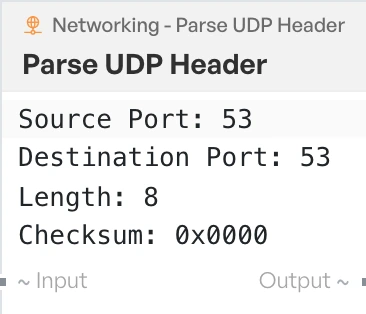
Reads a UDP header supplied as hex and emits Source Port, Destination Port, Length and Checksum. The input needs at least 16 hex characters.
Strip HTTP Headers#
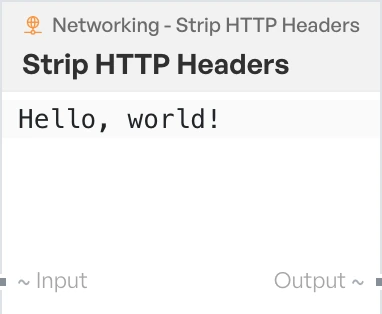
Removes the header block from an HTTP request or response and leaves the body.
Making indicators safe#
A defang block rewrites an address or URL so it is no longer live or clickable. The value is then safe to paste into a report or a ticket. The reverse blocks turn a defanged value back into a working one.
The Threat Intel category has a combined Defang / Refang block that covers all four of these in one. See Threat Intel blocks.
Defang IP Addresses#
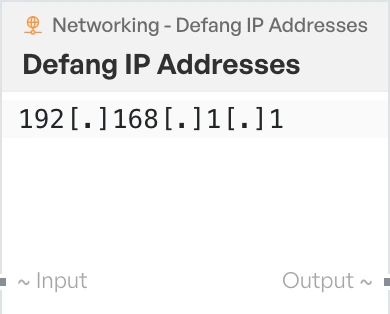
Rewrites IP addresses in the input so they are no longer live.
Refang IP Addresses#
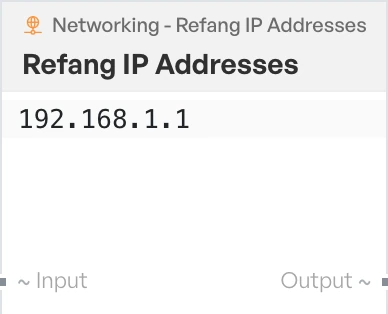
Turns defanged IP addresses back into their live form. This reverses Defang IP Addresses.
Defang URL#
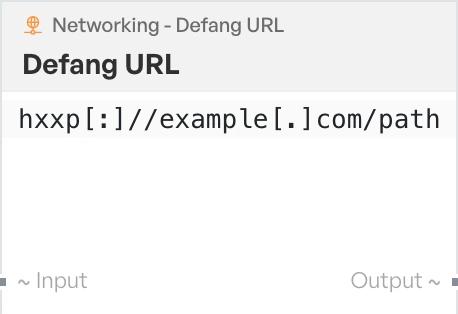
Rewrites URLs in the input so they are no longer live.
Fang URL#
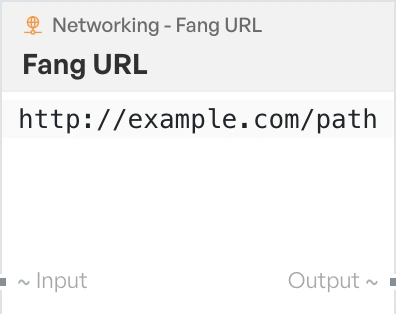
Turns a defanged URL back into its live form. This reverses Defang URL. Note the label is 'Fang URL', not 'Refang URL'.
Rewrite an address format#
These blocks rewrite addresses and names between the formats you meet in logs, captures and configuration files.
Change IP Format#
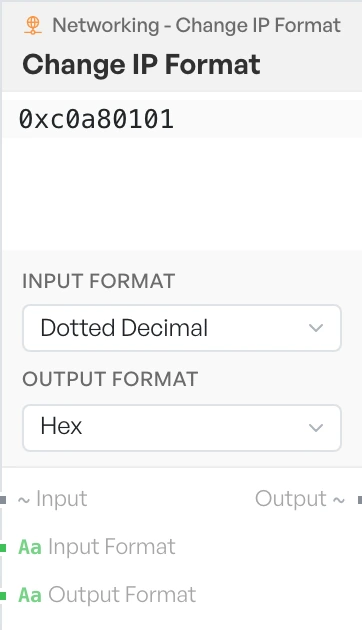
Converts an IPv4 address from one representation to another.
- Input Format - the format of the value arriving on Input. Options:
Dotted Decimal,Hex,Decimal,Binary(defaultDotted Decimal). - Output Format - the format to write out. Options:
Dotted Decimal,Hex,Decimal,Binary(defaultHex).
Format MAC Addresses#
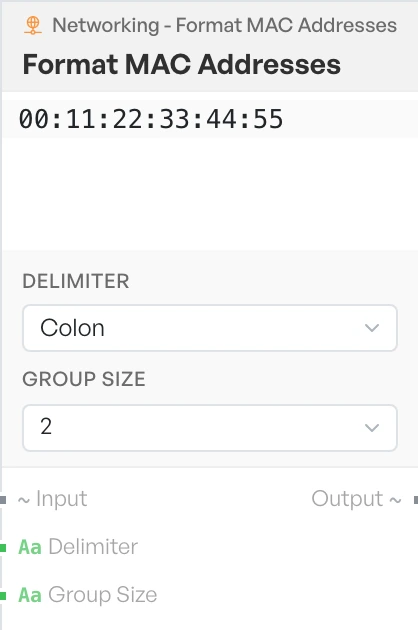
Rewrites a MAC address with the separator and grouping you choose.
- Delimiter - the character between groups. Options:
Colon,Dash,Dot,None(defaultColon). - Group Size - how many characters per group. Options:
2,4(default2).
Group IP Addresses#
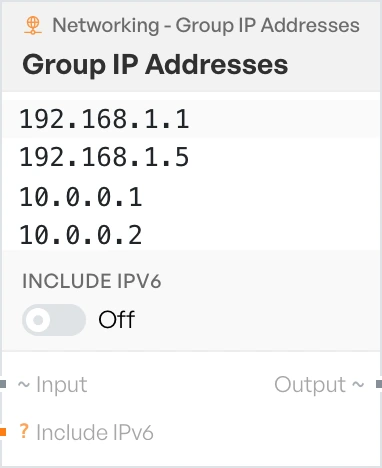
Pulls the IP addresses out of the input and groups them together.
- Include IPv6 - on or off (default off).
Note The Include IPv6 option currently has no effect. The block only ever groups IPv4 addresses, whichever way the option is set.
Encode NetBIOS Name#
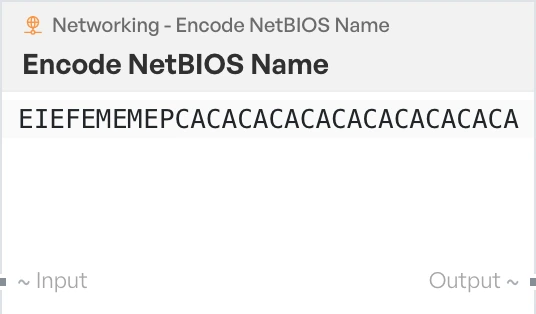
Encodes a NetBIOS name. The block pads or truncates the input to 16 characters, then emits 32 characters.
Decode NetBIOS Name#
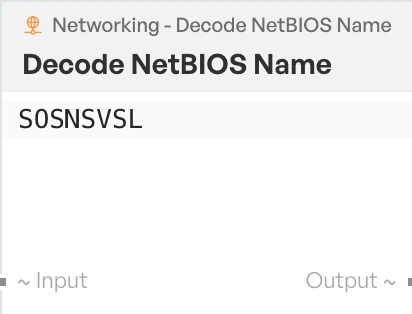
Turns an encoded NetBIOS name back into a readable name.
Encode and decode a URL#
These two blocks have the same names and the same behaviour as the URL Encode and URL Decode blocks in the Web category. If search shows two identical entries, either one does the same job.
URL Encode#
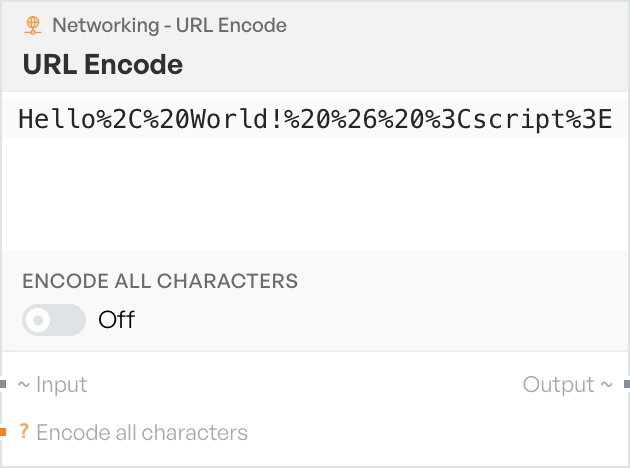
Percent-encodes the input for use in a URL.
- Encode all characters - on or off (default off).
URL Decode#
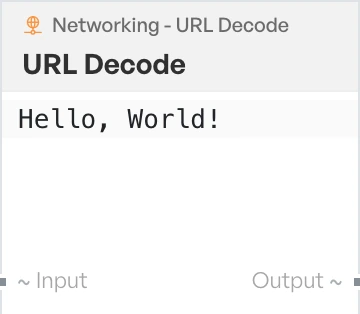
Turns a percent-encoded string back into plain text.
Live lookups#
These two blocks are the only ones in the category that leave your machine. They need a working network connection and fail without one.
HTTP Request#
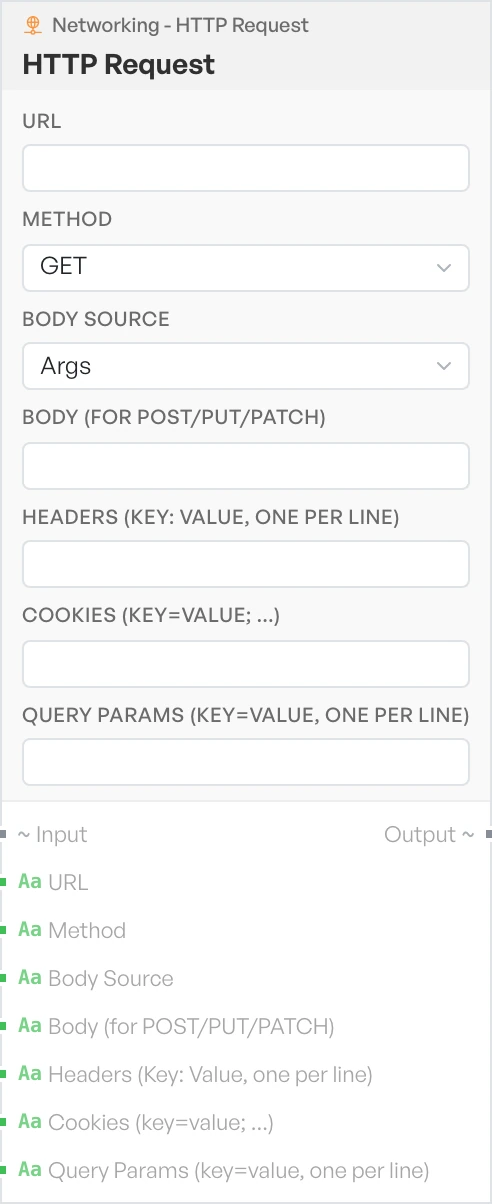
Sends an HTTP request and returns a labelled block holding Status, Headers and Body. The block sends a body only for POST, PUT and PATCH. Requests time out after 30 seconds.
The URL must start with http:// or https://, otherwise the block returns 'URL must start with http:// or https://'. If you leave the URL empty, it returns 'Please provide a URL in the step arguments.'.
- URL - the address to request. Text, empty by default.
- Method - the HTTP method to use. Options:
GET,POST,PUT,DELETE,PATCH,HEAD,OPTIONS(defaultGET). - Body Source - where the request body comes from. Options:
Args,Pipeline Input(defaultArgs). - Body (for POST/PUT/PATCH) - the body to send when Body Source is
Args. Text. - Headers (Key: Value, one per line) - request headers, one per line. Text.
- Cookies (key=value; ...) - cookies to send with the request. Text.
- Query Params (key=value, one per line) - parameters to add to the URL, one per line. Text.
DNS over HTTPS#
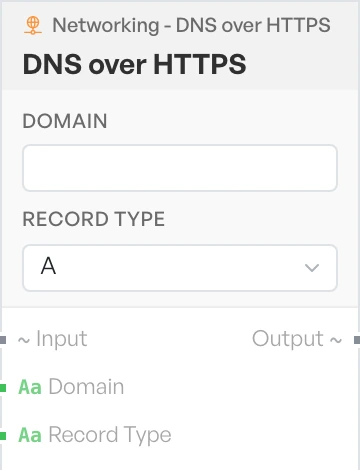
Resolves a domain name over an encrypted DNS connection. Each record comes back on its own line as name [type] -> data. If there is nothing to return, the block emits 'No records found or error.'.
An invalid domain returns 'Please enter a valid domain (e.g. example.com)'. The lookup times out after 10 seconds.
- Domain - the domain to resolve. Text, empty by default.
- Record Type - the type of record to ask for. Options:
A,AAAA,MX,TXT,NS,CNAME(defaultA).