Log Parsing blocks#
Break syslog, CEF, LEEF, or delimited rows into named fields, then emit them as a table for you or as JSON or CSV for the next block.
Log Parsing blocks turn log lines into named fields you can read or feed onward. A raw line is one long string. Once the block splits it into fields, you can filter it, sort it, or pass it to another block. All three blocks can emit a readable table, JSON, or CSV, so you can pick a shape for people or a shape for machines.
Parse Syslog#
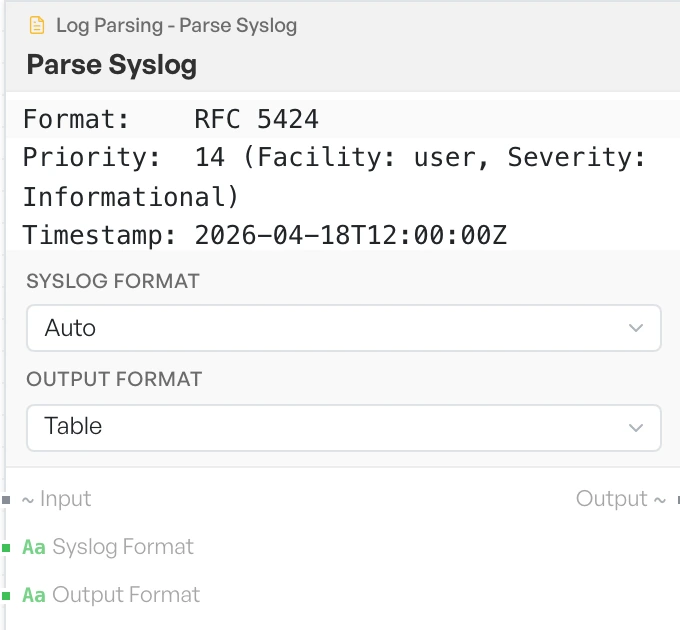
Reads syslog lines and breaks each one into its parts. It splits the priority value into facility and severity, and it names each one. You do not need to look the numbers up.
The block marks lines it cannot parse '[Unparseable]' and keeps them in place, so you always see them.
- Syslog Format - the syslog standard to read. Options:
Auto,RFC 3164,RFC 5424(defaultAuto). - Output Format - the shape of the result. Options:
Table,JSON,CSV(defaultTable).
Parse CEF / LEEF#
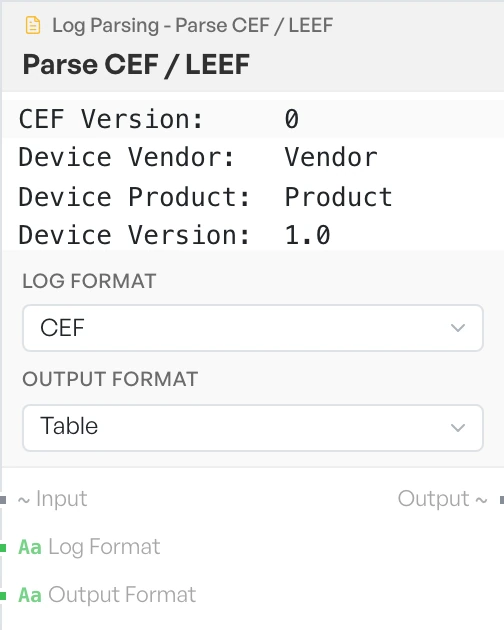
Reads the two common security event formats into headers plus a set of named extension fields. You must pick the right format yourself, because the block does not detect it. The block marks lines it cannot parse '[Unparseable CEF]' or '[Unparseable LEEF]'.
- Log Format - the event format to read. Options:
CEF,LEEF(defaultCEF). - Output Format - the shape of the result. Options:
Table,JSON,CSV(defaultTable).
CSV / TSV Operations#
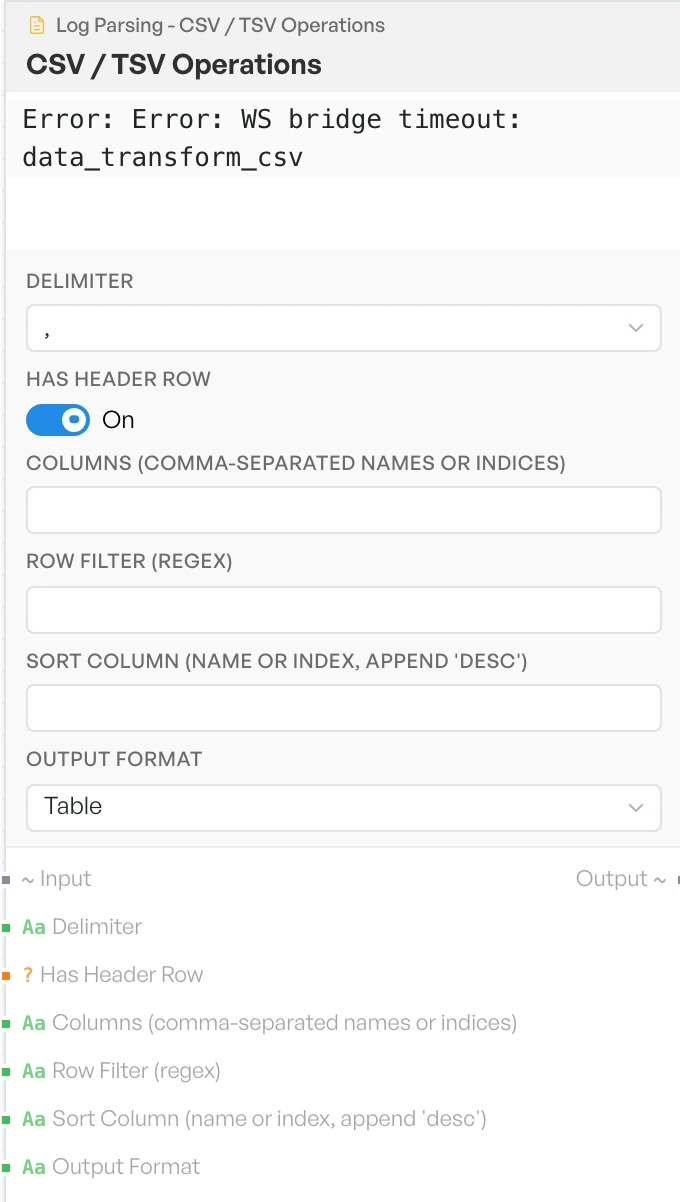
Filters, selects and sorts delimited data in one step. Use it to cut a wide export down to the few columns and rows you care about before you look at it.
- Delimiter - the character that separates fields. Options: comma, tab, pipe, semicolon (default comma).
- Has Header Row - treats the first row as column names, so you can refer to columns by name. Default ON.
- Columns (comma-separated names or indices) - the columns to keep. Empty keeps them all. Default empty.
- Row Filter (regex) - keeps only the rows that match. Default empty.
- Sort Column (name or index, append 'desc') - the column to sort by. Add
descafter the name to sort the other way, for exampletimestamp desc. Default empty. - Output Format - the shape of the result. Options:
Table,CSV,JSON(defaultTable).